




Unit outcomes
Pupils who are secure will be able to:
- Describe what is meant by monitoring devices and provide an example.
- Explain briefly the development of thermometers from thermoscopes to digital thermometers.
- Research a chosen animal’s key information to develop a list of design criteria for an animal monitoring device.
- Write a program that monitors the ambient temperature and alerts someone when the temperature moves from a specified range.
- Identify errors (bugs) in the code and ways to fix (debug) them.
- State one or two facts about the history and development of plastic, including how it is now affecting planet Earth.
- Build a variety of brick models to invent Micro:bit case, housing and stand ideas, evaluating the success of their favourite model.
- Explain key pros and cons of virtual modelling vs physical modelling.
- Recall and describe the name and use of key tools used in Tinkercad (CAD) software.
Suggested prior learning
Digital world: Mindful moments timer
Get started
Lessons
Lesson 1: Monitoring devices
Lesson 2: Programming an animal monitor
Lesson 3: Plastic
Lesson 4: 3D CAD skills
Key skills
Design

This content is for subscribers only. Join for access today.
Key knowledge
Design
To know:
-
This content is for subscribers only. Join for access today.
Key vocabulary
code (Y3/4)
computer-aided design (Y3/4)
This content is for subscribers only. Join for access today.
Equipment list
Equipment needed across all lessons in this unit.
This list does not include equipment which is usually readily available in the classroom (e.g pencils, A4 paper etc)
 Download
Full equipment list for the subject
Quantities marked × will update. Items without quantities are unaffected
-
Computer / laptop/ tablet with internet access
×15 -
Range of building bricks, including flat, square, rectangular and other
×8
more creative pieces -
Computers OR laptops with wired mice
×15
The equipment below is optional
-
BBC micro:bits with battery packs or MI power coin cell boards and micro:bit cables
×15
This content is for subscribers only. Join for access today.
Related content
Unit resources


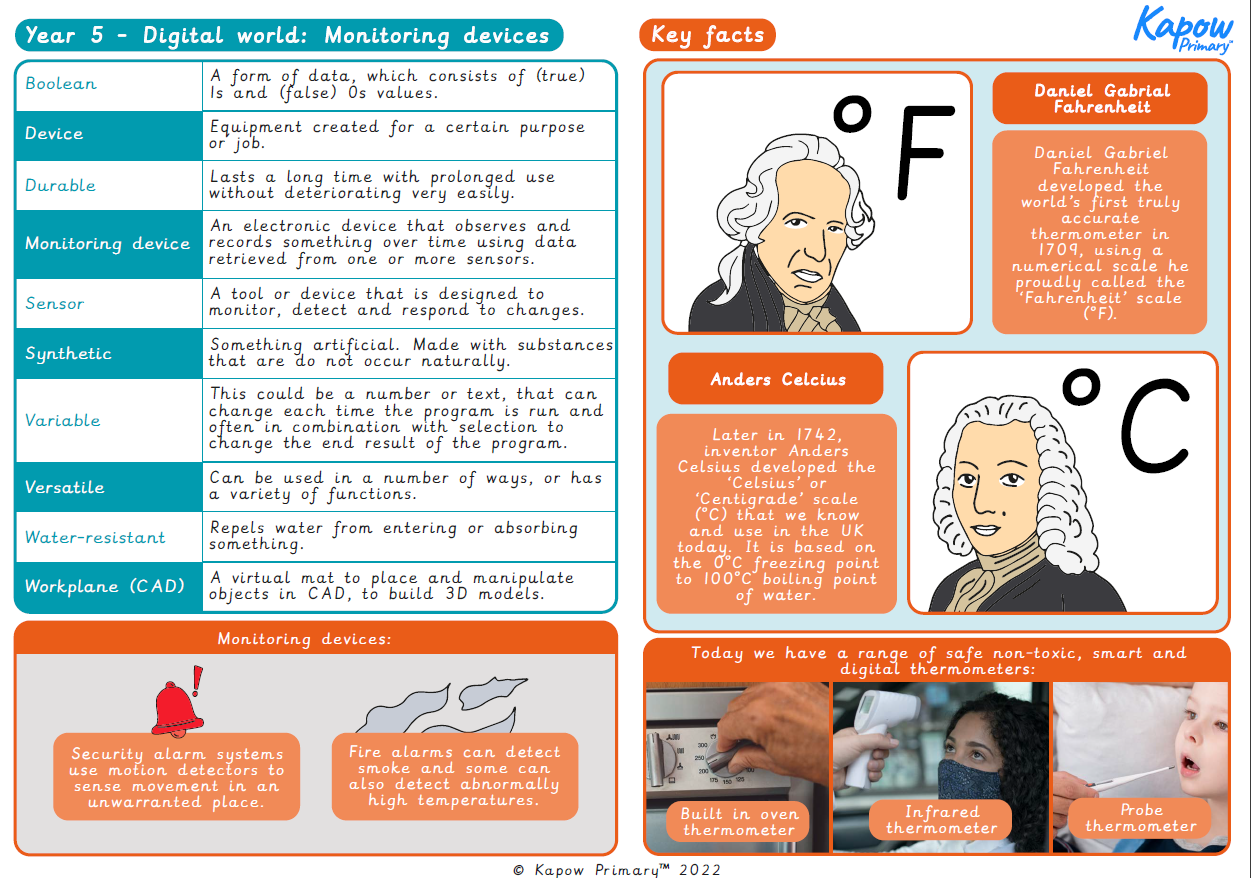
Knowledge organiser – DT Y5: Digital world: Monitoring devices
A visual summary document for pupils containing the key learning and definitions from this Year 5 Digital world: Monitoring devices…
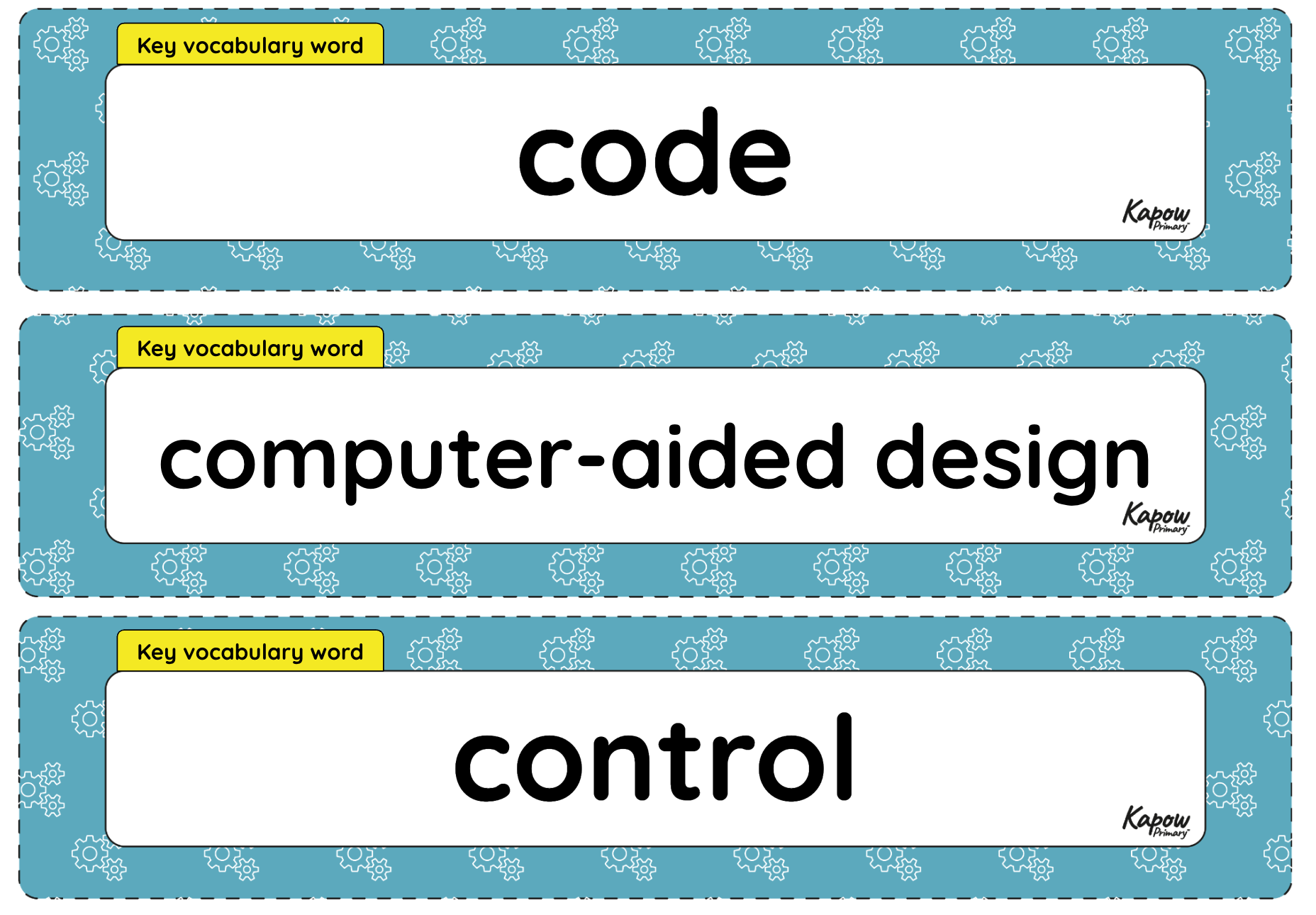
Vocabulary display – D&T Y5: Digital world: Monitoring devices
A display version of the vocabulary from the unit 'Monitoring devices'.
Subject resources
This content is for subscribers only. Join for access today.
Cross-curricular opportunities
Computing
‘Pupils should be taught to:
- design, write and debug programs that accomplish specific goals, including controlling or simulating physical systems; solve problems by decomposing them into smaller parts
- use search technologies effectively, appreciate how results are selected and ranked, and be discerning in evaluating digital content’
See National curriculum - Computing key stages 1 and 2.
PSHE
‘Pupils learn
- ways of carrying out shared responsibilities for protecting the environment in school and at home; how everyday choices can affect the environment (e.g. reducing, reusing, recycling; food choices)’
Build on the learning
Digital world: Navigating the world
Get started
Popular content
- Design and technology: Curriculum portal
- Design and technology: Curriculum information
- Y3 > Structures: Constucting a Castle > Lesson 3: Nets and Structures
- Y3 > Mechanical Systems: Pneumatic Toys > Lesson 1: Exploring Pneumatics
- Y4 > Textiles: Fastenings > Lesson 2: Designing my Book Sleeve
- Y4 > Electrical Systems: Torches > Lesson 3: Torch Design

This resource is being accessed through your school’s Kapow licence.
Thank you for respecting the work of the teachers who create these materials.