




- Subjects >
- Computing >
- Key stage 1 >
- Year 1 >
*Unit changes*
Please note that this unit previously had a Microsoft and Google version. It now has one version however there is a Microsoft and Google version of lesson 3 available. This unit now also has a new lesson 3 option for Sketchpad available. Lesson 5 now uses Sketchpad however the Teacher knowledge section details how you could still use this with Microsoft or Google programmes.
Unit outcomes
Pupils who are secure will be able to:
- Plan a pictorial story using photographic images in sequence.
- Explain how to take clear photos.
- Take photos using a device.
- Edit photos by cropping, filtering and resizing.
- Search for and import images from the internet.
- Explain what to do if something makes them uncomfortable online.
- Organise images on the page, orientating where necessary.
Suggested prior learning
Computing systems and networks 2: Exploring hardware
Get started
Lessons
Lesson 1: Planning a photo story
Lesson 2: Taking photos
Lesson 4: Searching for images
Lesson 5: Photo collage
Key skills
- Learning how to explore and tinker with hardware to find out how it works.
- Learning where keys are located on the keyboard.

This content is for subscribers only. Join for access today.
Key knowledge
- Holding a camera or device still and considering angles and light are important to taking good pictures.
- Photographs can be edited, cropped and filtered.
This content is for subscribers only. Join for access today.
Key vocabulary
background
blurred
This content is for subscribers only. Join for access today.
Equipment list
Equipment needed across all lessons in this unit.
This list does not include equipment which is usually readily available in the classroom (e.g pencils, A4 paper etc)
 Download
Full equipment list for the subject
Quantities marked × will update. Items without quantities are unaffected
- Google Photos (PC/Laptops) As needed
- Google Photos app (Tablets) As needed
- Google As needed
- Microsoft As needed
- Microsoft As needed
- Sketchpad Sketch.io software
- A selection of small people toys and animals/dinosaurs.
- Small world play characters – one person and one animal ×8
-
Digital cameras/tablets
×8 - Digital device (internet-enabled) ×15
The equipment below is optional
- Picture book
- An outside space
This content is for subscribers only. Join for access today.
Related content
Unit resources

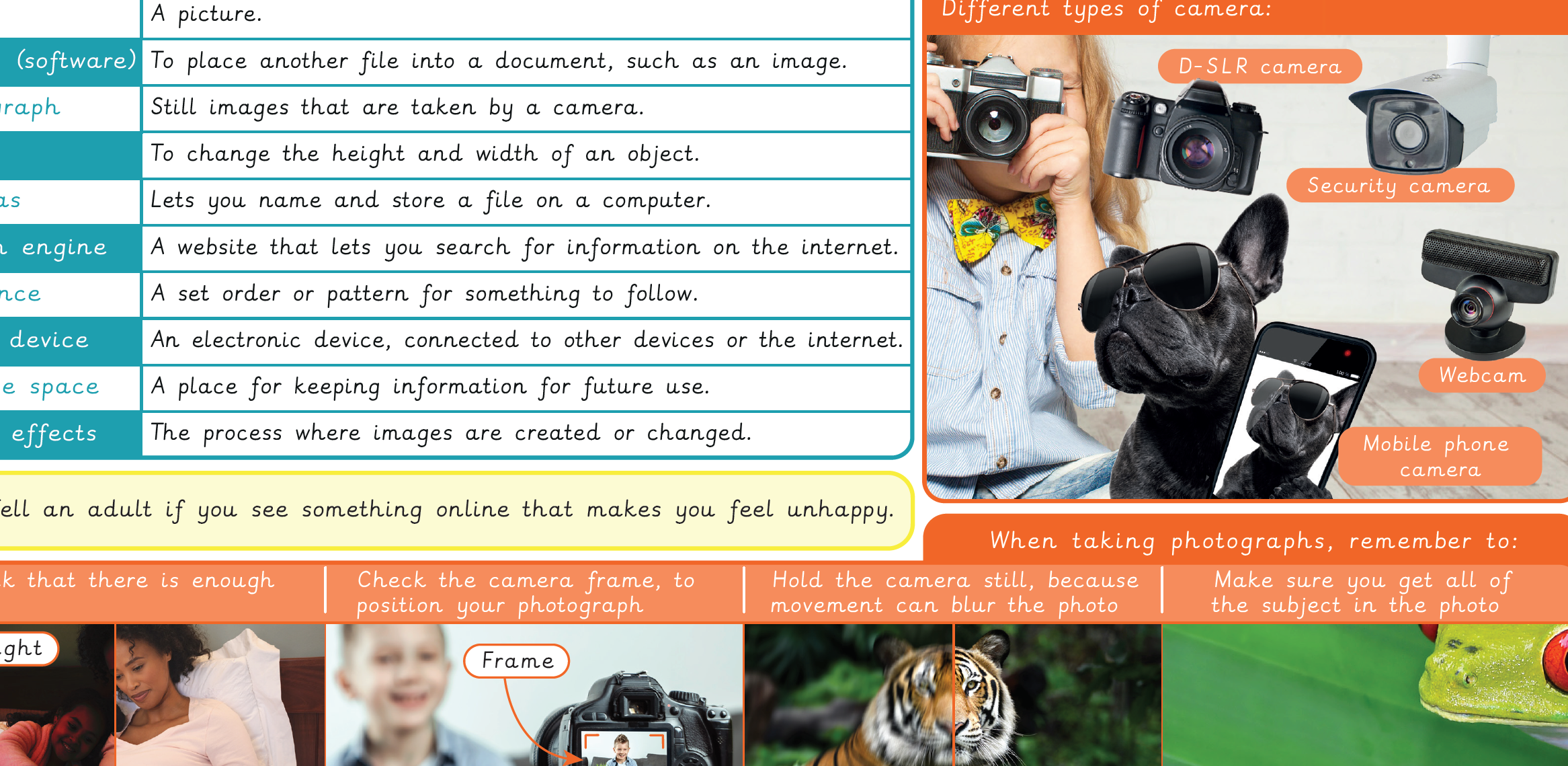
Knowledge organiser: Computing – Y1 Digital imagery
Aimed at pupils, a single page which gives key facts and definitions from the unit "Digital Imagery".
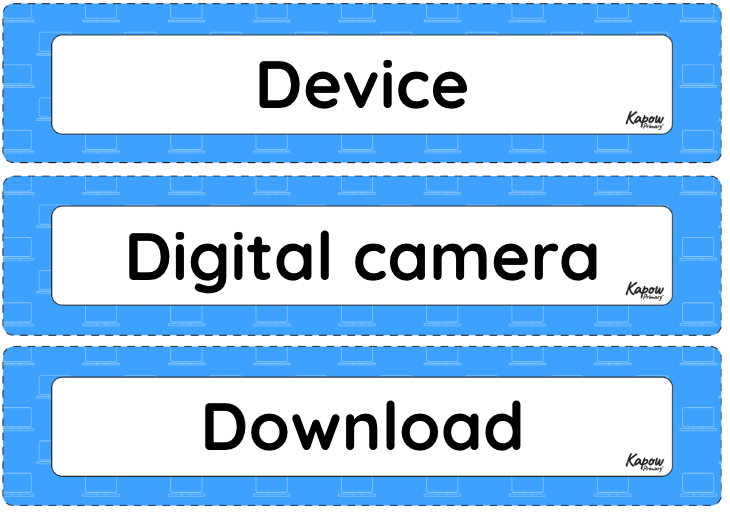
Vocabulary display – Computing Y1: Digital imagery
A display version of the vocabulary from the unit 'Digital imagery'.
Subject resources
This content is for subscribers only. Join for access today.
Cross-curricular opportunities
English: Reading – comprehension
RSE: Online safety
Art and design
