




Unit outcomes
Pupils who are secure will be able to:
- Understand the need to be thoughtful when working on a collaborative document.
- Use comments to suggest changes to a document and understand how to resolve comments.
- Use a variety of different slide styles to convey information, including images and transitions.
- Create a Google Form with a range of different question types that will provide different types of answers, e.g. text, multiple choice or numerical values.
- Export data to a spreadsheet, highlighting data, using conditional formatting and calculating averages and sums of numbers.
Suggested prior learning
Google: Computing systems and networks 2: Emailing
If your school does not have access to Google, there is also a Microsoft version of this unit.

Lessons
Lesson 1: Teamwork
Lesson 2: Sharing a document
Lesson 3: Slide presentations
Lesson 4: Google Forms
Lesson 5: Shared spreadsheets
Key skills
- Understanding that computer networks provide multiple services, such as the world wide web, and opportunities for communication and collaboration.
- Use online software for documents, presentations, forms and spreadsheets.

This content is for subscribers only. Join for access today.
Key knowledge
- Software can be used collaboratively online to work as a team.
- What type of comments and suggestions on a collaborative document can be helpful.
This content is for subscribers only. Join for access today.
Key vocabulary
average
collaborate
This content is for subscribers only. Join for access today.
Equipment list
Equipment needed across all lessons in this unit.
This list does not include equipment which is usually readily available in the classroom (e.g pencils, A4 paper etc)
 Download
Full equipment list for the subject
Quantities marked × will update. Items without quantities are unaffected
- Google Docs As needed
- Google Slides As needed
- Google Sheets As needed
- Google Forms As needed
- A5 paper ×30
- Access to a Google account As needed
- A 'teacher' gmail account for incoming emails from pupils. As needed
- The children’s work from a recent English lesson. ×30
- A topic for children to create presentations about relating to another curriculum area ×1
This content is for subscribers only. Join for access today.
Related content
Unit resources

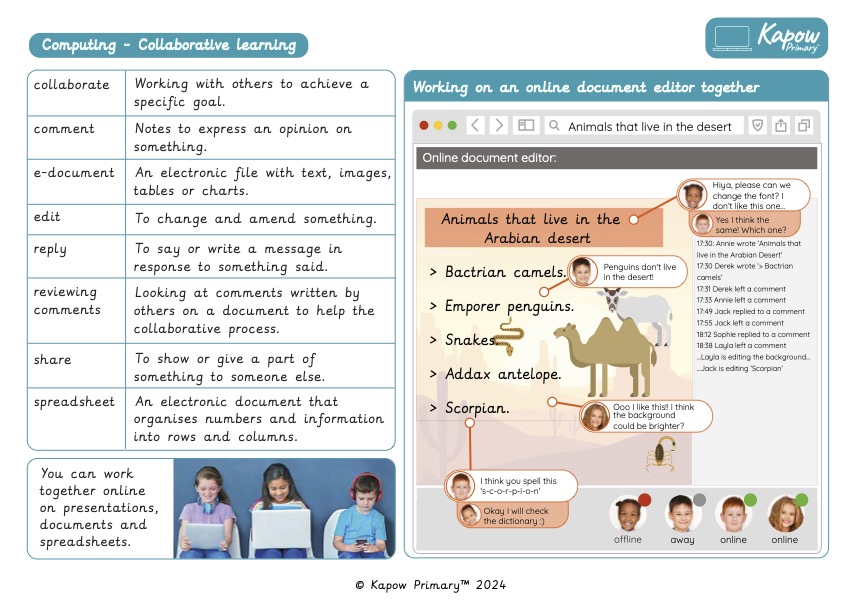
Knowledge organiser – Computing Y4: Collaborative learning
Aimed at pupils, a single page which gives key facts and definitions from the unit.
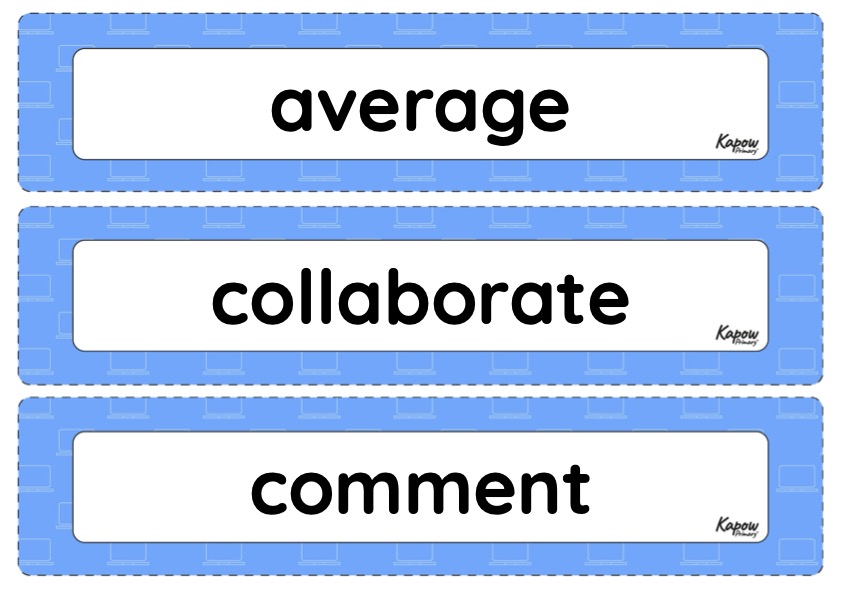
Vocabulary display – Computing Y4: Collaborative learning
A display version of the key vocabulary from the Collaborative learning unit.
Subject resources
This content is for subscribers only. Join for access today.
Cross-curricular opportunities
RSE: Respectful Relationships, courtesy and manners.
English: Writing – composition and peer assessment.
Maths: Interpreting data, bar charts and time graphs.
Suggested next steps
Computing systems and networks: Search engines
Get started
