




- Subjects >
- Computing >
- Key stage 2 >
- Year 6 >
Please note
This unit uses the BBC micro:bit and the micro:bit Python editor, which is supported by the Micro:bit Educational Foundation.
Unit outcomes
Pupils who are secure will be able to:
- Identify key similarities and differences between block-based code and text-based Python.
- Predict what a Python program will do before it is run.
- Explain how Python instructions work and why correct syntax and indentation matter.
- Spot and fix simple syntax errors, including typing and spacing mistakes.
- Identify and explain the role of the outer and inner loops in a nested loop program.
- Change loop values and describe how this affects patterns or movement.
- Modify existing Python code to create a new, intended outcome.
- Use a systematic approach to identify, debug and explain syntax and logic errors.
Suggested prior learning
Programming 2: BBC micro:bit
Get started
Teacher video: Exploring Python unit overview

Lessons
Lesson 1: From blocks to text

Lesson 2: Syntax rules
Lesson 3: Nested loops in Python
Lesson 4: Remixing Python
Lesson 5: Debugging Python
Key skills
- Recognising a wider range of text-based programming languages.
- Making links between different programming interfaces that they are faced with.

This content is for subscribers only. Join for access today.
Key knowledge
- Code may sometimes need to be downloaded onto a physical system/device.
- Programmers often save time when creating code by taking code from one program and turning it into another.
This content is for subscribers only. Join for access today.
Key vocabulary
debug (Y2)
error (Y1)
This content is for subscribers only. Join for access today.
Equipment list
Equipment needed across all lessons in this unit.
This list does not include equipment which is usually readily available in the classroom (e.g pencils, A4 paper etc)
 Download
Full equipment list for the subject
Quantities marked × will update. Items without quantities are unaffected
- micro:bit Python Editor ×1
-
Devices with internet access.
×15 - Colouring pencils ×30
- Large space such as a hall or playground. ×1
- Masking tape
- Scissors right- and left-handed options recommended. ×30
- Sticky notes
The equipment below is optional
-
BBC micro:bits with battery packs if using tablets and micro USB cables if using laptops
- Paper ×30
This content is for subscribers only. Join for access today.
Related content
Unit resources

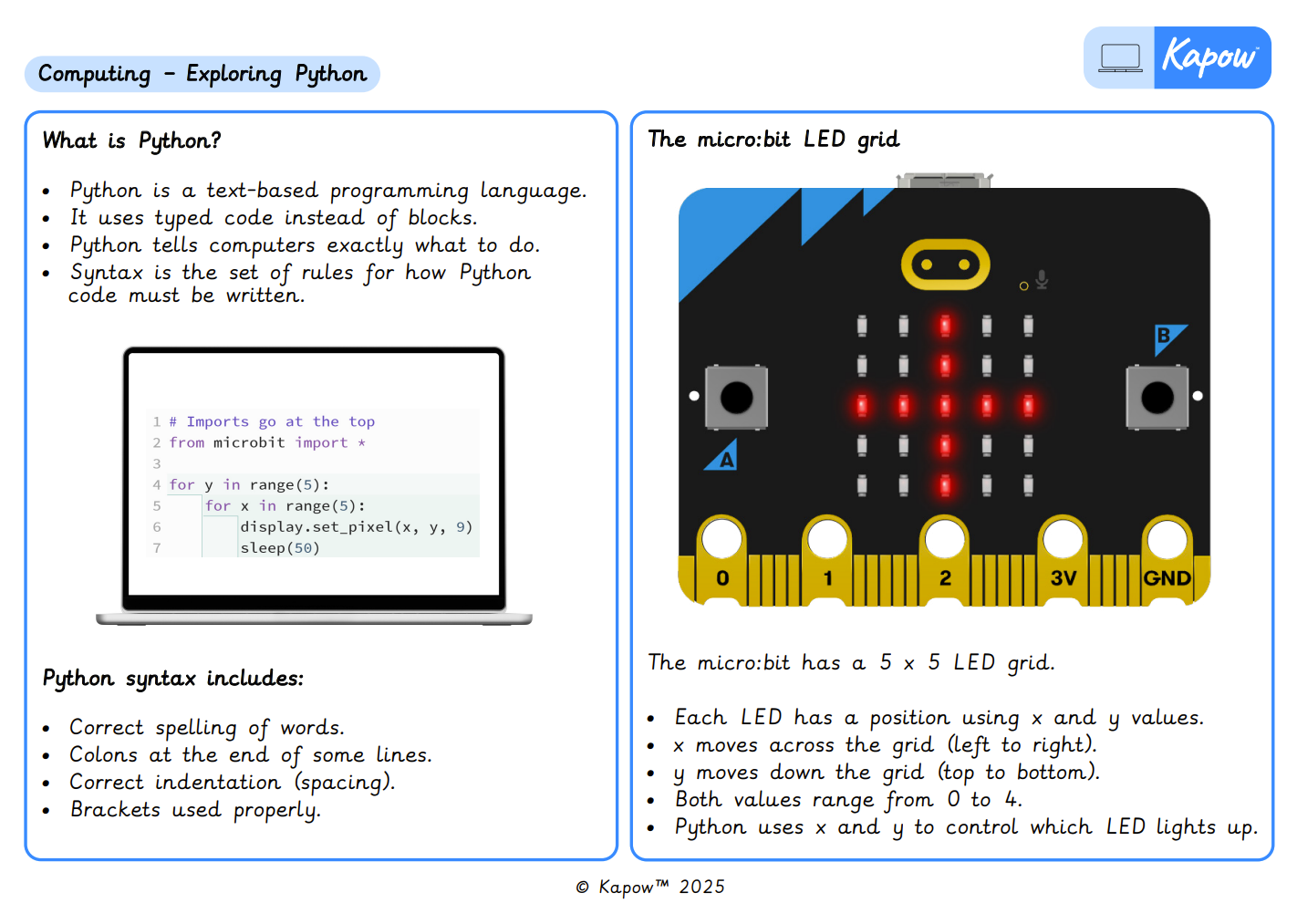
Knowledge organiser – Computing Y6: Exploring Python
Aimed at pupils, two pages providing key facts and definitions from the unit ‘Exploring Python’.
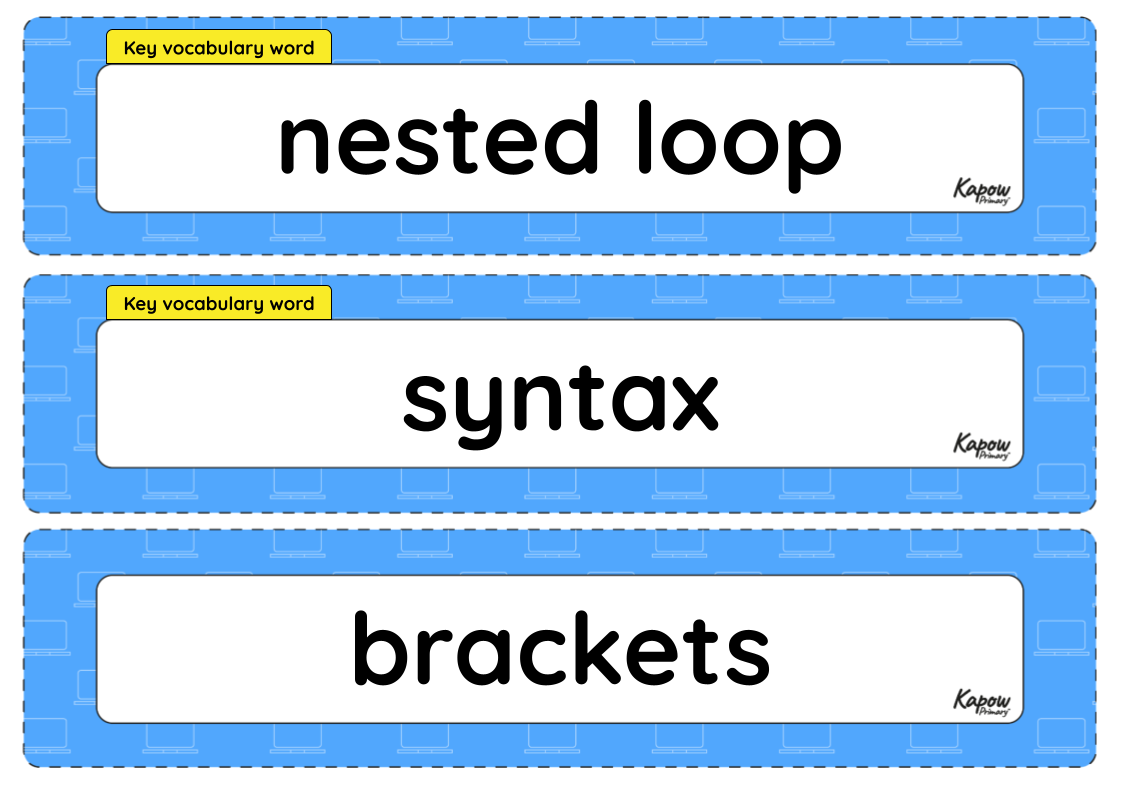
Vocabulary display – Computing Y6: Programming: Exploring Python
A display version of the vocabulary from the unit ‘Exploring Python’.
Subject resources
This content is for subscribers only. Join for access today.
Teacher coding skills videos
Cross-curricular opportunities
British values: Mutual respect.
English: Spoken language; Writing – composition.
