




- Subjects >
- Computing >
- Key stage 1 >
- Year 2 >
Unit outcomes
Pupils who are secure will be able to:
- Identify common features of websites.
- Recognise that a website is made up of different pages.
- Recognise that links help people move between pages.
- Recognise links on a website.
- Click on links to explore different pages of a website.
- Use website search tools to find information.
- Understand why some websites ask people to log in.
Suggested prior learning
Computing systems: Using computers 2
Get started
Teacher video: The internet unit overview

Lessons
Lesson 1: Websites
Lesson 2: Finding links
Lesson 3: Exploring websites
Key skills
Networks
- Following links on websites

This content is for subscribers only. Join for access today.
Key knowledge
Networks
To know:
- That some parts
This content is for subscribers only. Join for access today.
Key vocabulary
icon (Y2)
link (Y2)
This content is for subscribers only. Join for access today.
Equipment list
Equipment needed across all lessons in this unit.
This list does not include equipment which is usually readily available in the classroom (e.g pencils, A4 paper etc)
 Download
Full equipment list for the subject
Quantities marked × will update. Items without quantities are unaffected
- Devices with internet access ×15
- Flipchart 1
-
Flipchart with a pre-prepared four-link route through the chosen website
1 - Whiteboards and pens ×30
-
Children’s encyclopaedia
1
The equipment below is optional
-
Online stopwatch
1 - Magnifying glass 1
This content is for subscribers only. Join for access today.
Related content
Unit resources


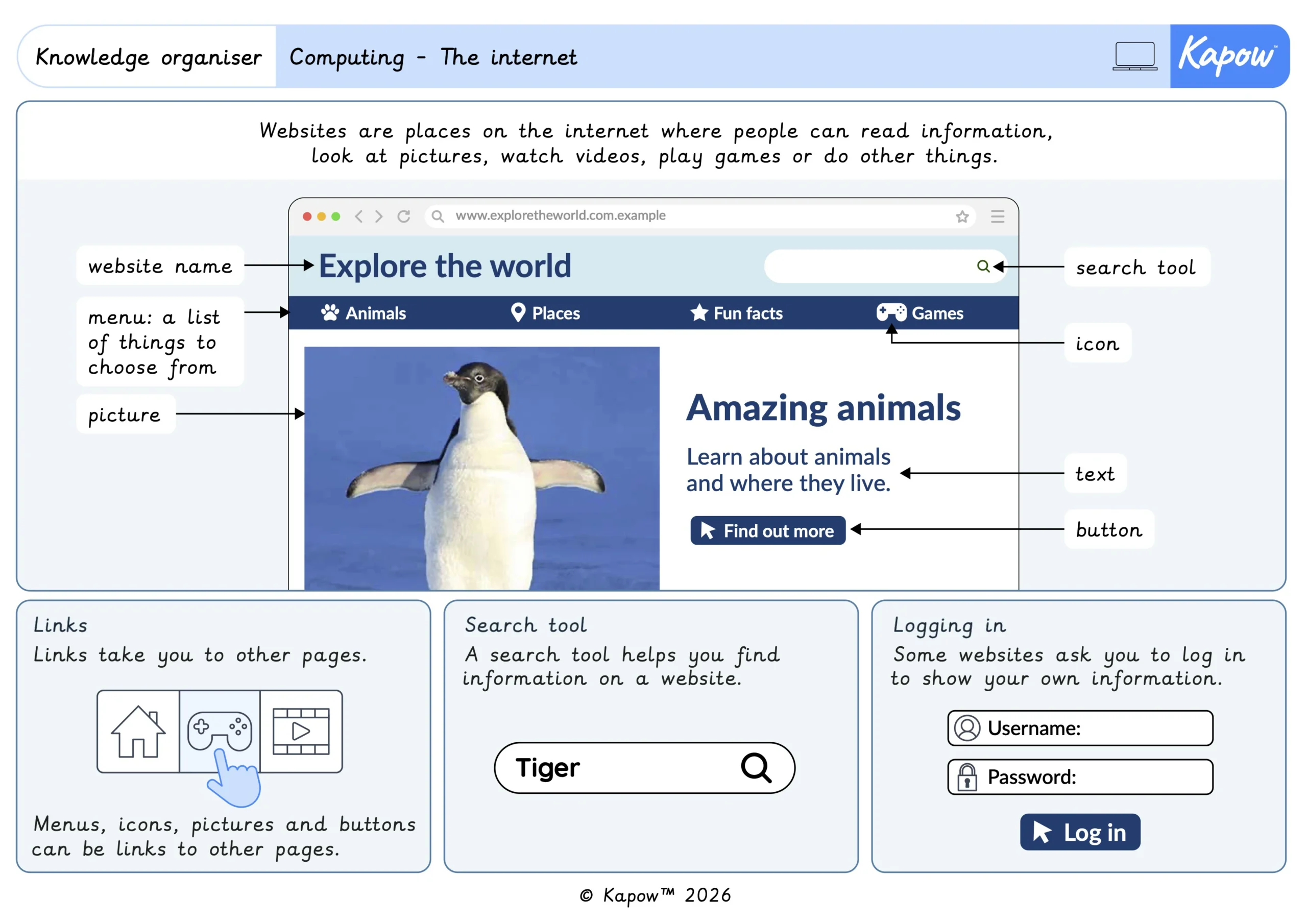
Knowledge organiser – Computing Y2: Computing systems: The internet
Aimed at pupils, one page giving key facts and definitions from the unit ‘The internet’.
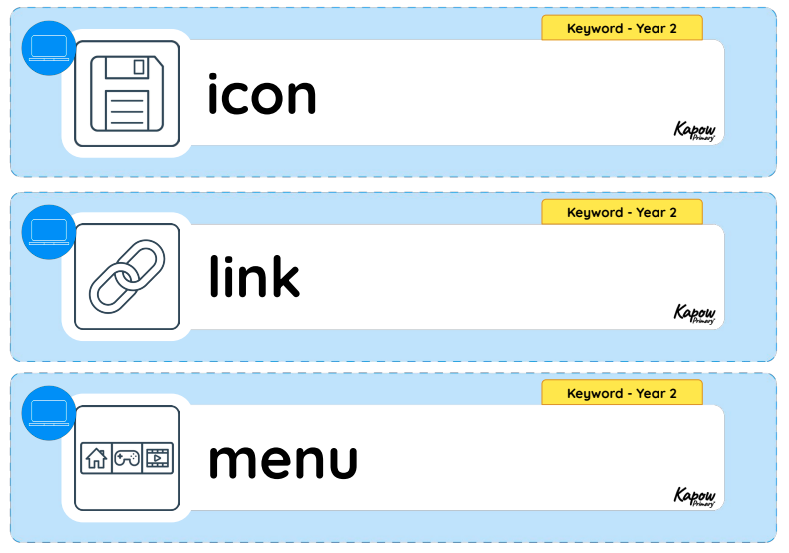
Vocabulary display – Computing Y2: Computing systems: The internet
A display version of the vocabulary from the unit 'The internet'.
Subject resources
This content is for subscribers only. Join for access today.
Cross-curricular opportunities
- RSE and Health Education: Relationships – Online safety and awareness: recognising the importance of following online safety guidance when exploring websites and knowing to seek help from a trusted adult if something online causes concern.
- RSE and Health Education: Health and wellbeing – Wellbeing online: developing safe online habits when navigating websites, including protecting passwords, keeping personal information private and logging out of accounts.
Build on the learning
Computing systems: Connecting devices
Get started
