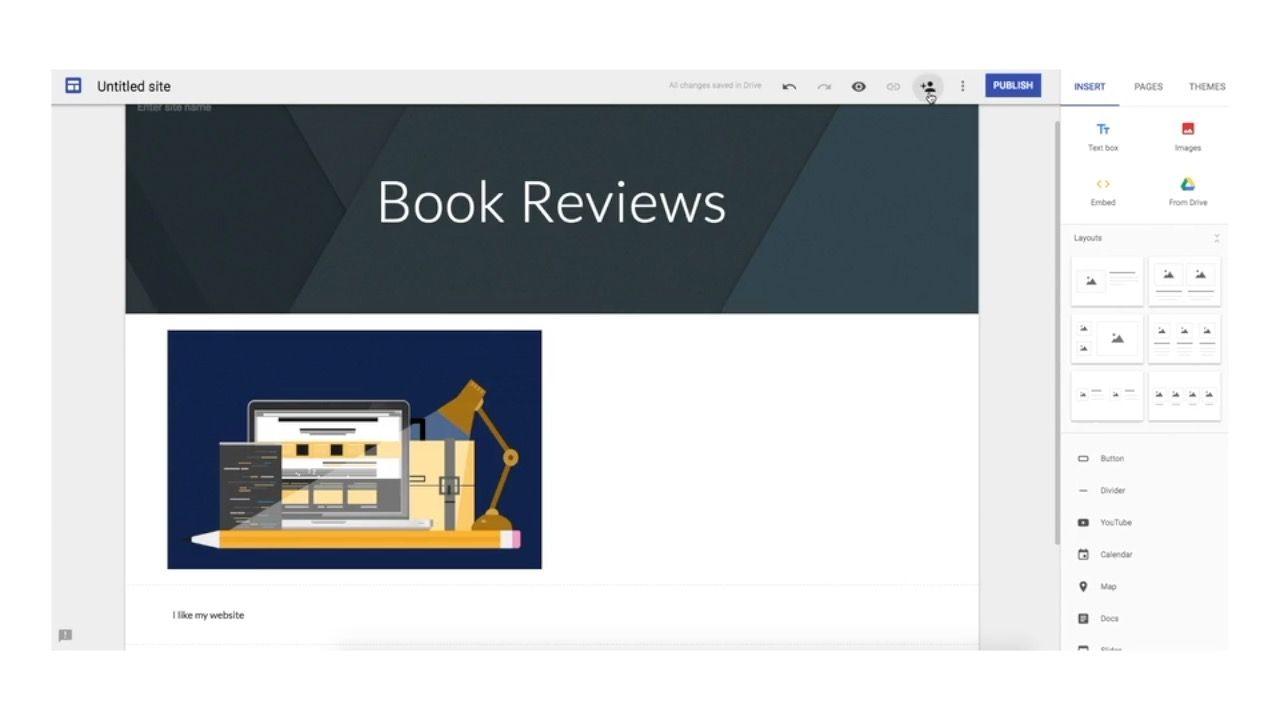
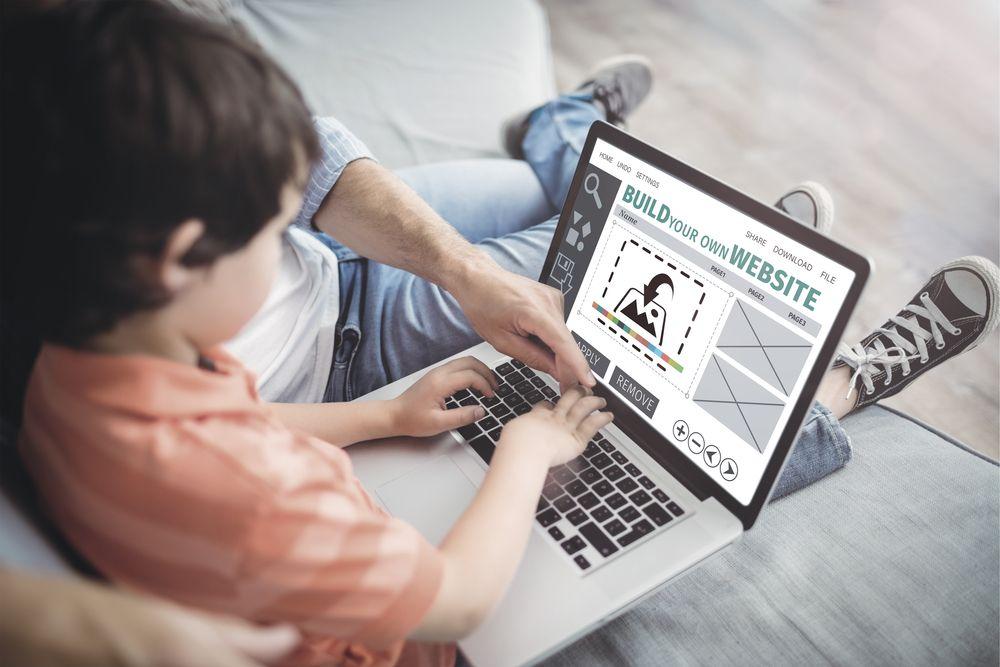
Lesson 1: Getting to know Google Sites
Exploring Google Sites and using a combination of text and media to create a simple web page.Learning objective
This content is for subscribers only. Join for access today.
Success criteria
This content is for subscribers only. Join for access today.
National curriculum
Cross-curricular links
Before the lesson
This content is for subscribers only. Join for access today.
Lesson plan
1. Recap and recall
- Can you remember and demonstrate how to log in to your email account? (Type username and password, then click sign in.)
- Can you remember how to make text bold, italic or underlined? (Use the icons in the toolbar.)
- What is the easiest way to copy and paste in a document? (CTRL C + CTRL V.)
- Can you name any software that can be used to create a presentation? (Google Slides, Microsoft PowerPoint.)
This content is for subscribers only. Join for access today.
Adaptive teaching
Assessing progress and understanding
Vocabulary definitions
Created by:
Maintained by: Kapow Primary teamLast update: 15 April 2026