




- Subjects >
- Computing >
- Key stage 2 >
- Year 3 >
Unit outcomes
Pupils who are secure will be able to:
- Identify computers, components and peripherals as types of technology.
- Describe the purpose of different parts of a computer.
- Identify whether a part is used for input or output.
- Recognise that peripherals must be connected to a computer to work.
- Match common connectors to the correct ports.
- Identify whether a peripheral is connected using a wire or wirelessly.
- Describe what a network is.
- Describe how information moves between devices in a network.
- Explain why users have their own login and account.
- Explain that a network allows devices to share information.
Pre-made device dice are required for repeated use throughout the unit. Watch the Teacher video: Connecting devices overview and follow the steps to create one set for each group of three.
Suggested prior learning
Prior learning unit will be available in October 2026.Teacher video: Connecting devices unit overview

Lessons
Lesson 1: Components and peripherals

Lesson 2: Uses of technology
Lesson 3: Connecting peripherals
Lesson 4: Networks
Lesson 5: Sharing information
Key skills
Identifying and operating hardware
- Selecting

This content is for subscribers only. Join for access today.
Key knowledge
Identifying and operating hardware
To
This content is for subscribers only. Join for access today.
Key vocabulary
command (Y1)
component (Y3)
This content is for subscribers only. Join for access today.
Equipment list
Equipment needed across all lessons in this unit.
This list does not include equipment which is usually readily available in the classroom (e.g pencils, A4 paper etc)
 Download
Full equipment list for the subject
Quantities marked × will update. Items without quantities are unaffected
- Dice ×15
- Highlighters ×30
- Scissors right- and left-handed options recommended. ×4
-
A tray of 35 pre-cut lengths of string, each approximately 1 m
-
Blue, orange, red and green colouring pencils
×10 - Sticky notes ×30
-
Devices for accessing and printing a shared file
×30
The equipment below is optional
-
Headphones and headphone port
1 -
BBC micro:bit and wires
×1 -
Bee-Bots and wires
×8 -
HDMI cable and port
×1 -
USB-A connector and port
×1 -
USB-C connector and port
×1
This content is for subscribers only. Join for access today.
Related content
Unit resources


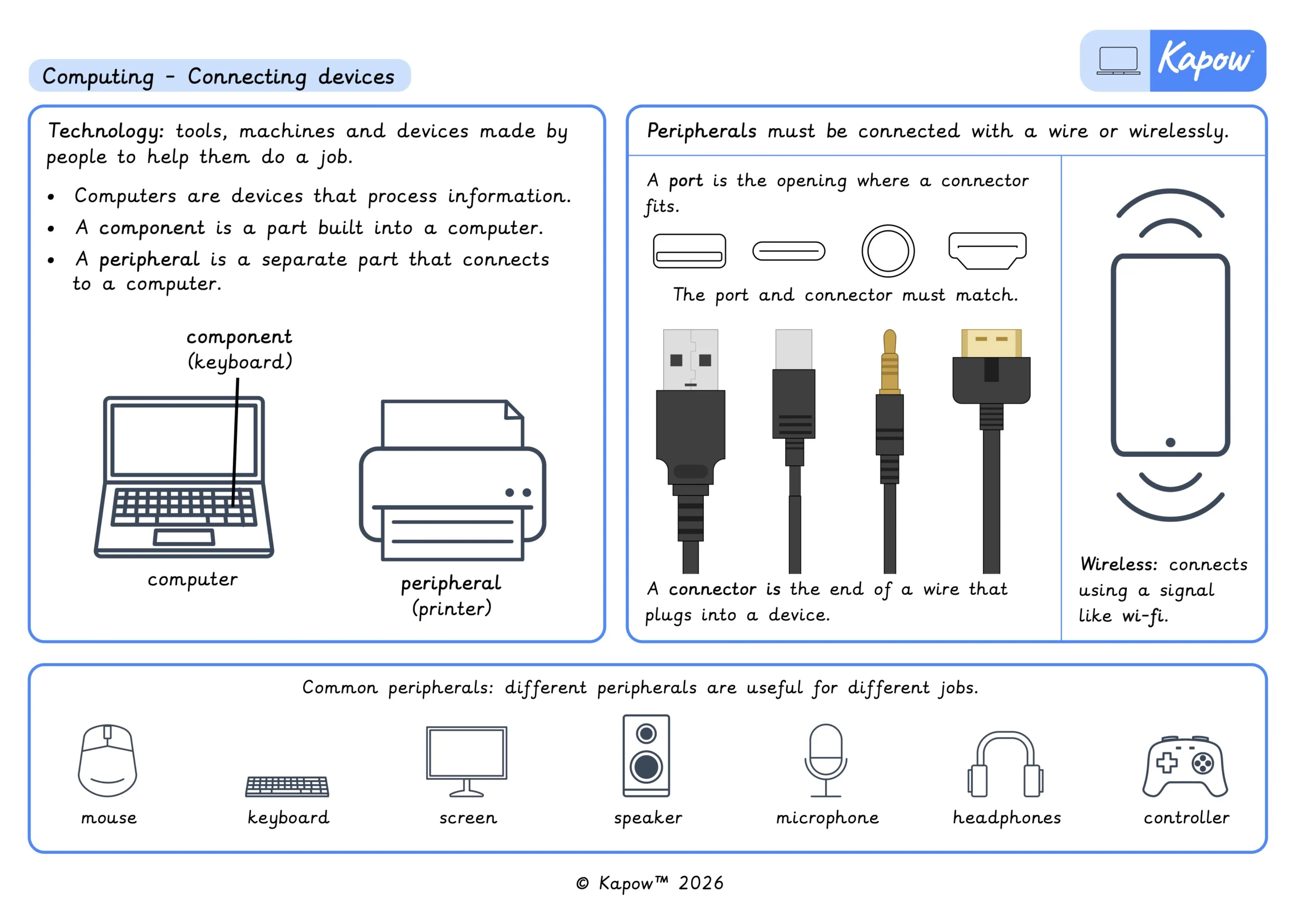
Knowledge organiser – Computing Y3: Computing systems: Connecting devices
Aimed at pupils, two pages providing key facts and definitions from the unit ‘Connecting devices’.
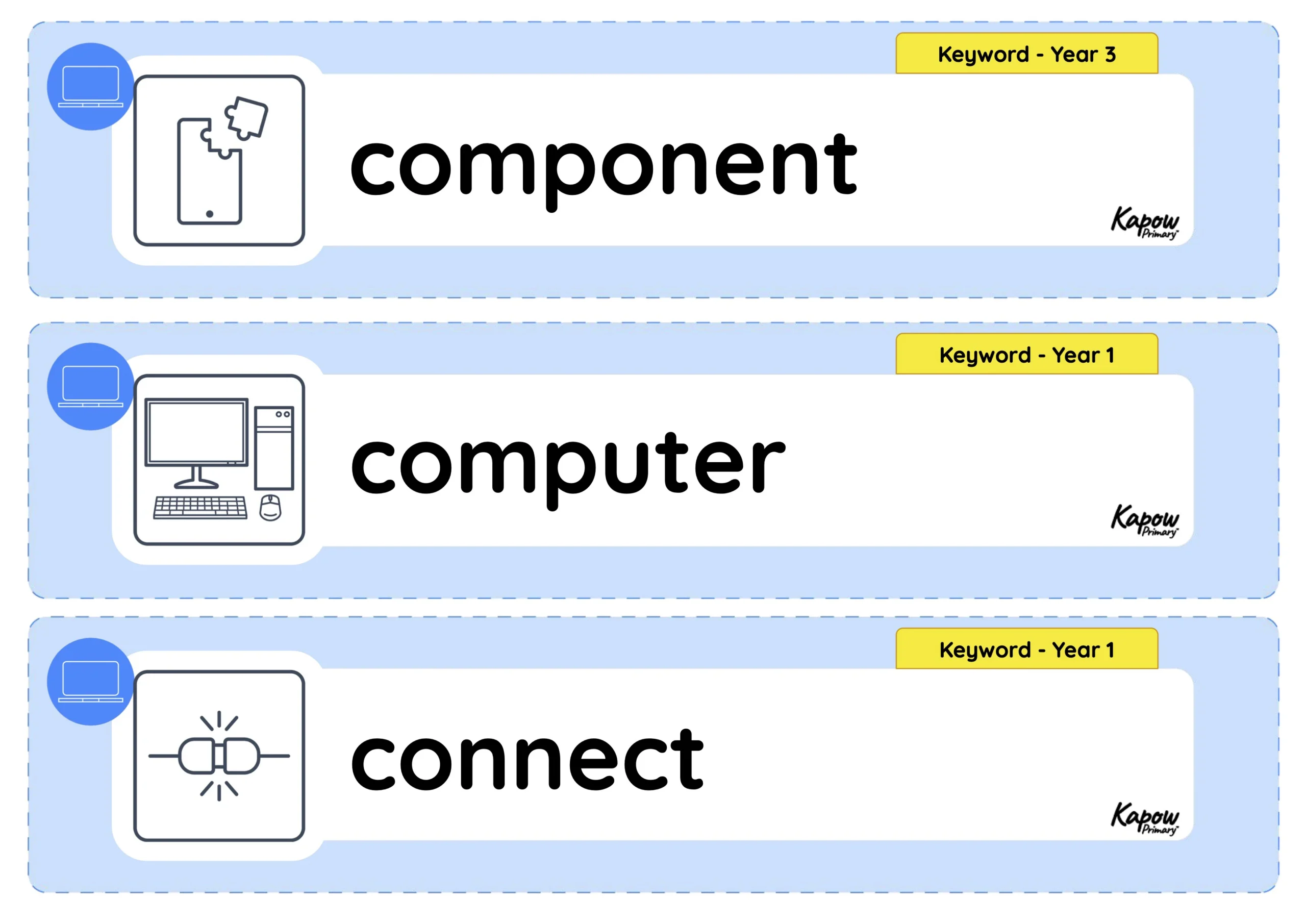
Vocabulary display – Computing Y3: Computing systems: Connecting devices
A display version of the vocabulary from the unit 'Connecting devices'.
Cross-curricular opportunities
British values: Mutual respect.
English: Spoken language.
