




- Subjects >
- Computing >
- Key stage 1 >
- Year 1 >
Unit outcomes
Pupils who are secure will be able to:
- Discuss what the internet is and how it can be used.
- Recognise that the internet may affect mood or emotions.
- Recognise how internet use can affect and upset others.
- Identify which information is appropriate to share and post online and which is not.
Suggested prior learning
Lesson 2: Logging in and out
Get started
Teacher video: Year 1 unit overview

Lessons
Lesson 1: Using the internet safely
Lesson 2: Online emotions
Lesson 3: Always be kind and considerate
Lesson 4: Posting and sharing online
Lesson 5: How much time should we spend on technology?
Key skills
- Recognising devices that are connected to the internet.
- Understanding that we are connected to others when using the internet.

This content is for subscribers only. Join for access today.
Key knowledge
- To know that the internet is many devices connected to one another.
- To know what to do if you feel unsafe or worried online – tell a trusted adult.
This content is for subscribers only. Join for access today.
Key vocabulary
app
appropriate
This content is for subscribers only. Join for access today.
Equipment list
Equipment needed across all lessons in this unit.
This list does not include equipment which is usually readily available in the classroom (e.g pencils, A4 paper etc)
 Download
Full equipment list for the subject
Quantities marked × will update. Items without quantities are unaffected
- Sticky notes
- Large space such as a hall or playground. ×1
- Materials for activity carousel: devices to access online activities; a selection of books; a selection of arts and crafts materials; a selection of PE equipment.
This content is for subscribers only. Join for access today.
Related content
Unit resources

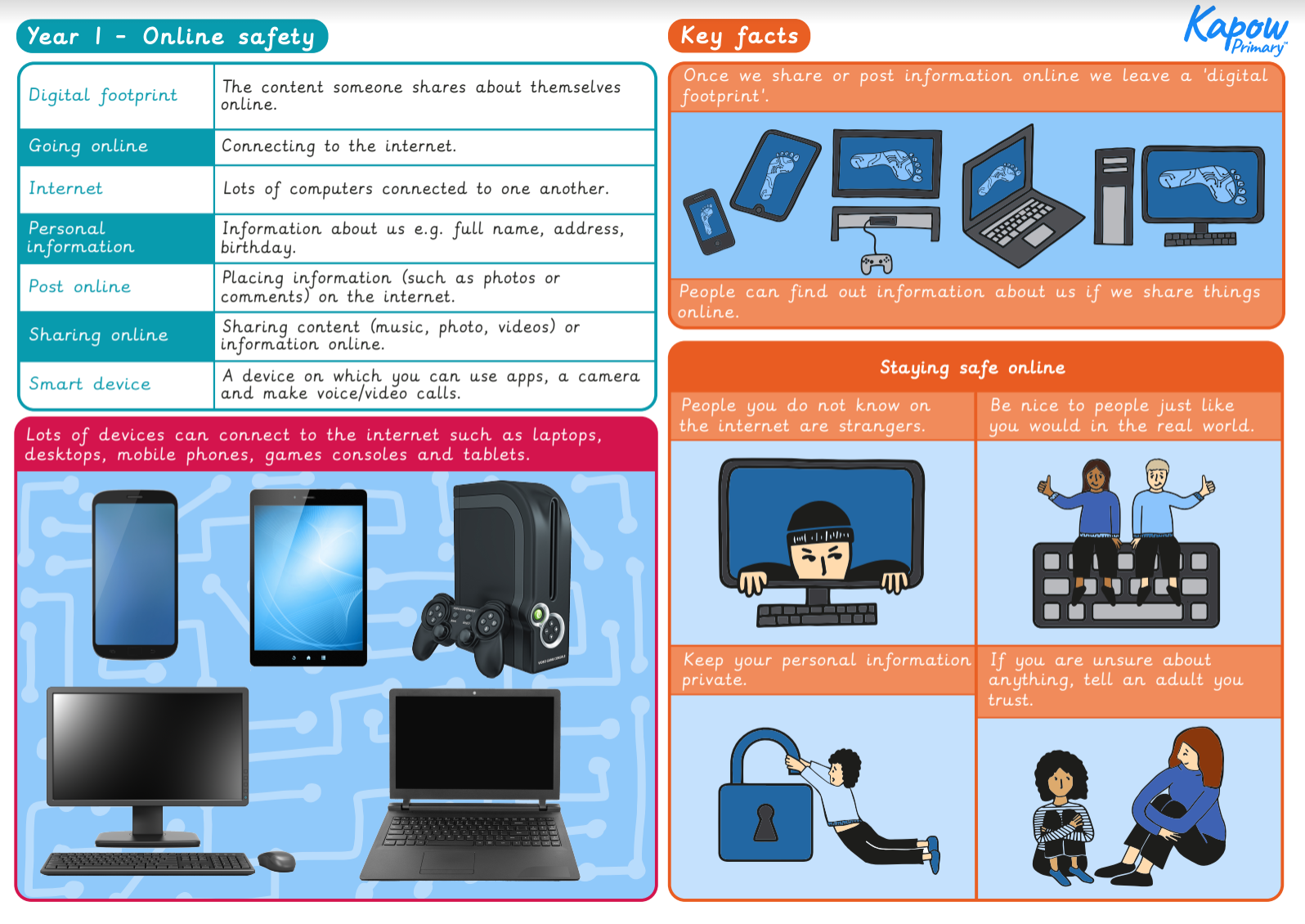
Knowledge organiser: Computing – Y1 Online safety
Aimed at pupils, a single page which gives key facts and definitions from the unit "Online safety: Year 1".
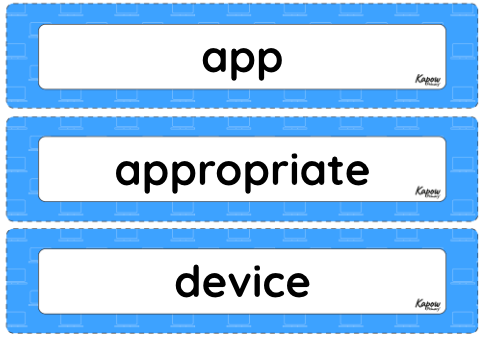
Vocabulary display – Computing Y1: Online safety: Year 1
A display version of the key vocabulary from the Online safety: Year 1 unit.
Subject resources
This content is for subscribers only. Join for access today.
Cross-curricular opportunities
RSE: Online safety
Suggested next steps
Assessment – Computing Y2: Online safety
Get started
