




Unit outcomes
Pupils who are secure will be able to:
- State and/or describe the advantages and disadvantages of existing products (timers).
- Understand how virtual micro:bit features could be used as part of a design idea.
- Use research to inform design criteria.
- Write a program that displays a timer on the virtual micro:bit based on their chosen seconds/minutes.
- Suggest where the errors are, if testing is unsuccessful, by comparing the correct code to their own.
- State key functions in the program editor (e.g. loops).
- Evaluate the immediate appeal of the virtual micro:bit timer and how it might function.
- Express which stages of the project they enjoyed or found more challenging.
- Explain the need for a company to stand out against competition and/or state the importance of logos in business.
- Recall and describe the name and use of key tools used in Sketchpad (CAD) software.
- Fulfil the design requirements of the logo.
- Evaluate the product using feedback from the user.
Suggested prior learning
Digital world: Wearable technology
Get started
Lessons
Lesson 1: Analysing timers
Lesson 2: Designing for the user
Lesson 3: Programming the timer
Lesson 4: Prototypes
Lesson 5: Brand identity
Lesson 6: An exhibition
Key skills
Design

This content is for subscribers only. Join for access today.
Key knowledge
Design
To know:
-
This content is for subscribers only. Join for access today.
Key vocabulary
code (Y3/4)
computer-aided design (CAD) (Y3/4)
This content is for subscribers only. Join for access today.
Equipment list
Equipment needed across all lessons in this unit.
This list does not include equipment which is usually readily available in the classroom (e.g pencils, A4 paper etc)
 Download
Full equipment list for the subject
Quantities marked × will update. Items without quantities are unaffected
- Egg-timer ×8
-
Laptops/ desktop computers/ tablets to access the BBC micro:bit editor and Sketchpad through an internet browser or an app
×15 - Scissors right- and left-handed options recommended. ×30
- Glue sticks ×30
- Masking tape
- Colouring pencils ×30
- Thick A4 card ×30
- Sugar paper ×30
- Corrugated coloured paper / card ×30
- Modelling clay ×30
-
Art straws
×15 - Masking tape
This content is for subscribers only. Join for access today.
Related content
Unit resources


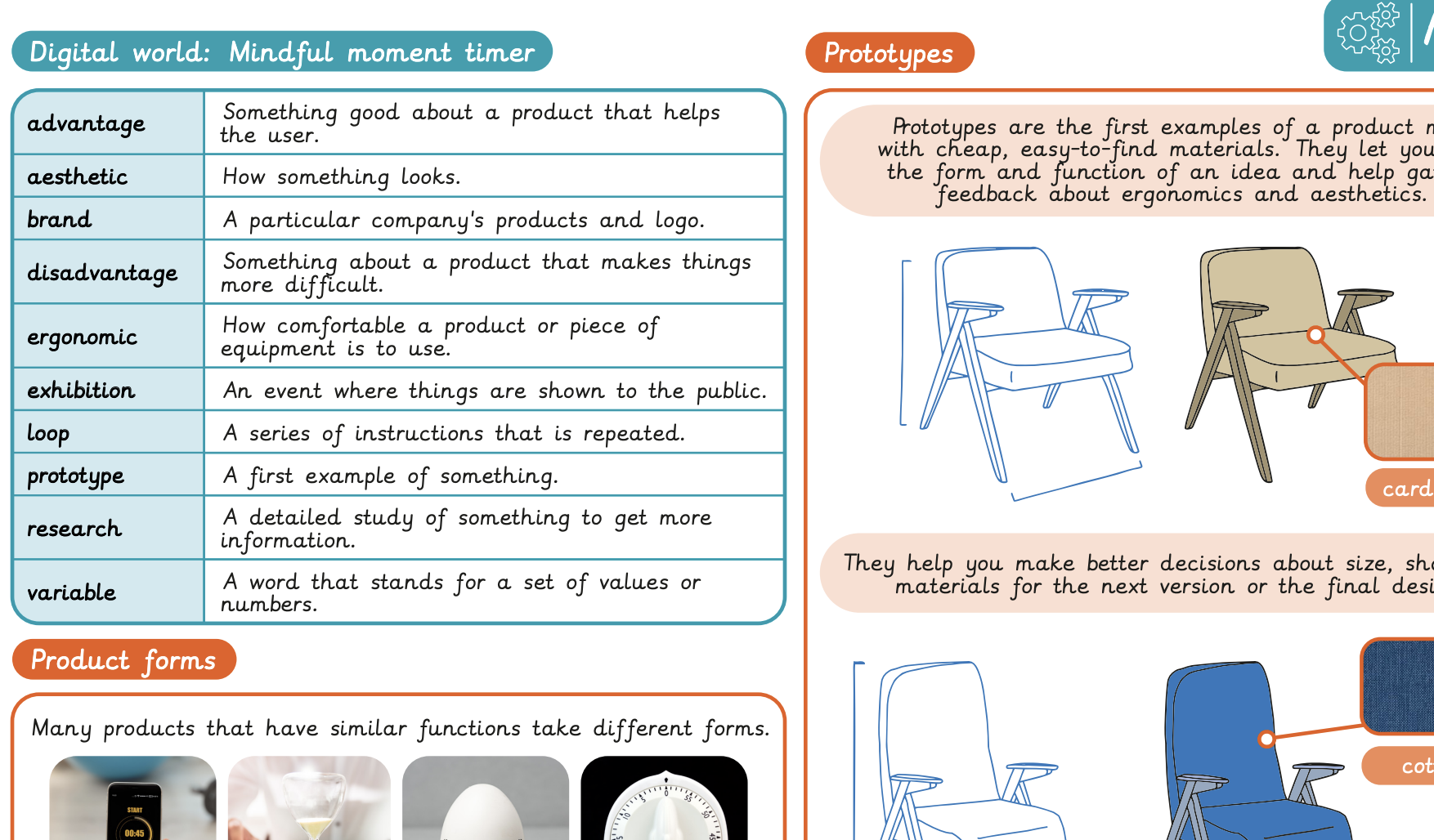
Knowledge organiser – D&T Y4: Digital world: Mindful moments timer
A visual summary document to support pupils' learning in the Y4 Mindful moments timer unit.
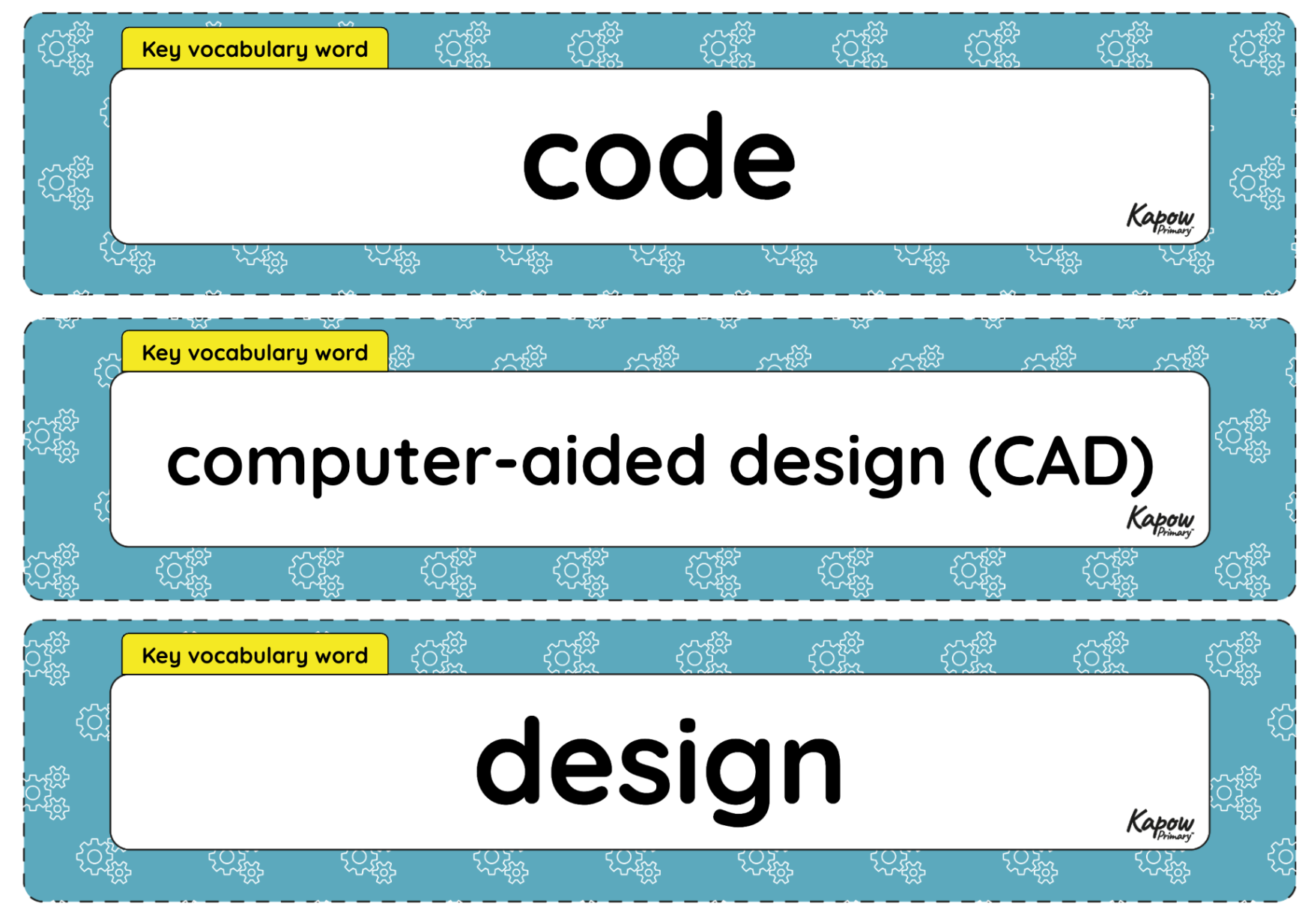
Vocabulary display – D&T Y4: Digital world: Mindful moments timer
A display version of the vocabulary from the unit 'Mindful moments timer'.
Subject resources
This content is for subscribers only. Join for access today.
Cross-curricular opportunities
Build on the learning
Digital world: Monitoring devices
Get started
Popular content
- Design and technology: Curriculum portal
- Design and technology: Curriculum information
- Y3 > Structures: Constucting a Castle > Lesson 3: Nets and Structures
- Y3 > Mechanical Systems: Pneumatic Toys > Lesson 1: Exploring Pneumatics
- Y4 > Textiles: Fastenings > Lesson 2: Designing my Book Sleeve
- Y4 > Electrical Systems: Torches > Lesson 3: Torch Design

This resource is being accessed through your school’s Kapow licence.
Thank you for respecting the work of the teachers who create these materials.