Lesson 2: Sending an email
Learning about how email can be used, then writing and sending their own.
Learning objective
This content is for subscribers only. Join for access today.
Success criteria
This content is for subscribers only. Join for access today.
National curriculum
Cross-curricular links
Before the lesson
This content is for subscribers only. Join for access today.
Lesson plan
1. Recap and recall
Ensure the children can recall:
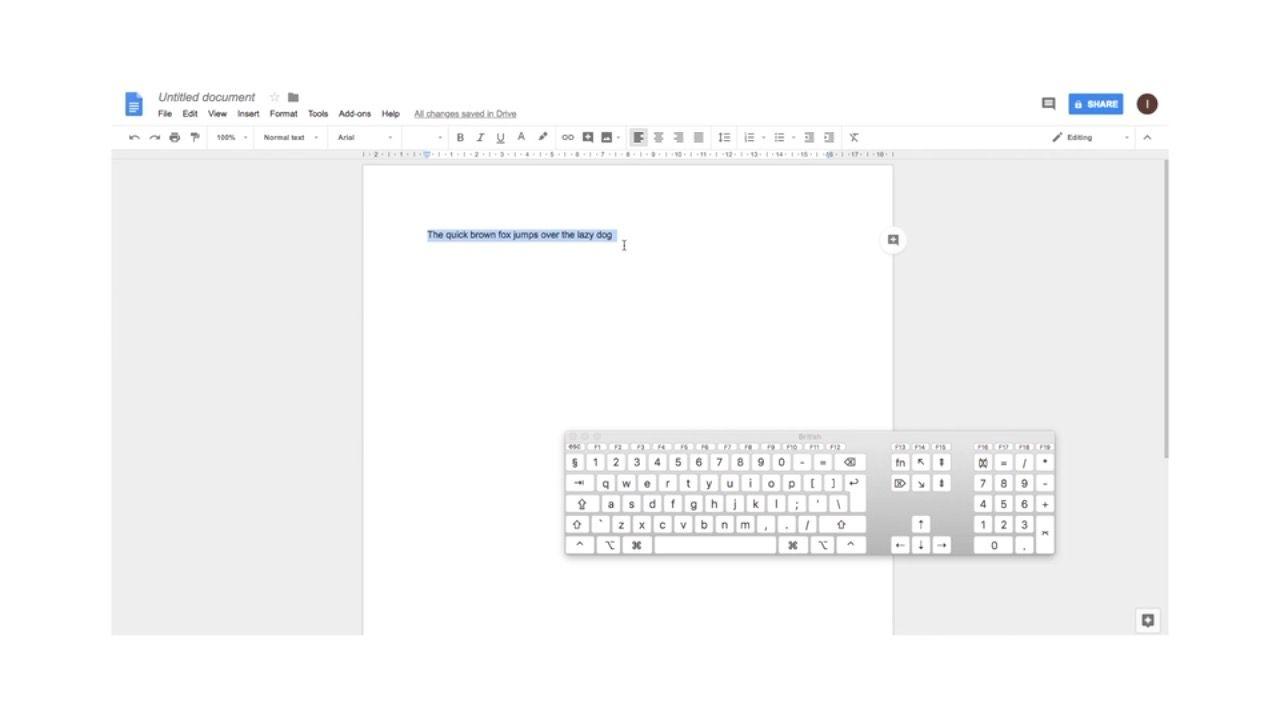
Can you remember any keyboard shortcuts? (CTRL-Z = cute, CTRL-V paste.)
Can anyone remember the keyboard shortcut when copying and pasting some text? (CTRL-C and CTRL-V.)
Who could be a trusted adult? (e.g. a parent, teacher etc.)
How do you create a strong password? (Use a unique combination of letters, numbers and symbols.)
This content is for subscribers only. Join for access today.
Adaptive teaching
Assessing progress and understanding
Vocabulary definitions
Created by:
Maintained by: Kapow Primary teamLast update: 15 April 2026