




- Subjects >
- Computing >
- Key stage 1 >
- Year 1 >
Unit outcomes
Pupils who are secure will know how to:
- Use computers more purposefully
- Log in and navigate around a computer
- Drag, drop, click and control a cursor using a mouse
- Use software tools to create art on the computer
Suggested prior learning
Computing systems and networks 1: Using a computer
Get started
Lessons
Lesson 1: Logging in
Lesson 2: Click and drag skills
Lesson 3: Drawing shapes
Lesson 4: Drawing a story
Lesson 5: Self-portrait
Key skills
- Learning how to explore and tinker with hardware to find out how it works.
- Learning where keys are located on the keyboard.

This content is for subscribers only. Join for access today.
Key knowledge
- Log in and log out means to begin and end a connection with a computer
- A computer and mouse can be used to click, drag, fill, select, add backgrounds, text, layers, shapes and clipart.
This content is for subscribers only. Join for access today.
Key vocabulary
account
click
This content is for subscribers only. Join for access today.
Equipment list
Equipment needed across all lessons in this unit.
This list does not include equipment which is usually readily available in the classroom (e.g pencils, A4 paper etc)
 Download
Full equipment list for the subject
Quantities marked × will update. Items without quantities are unaffected
- Sketchpad Sketch.io software
- Scissors right- and left-handed options recommended. ×30
- Digital device (internet-enabled) ×15
- Individual or class logins ×1
- Mirrors ×15
This content is for subscribers only. Join for access today.
Related content
Unit resources

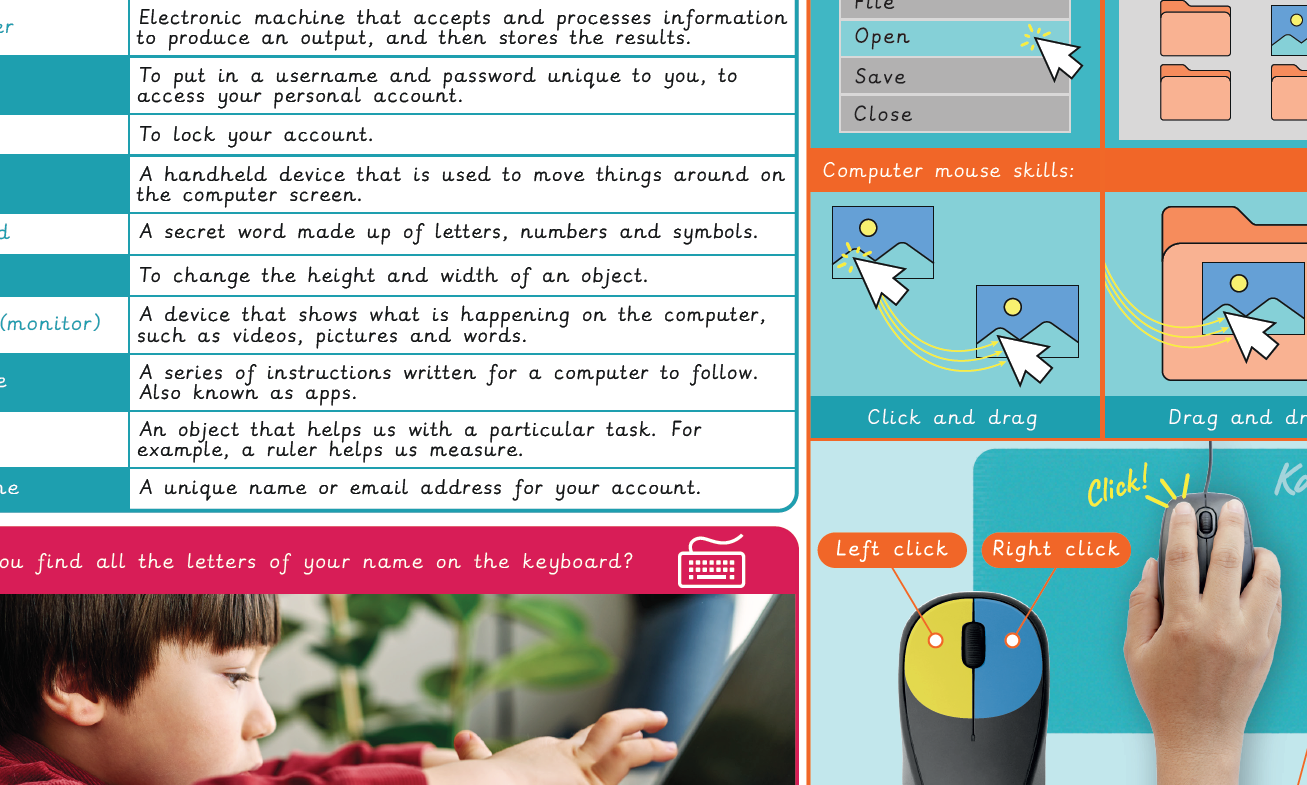
Knowledge organiser – Computing Y1: Computing systems and networks: Improving mouse skills
Aimed at pupils, a single page which gives key facts and definitions from the unit "Computing systems and networks: Improving…
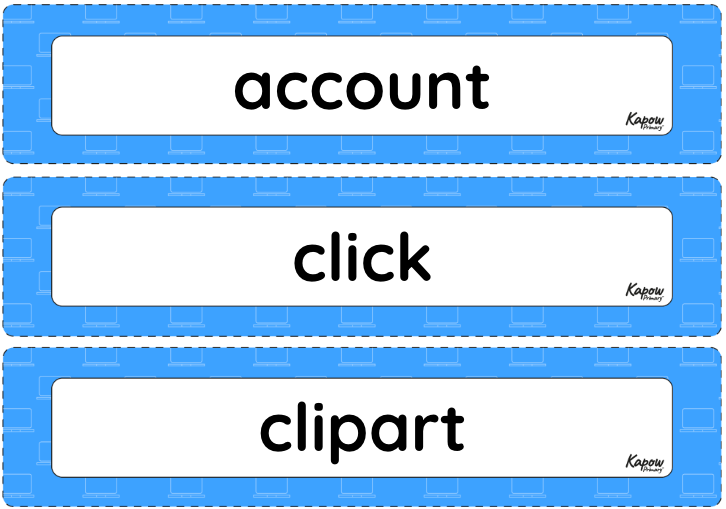
Vocabulary display – Computing Y1: Improving mouse skills
A display version of the key vocabulary from the Improving mouse skills unit.
Subject resources
This content is for subscribers only. Join for access today.
Cross-curricular links
RSE: Online safety
Maths: Geometry – properties of shapes
English: Reading – comprehension
Suggested next steps
Computing systems and networks 1: What is a computer?
Get started
