




- Subjects >
- Computing >
- Key stage 2 >
- Year 6 >
Unit outcomes
Pupils who are secure will be able to:
- Evaluate code, understand what it does and adapt existing code for a specific purpose.
- Debug programs and make them more efficient using sequence, selection, repetition or variables.
- Design appropriate housing for their product using CAD software, including any input or output devices needed to make it work.
- Create an appealing website for their product aimed at their target audience, which explains what their product is and what it does using persuasive language.
- Create an edited video of their project, articulating the key benefits.
- Describe and show how to search for information online and be aware of the accuracy of the results presented.
Suggested prior learning
ARCHIVED Year 6: Creating media: History of computers
If your school does not have access to Google, there is also a Microsoft version of this unit.

Lessons
Lesson 1: Invention design
Lesson 2: Coding and debugging
Lesson 3: Computer Aided Design (CAD)
Lesson 4: My product’s website
Lesson 5: Video advert
Key skills
- Using past experiences to help solve new problems.
- Writing increasingly complex algorithms for a purpose.

This content is for subscribers only. Join for access today.
Key knowledge
- To know:
- What designing an electronic product involves.
This content is for subscribers only. Join for access today.
Key vocabulary
abstraction
adapt
This content is for subscribers only. Join for access today.
Equipment list
Equipment needed across all lessons in this unit.
This list does not include equipment which is usually readily available in the classroom (e.g pencils, A4 paper etc)
 Download
Full equipment list for the subject
Quantities marked × will update. Items without quantities are unaffected
- BBC micro:bit ×15
- If you have no access to BBC micro:bits then use the online emulator available on the website (makecode.microbit.org). ×15
- TinkerCAD ×1
- Google As needed
- Microsoft As needed
- Video software
- MakeCode
- Devices with internet access ×15
- BBC micro:bits and battery packs. ×15
- Micro USB cables if you’re using laptops ×15
This content is for subscribers only. Join for access today.
Related content
Unit resources

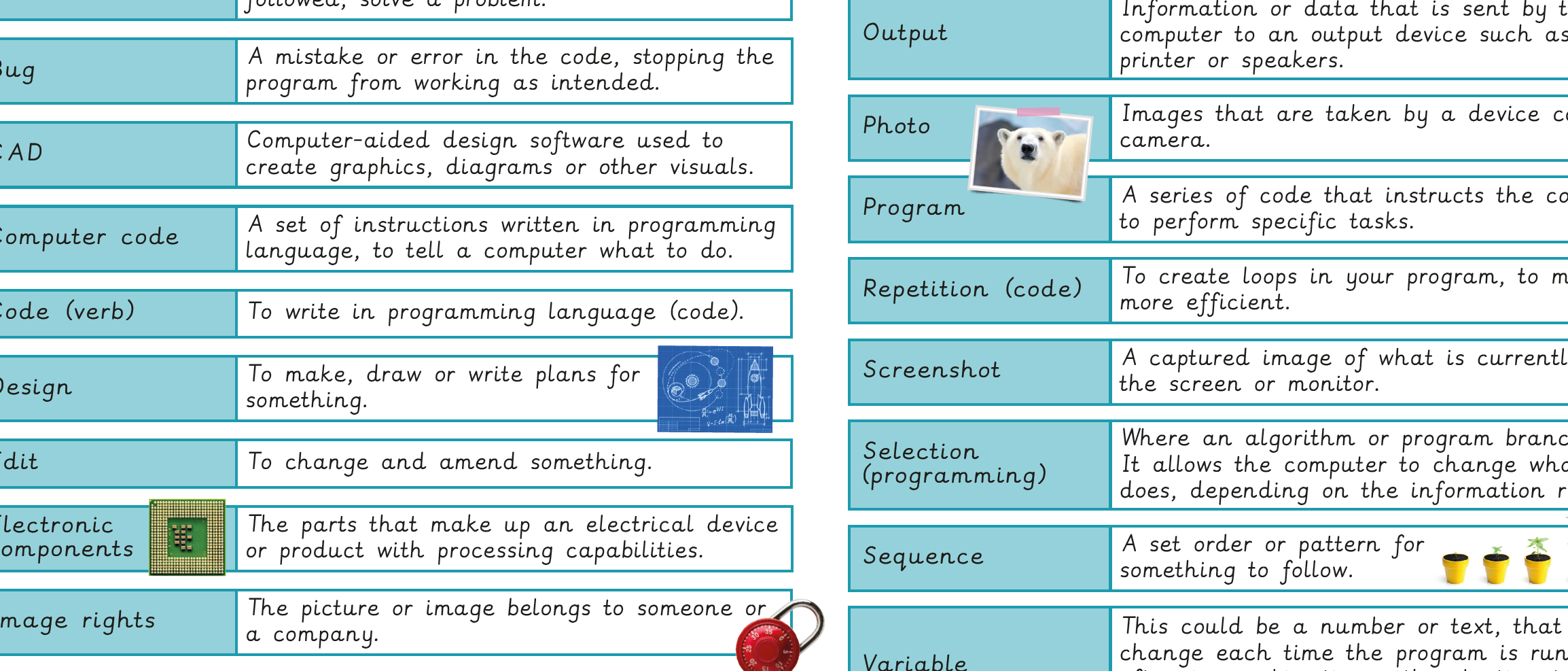
Knowledge organiser – Computing Y6: Inventing a product
Aimed at pupils, a single page which gives key facts and definitions from the unit "Skills showcase: Inventing a product".
Vocabulary display – Computing Y6: Skills showcase: Inventing a product
A display version of the key vocabulary from the Skills showcase: Inventing a product unit.
Subject resources
This content is for subscribers only. Join for access today.
Cross-curricular opportunities
Design and Technology – use research and develop design criteria to inform the design of innovative, functional, appealing products.; apply understanding of computing to program, monitor and control products; and generate, develop, model and communicate their ideas.
English: Writing – Composition. Identifying audience and purpose and selecting appropriate grammar and vocabulary.
