


Stop motion animation - Option 2: Using cameras
Developing an understanding of animation by exploring stop-motion techniques and how moving images are created.
Free trialUnit outcomes
Pupils who are secure will be able to:
- Create a toy with simple images and a single movement.
- Create a short stop-motion animation with small changes between images.
- Think of a simple story idea for their animation and then decompose it into smaller parts to create a storyboard with simple characters.
- Make small changes to the models to ensure a smooth animation and delete unnecessary frames.
- Add effects such as extending parts and titles.
- Provide helpful feedback to other groups about their animations.
Suggested prior learning
Google: Creating media: Website design
There is also a “Stop-Motion Animation” version of this unit available.

Lessons
Lesson 1: Animation explored
Lesson 2: Exploring stop-motion
Lesson 3: Planning my stop motion project
Lesson 4: Stop-motion creation
Lesson 5: Editing my stop motion project
Key skills
- Decomposing animations into a series of images.
- Decomposing a story to be able to plan a program to tell a story.

This content is for subscribers only. Join for access today.
Key knowledge
- Decomposition of an idea is important when creating stop-motion animations.
- Stop-motion animation is filmed one frame at a time using models and with tiny changes between each photograph.
This content is for subscribers only. Join for access today.
Key vocabulary
animation
animator
This content is for subscribers only. Join for access today.
Equipment list
Equipment needed across all lessons in this unit.
This list does not include equipment which is usually readily available in the classroom (e.g pencils, A4 paper etc)
 Download
Full equipment list for the subject
Quantities marked × will update. Items without quantities are unaffected
- Microsoft Photos As needed
- Rubbers
- 2 pieces of string
- Digital camera ×8
- Modelling dough to create objects or characters. ×1
- Plastic containers or cling film to wrap the creations in. ×1
This content is for subscribers only. Join for access today.
Related content
Resources
Unit resources

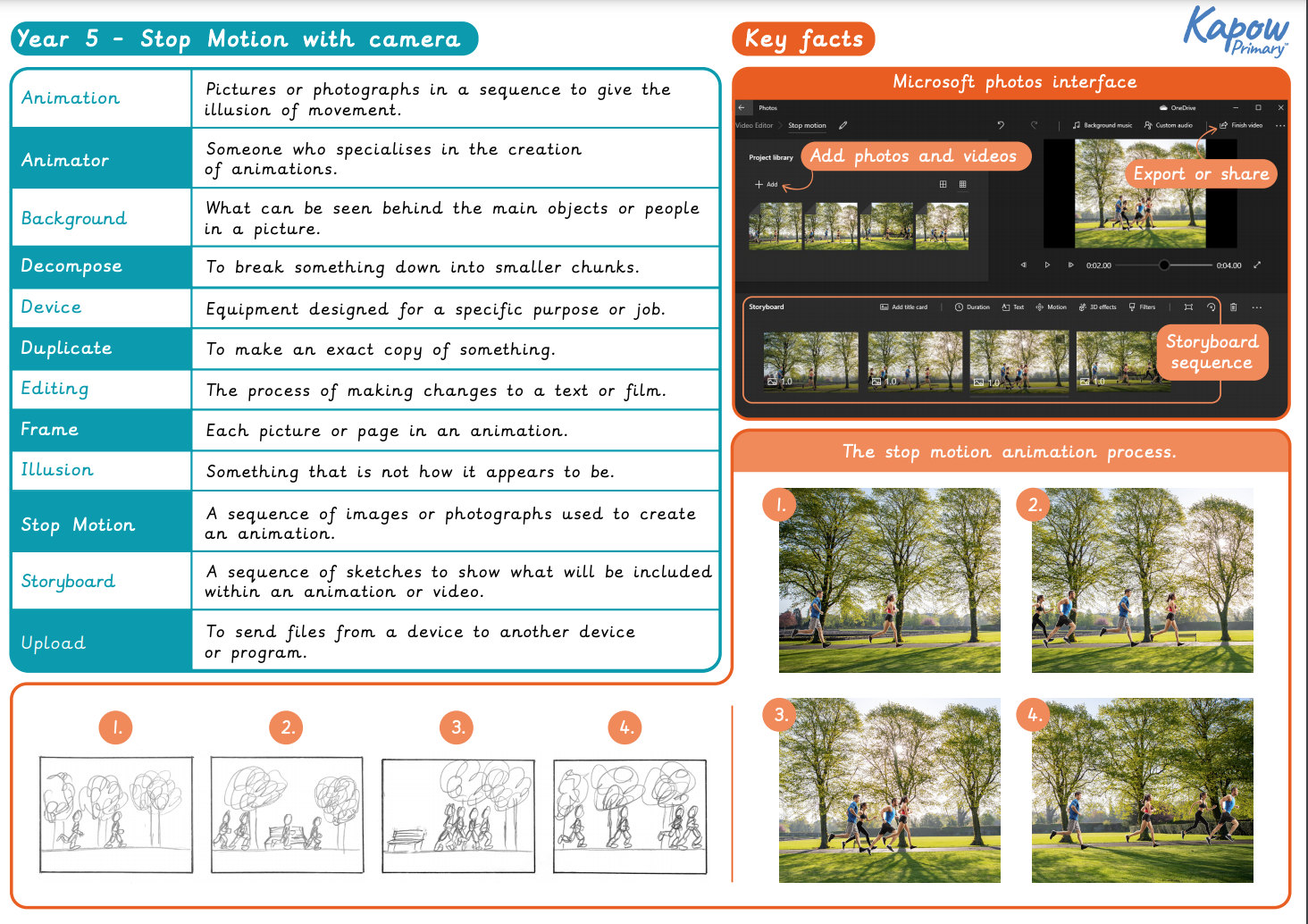
Computing
Knowledge organiser: Computing – Y5 Stop-motion animation (Option 2: With cameras)
Aimed at pupils, a single page which gives key facts and definitions from the unit "Stop-motion animation – Option 2:…
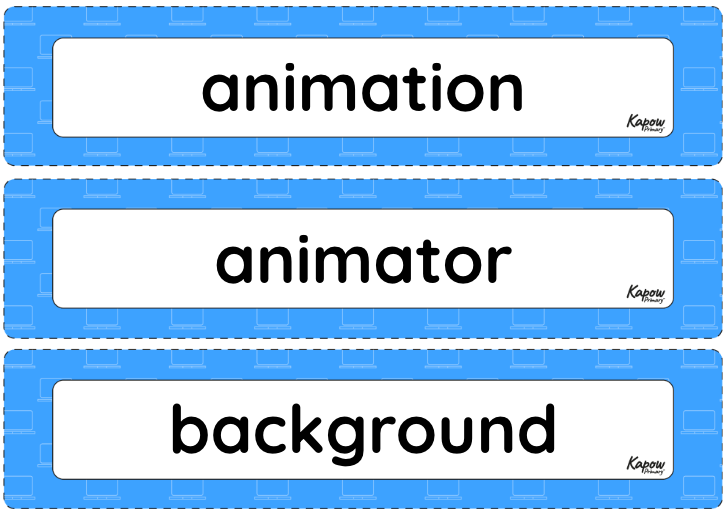
Computing
Vocabulary display – Computing Y5: Stop motion animation
A display version of the key vocabulary from the Stop motion animation unit.
Subject resources
This content is for subscribers only. Join for access today.
Cross-curricular opportunities
Art and design – develop techniques, including their control and their use of materials, with creativity and experimentation. Improve their mastery of art and design techniques, including drawing, painting and sculpture with a range of materials [for example, pencil, charcoal, paint, clay].
Suggested next steps
ARCHIVED Year 6: Creating media: History of computers
Get started
