• Pricing
  • Join
Free trialLogin
  • Art and design
  • Computing
  • Design and technology
  • French
  • Geography
  • History
  • Music
  • Religion and worldviews
  • RSE & PSHE
  • Science
  • Spanish

Start using Kapow for free

No credit card required

Free trial
Children celebrating in a school hall
  • BESA Awards 2025 Winner badge in gold.
  • ERA 2024 Winner badge with bold letters and a black-and-white illustrated face.
  • UK Digital Growth Awards 2024 Winner badge in white text on a black background.
  • ERA 2025 Finalist badge with bold letters and a black-and-white illustrated face.
  • Geographical Association Publishers’ Award 2024 Silver badge.
  • BESA Awards 2024 Finalist badge in silver.
  • Teacher Tapp Gold Recommendation Award 2024 badge with a gold trophy.
  • EdTech Impact badge for Top Teacher Knowledge Tool 2025, as rated by users.
  • Teach Primary Awards 2023 badge stating “Highly Commended.”
  • EdTech Impact Recommended badge with three blue stars, dated November 2024.
  • Circular badge stating “250 reviews on EdTech Impact.”
  • BESA Awards 2025 Winner badge in gold.
  • ERA 2024 Winner badge with bold letters and a black-and-white illustrated face.
  • UK Digital Growth Awards 2024 Winner badge in white text on a black background.
  • ERA 2025 Finalist badge with bold letters and a black-and-white illustrated face.
  • Geographical Association Publishers’ Award 2024 Silver badge.
  • BESA Awards 2024 Finalist badge in silver.
  • Teacher Tapp Gold Recommendation Award 2024 badge with a gold trophy.
  • EdTech Impact badge for Top Teacher Knowledge Tool 2025, as rated by users.
  • Teach Primary Awards 2023 badge stating “Highly Commended.”
  • EdTech Impact Recommended badge with three blue stars, dated November 2024.
  • Circular badge stating “250 reviews on EdTech Impact.”
  • BESA Awards 2025 Winner badge in gold.
  • ERA 2024 Winner badge with bold letters and a black-and-white illustrated face.
  • UK Digital Growth Awards 2024 Winner badge in white text on a black background.
  • ERA 2025 Finalist badge with bold letters and a black-and-white illustrated face.
  • Geographical Association Publishers’ Award 2024 Silver badge.
  • BESA Awards 2024 Finalist badge in silver.
  • Teacher Tapp Gold Recommendation Award 2024 badge with a gold trophy.
  • EdTech Impact badge for Top Teacher Knowledge Tool 2025, as rated by users.
  • Teach Primary Awards 2023 badge stating “Highly Commended.”
  • EdTech Impact Recommended badge with three blue stars, dated November 2024.
  • Circular badge stating “250 reviews on EdTech Impact.”

Sign up to our newsletter

Receive news and resources directly to your inbox.

Subjects

  • Art and design
  • Computing
  • Design and technology
  • French
  • Geography
  • History
  • Music
  • RSE & PSHE
  • Religion & worldviews
  • Science
  • Spanish
  • Archive

Company

  • Our Story
  • Blog
  • Webinars
  • Careers
  • Artsmark support
  • Contact
  • Specialists
  • FAQs
  • Accessibility
  • Sustainability
[email protected]0204 634 9025

©2026 Kapow. Website Design & Development by SoBold

  • Terms of use
  • Privacy
  • Cookies

Registered office: Staverton Court Staverton Cheltenham Gloucestershire GL51 0UX VAT: GB 337 0474 07 Company number 09640574 Postal address: PO Box 79904 London SE1 3JW

  1. Subjects
  2. Computing
  3. Key stage 1
  4. Year 2
  5. Computing systems: The internet
  6. Lesson 4: Using search tools

Lesson 4: Using search tools

Using search tools to find information about different topics.

Free trial
[2026] Y2_Header images_L4_Using a search tool
Jump to:
  • Key information
  • Before the lesson
  • Lesson plan
  • Adaptive teaching & vocabulary definitions

Learning objective

This content is for subscribers only. Join for access today.

Free trialLog in

Success criteria

This content is for subscribers only. Join for access today.

Free trialLog in

Before the lesson

This content is for subscribers only. Join for access today.

Free trialLog in

Lesson plan

Teach in presentation mode
This content is for subscribers only. Join for access today.
Free trialLog in

In this unit

  • Assessment – Computing Y2: Computing systems: The internet

    View assessment
  • Lesson 1: Websites

    View lesson
  • Lesson 2: Finding links

    View lesson
  • Lesson 3: Exploring websites

    View lesson
  • Current lesson

    Lesson 4: Using search tools

  • Lesson 5: Logging in to websites

    View lesson
Created by: Kapow Primary Team | Maintained by: Kapow team
Last update: 20 October 2026
Meet the specialists

Related content

Adult and child smiling while looking at a laptop together.
RSE & PSHEYear 1

Lesson 6: How can I stay safe online?

View lesson
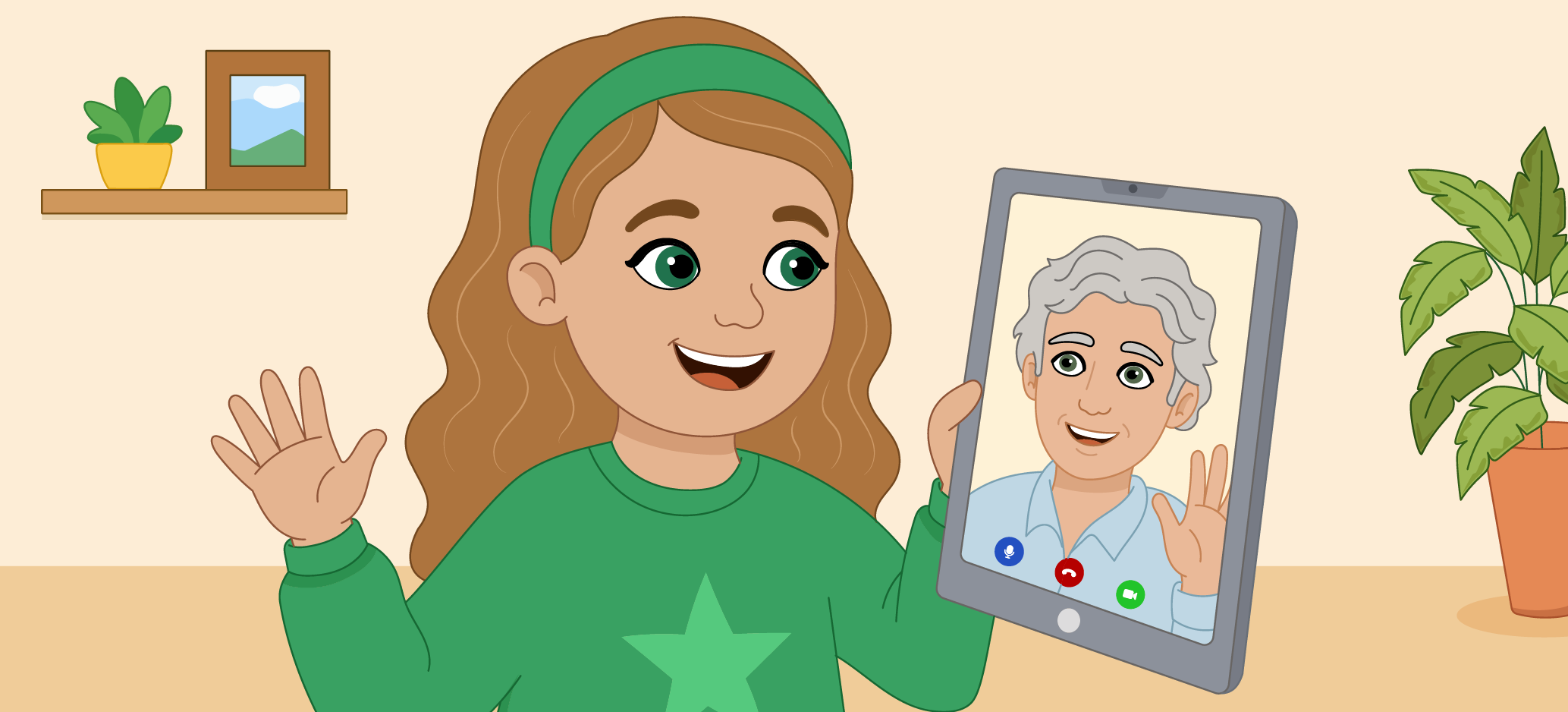
Illustration of a smiling girl waving during a video call on a tablet with an older family member.
RSE & PSHEYear 2

Lesson 1: What can we do online and how can we do it safely?

View lesson
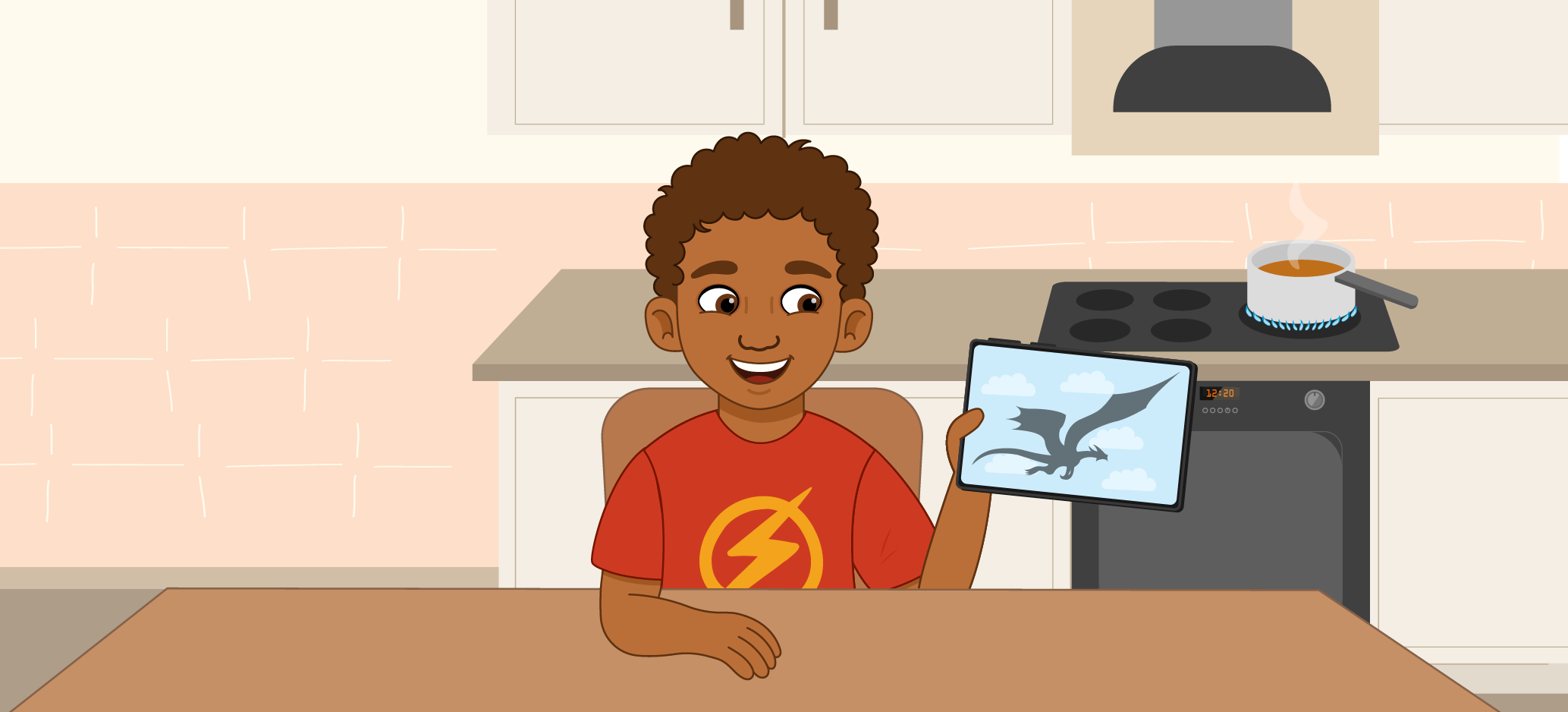
Illustrated child holding a tablet with a dragon image while sitting in a kitchen near a boiling pan on the stove.
RSE & PSHEYear 2

Lesson 5: Is everything we see online real?

View lesson
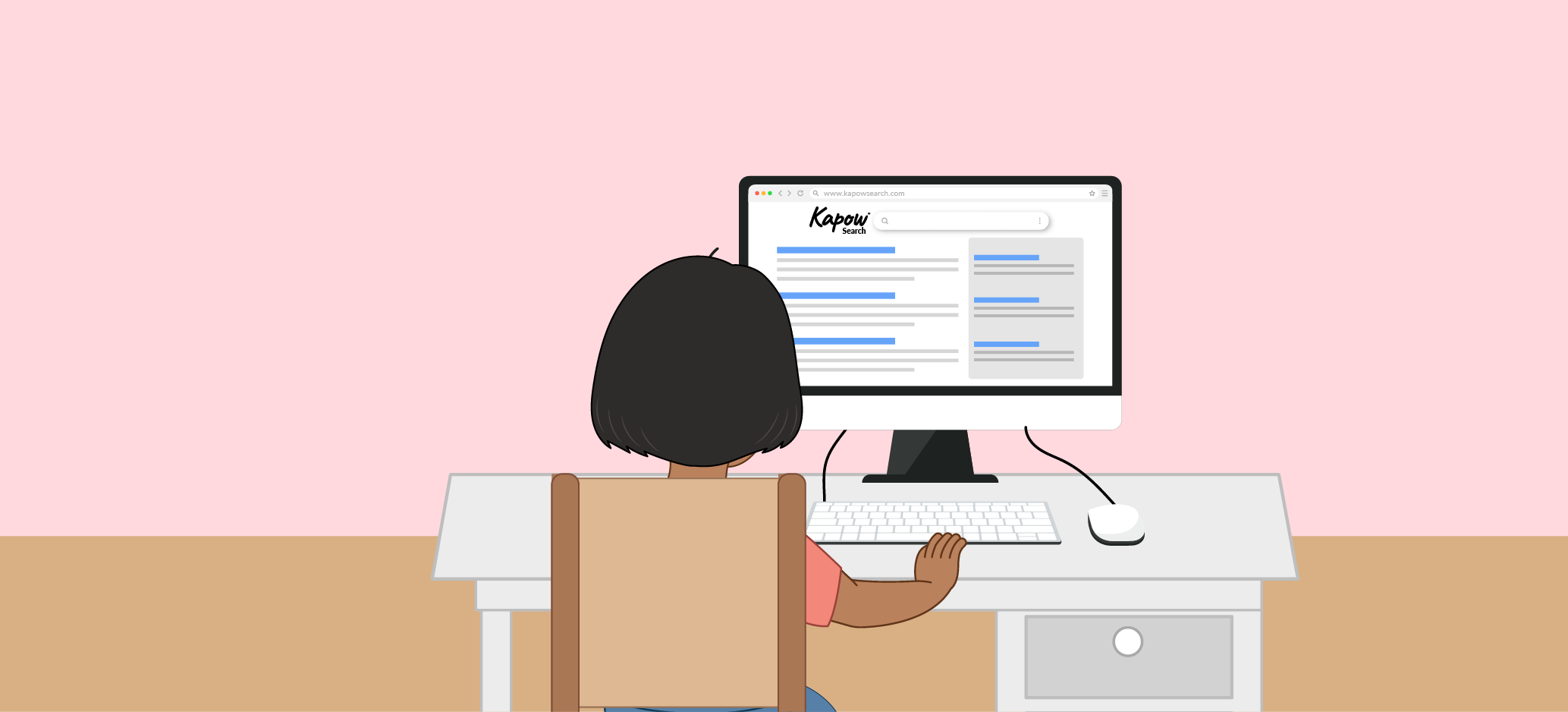
Illustration of a child using a desktop computer to search online.
RSE & PSHEYear 4

Lesson 5: How can we use multiple sources to check online information?

View lesson
Use presentation mode

Share lessons with your friends and colleagues for free.

  • Join
  • Free trialLogin

    Start using Kapow for free

    No credit card required

    Free trial
    Children celebrating in a school hall

    Used in 8,390 schools!