




- Subjects >
- Computing >
- Key stage 1 >
- Year 2 >
Unit outcomes
Pupils who are secure will be able to:
- Understand that a computer takes inputs, follows instructions in a program and creates outputs.
- Use a computer to give inputs and create outputs.
- Identify input and output devices on a computer.
- Describe what input and output devices do.
- Recognise different types of computers and their uses.
- Use a username and password to log in to a shared computer or platform.
- Understand that passwords help keep information and work safe.
- Save, open and find their work on a computer.
Suggested prior learning
Computing systems: Using computers 1
Get started
Teacher video: Using computers 2 unit overview

Lessons
Lesson 1: Inputs and outputs
Lesson 2: Input and output devices
Lesson 3: Computers all around us
Lesson 4: Logging in and out safely
Lesson 5: Saving and finding files
Key skills
- Using a mouse, trackpad and/or touchscreen for a specific purpose.
- Using a keyboard for a specific purpose.

This content is for subscribers only. Join for access today.
Key knowledge
- Button presses and movements of the mouse, trackpad or touchscreen are inputs.
- That a screen or speaker produces an output.
This content is for subscribers only. Join for access today.
Key vocabulary
button (Y1)
computer (Y1)
This content is for subscribers only. Join for access today.
Equipment list
Equipment needed across all lessons in this unit.
This list does not include equipment which is usually readily available in the classroom (e.g pencils, A4 paper etc)
 Download
Full equipment list for the subject
Quantities marked × will update. Items without quantities are unaffected
- A selection of digital devices to practise taking screenshots ×15
- Large space such as a hall or playground. ×1
-
A device for playing music
×1 -
Three folders labelled ‘Pictures’, ‘Music’, and ‘Puzzles’
The equipment below is optional
- Glue sticks ×30
-
Sticky notes for labelling devices
×30 -
An item with a barcode
×1
This content is for subscribers only. Join for access today.
Related content
Unit resources

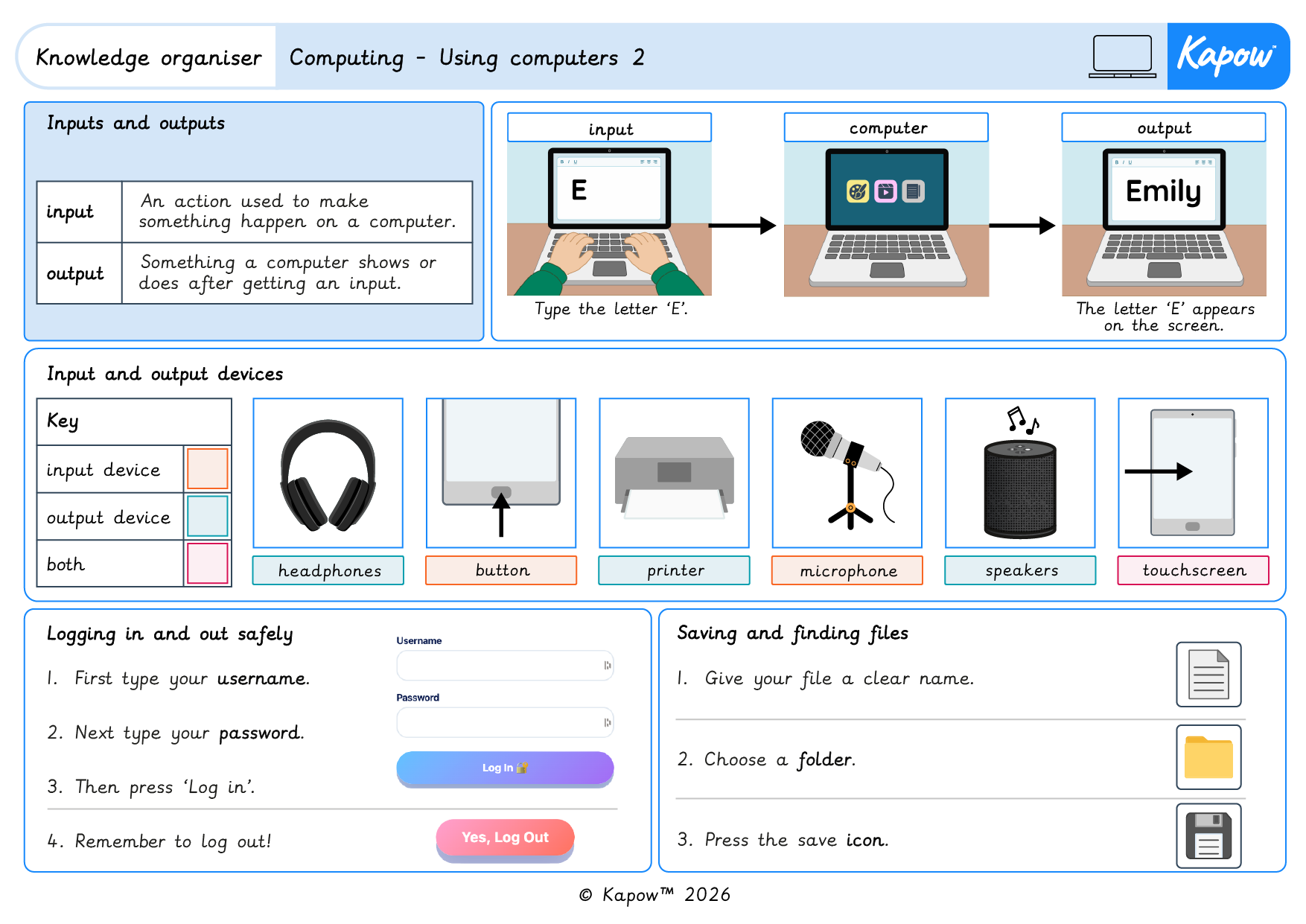
Knowledge organiser – Computing Y2: Computing systems: Using computers 2
Aimed at pupils, a single page which gives key facts and definitions from the unit ‘Using computers 2’.
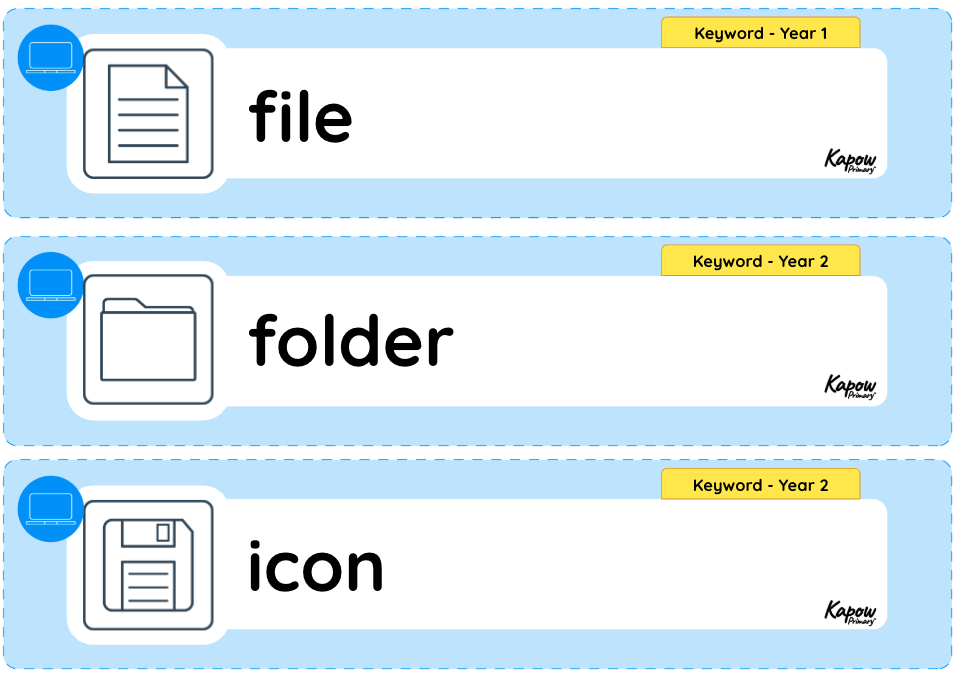
Vocabulary display – Computing Y2: Computing systems: Using computers 2
A display version of the vocabulary from the unit ‘Using computers 2’.
Cross-curricular opportunities
English: Spoken language.
