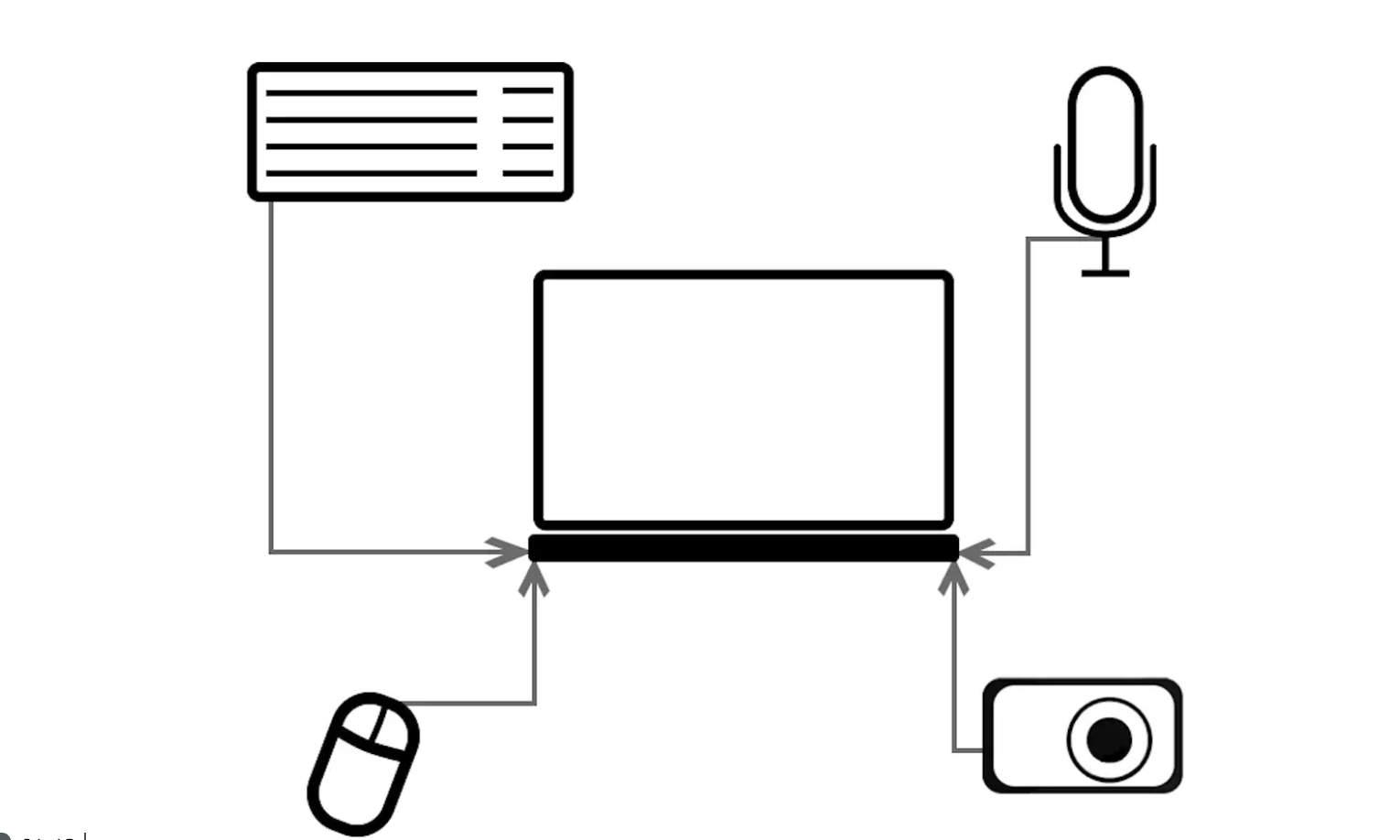
Lesson 1: Computer parts
Identifying the purpose of different parts of a computer.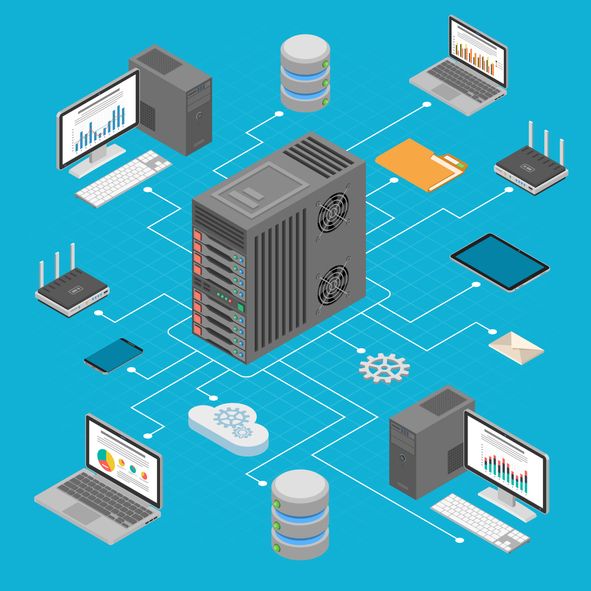
Learning objective
This content is for subscribers only. Join for access today.
Success criteria
This content is for subscribers only. Join for access today.
National curriculum
Cross-curricular links
Before the lesson
This content is for subscribers only. Join for access today.
Lesson plan
1. Recap and recall
Before starting this unit, check that the children can recall:
Log in and log out means to begin and end a connection with a computer.
A computer mouse can be used to click, drag, fill and select.
Passwords are important for security.
Adding backgrounds, text, layers, shapes and clipart in a digital art program. (The basics of Sketchpad are covered again in this unit.)
This content is for subscribers only. Join for access today.
Adaptive teaching
Assessing progress and understanding
Vocabulary definitions
Created by:
Maintained by: Kapow Primary teamLast update: 15 April 2026