




- Subjects >
- Computing >
- Key stage 2 >
- Year 6 >
Please note
Scratch is a project of the Scratch Foundation, in collaboration with the Lifelong Kindergarten Group at the MIT Media Lab. It is available for free at https://scratch.mit.edu.
Unit outcomes
Pupils who are secure will be able to:
- Explain that digital visuals are measured in pixels and that computers use x and y coordinates to describe position.
- Use coordinates in Scratch to place and move sprites accurately.
- Understand that rotations and turns are described in degrees and use this to control movement and create repeating patterns.
- Design and code a game that uses pixels, coordinates and degrees to control movement.
- Use nested loops to make code more efficient and recognise when loops need an end to avoid errors.
- Experiment with and adapt code during testing to improve and enhance a game.
- Systematically test, identify and fix bugs in programs, explaining what they changed and why.
- Evaluate their finished Scratch project and describe how it meets its purpose.
Suggested prior learning
Programming 2: BBC micro:bit
Get started
Teacher video: Scratch: Pixels and positions unit overview

Lessons
Lesson 1: Pixel power
Lesson 2: Target coordinates
Lesson 3: Rotate and repeat
Lesson 4: Programming a game
Lesson 5: Showcase and evaluate
Key skills
- Making links between different

This content is for subscribers only. Join for access today.
Key knowledge
To know:
-
This content is for subscribers only. Join for access today.
Key vocabulary
condition (Y4)
conditional statement (Y6)
This content is for subscribers only. Join for access today.
Equipment list
Equipment needed across all lessons in this unit.
This list does not include equipment which is usually readily available in the classroom (e.g pencils, A4 paper etc)
 Download
Full equipment list for the subject
Quantities marked × will update. Items without quantities are unaffected
- Scratch (website) ×1
-
Devices with internet access
×15 - Large space such as a hall or playground. ×1
-
Masking tape or chalk to create a 4 x 4 grid on the floor
×1 - Sticky notes ×30
This content is for subscribers only. Join for access today.
Related content
Unit resources


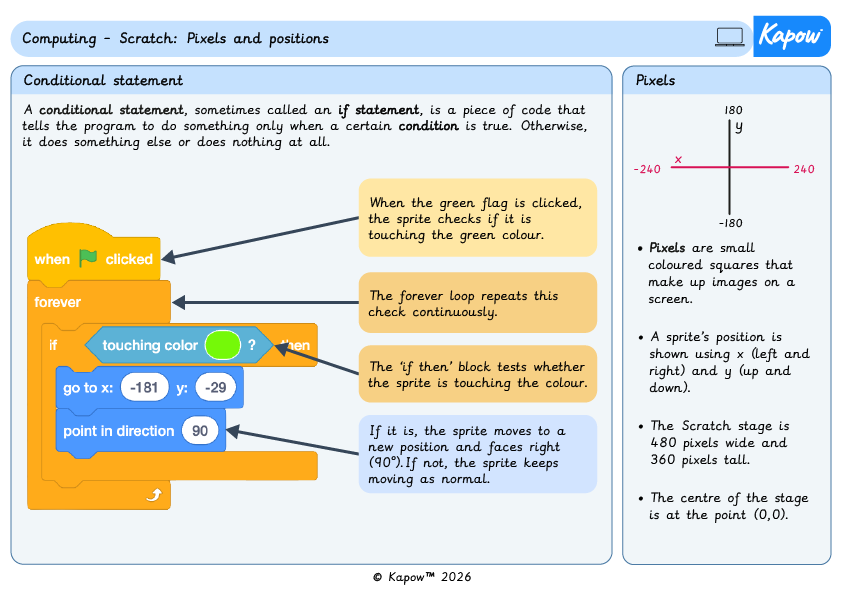
Knowledge organiser – Computing Y6: Pixels and positions
Aimed at pupils, two pages providing key facts and definitions from the unit 'Pixels and positions'.
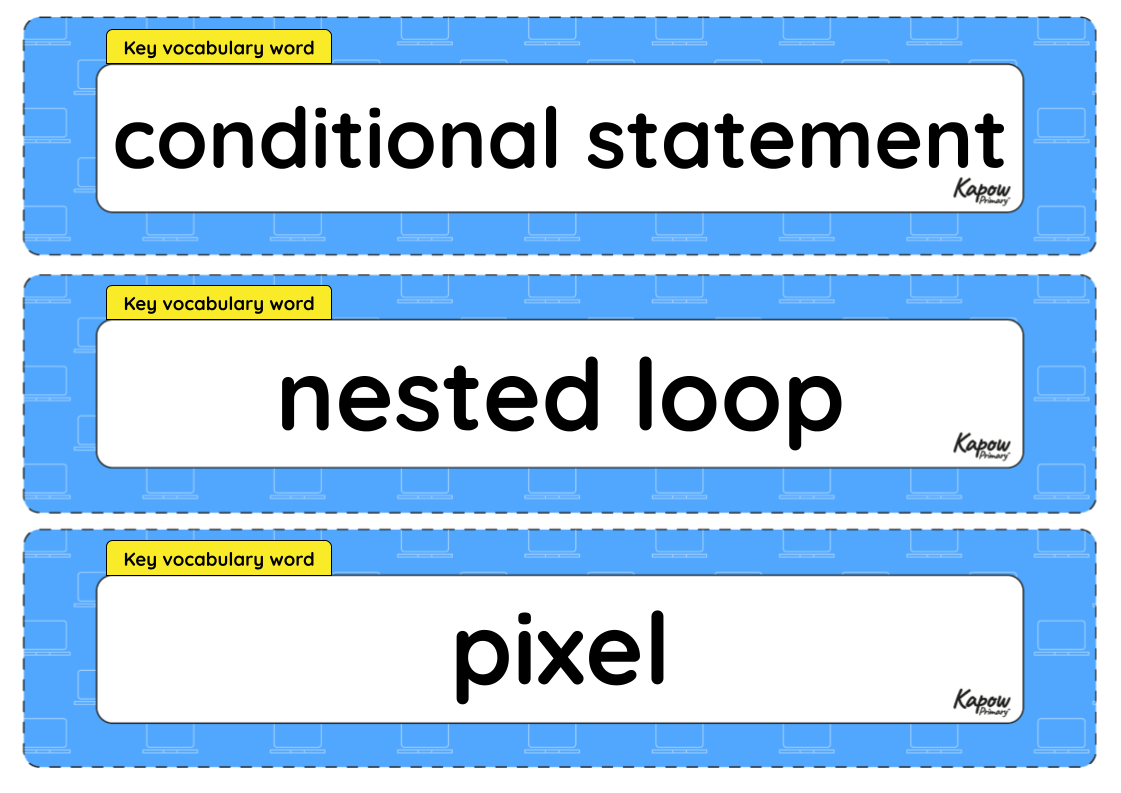
Vocabulary display – Computing Y6: Programming: Scratch: Pixels and positions
A display version of the vocabulary from the unit 'Pixels and positions'.
Subject resources
This content is for subscribers only. Join for access today.
Cross-curricular opportunities
English: Spoken language.
Mathematics: Geometry – position and direction; Number – number and place value.
Geography: Human and physical geography.
British values: Mutual respect.
Build on the learning
Programming: Exploring Python
Get started
