




Learning objective
- To be able to log in and log out of a device.
Success criteria
- I can describe what a login does and

This content is for subscribers only. Join for access today.
National curriculum
Computing
Pupils should be taught to:
This content is for subscribers only. Join for access today.
Cross-curricular links
English
Spoken language
Children should
This content is for subscribers only. Join for access today.
Before the lesson
This content is for subscribers only. Join for access today.
Lesson plan
Recap and recall
This activity revisits learning from Lesson 1: Recognising computers to help the children recall key knowledge. Show the Presentation: Computer quiz.
This content is for subscribers only. Join for access today.
Extended-mode explainer videos
How to extend your display to view the lesson page and presentation mode simultaneously. Choose your operating system below to watch the video
If you need further support with extending your display,
please contact [email protected].
Extended-mode explainer video: For Mac
Extended-mode explainer video: For Windows
Adaptive teaching
Pupils needing extra support:
- Could be given their username or password in exactly the same format as it appears on screen to support accurate typing when they log in.
- Could refer to a list of instructions or pictures of how logging in works at your school, which follows the ‘first, next, then’ format.
- Could use the Activity: Keyboard and alphabet support by colouring in the corresponding keys to help make the link between upper and lowercase letters when using their login.
- Could use headphones during the end of the Main event when using Chromelab Kandinsky if they are sensitive to sound.
Pupils working at greater depth:
- Should discuss some of the problems that would happen if people did not have individual logins, for example, around privacy or using computers for different purposes.
- Should be challenged to explain how they know a computer is ready for someone to log in, for example, by identifying a login screen and looking to see if any fields have been completed, or if a computer shows someone is already logged in.
- Should be encouraged to log in and out of the computer independently.
This content is for subscribers only. Join for access today.
Assessing progress and understanding
Pupils with secure understanding can:
- Describe that logging in gives the computer
This content is for subscribers only. Join for access today.
Vocabulary definitions
-
computer (Y1)
An electronic device that can follow instructions.
-
keyboard (Y1)
A part of a computer used to type letters and numbers.
This content is for subscribers only. Join for access today.


Maintained by: Kapow Primary team
Last update: 8th June, 2026

Lesson 3: Editing photos – Google
Exploring different effects, filters and editing tools used in transforming the look of photographic images...
Lesson 3: Editing photos – Microsoft
Exploring different effects, filters and editing tools used in transforming the look of photographic images...
Lesson 2: Picture data
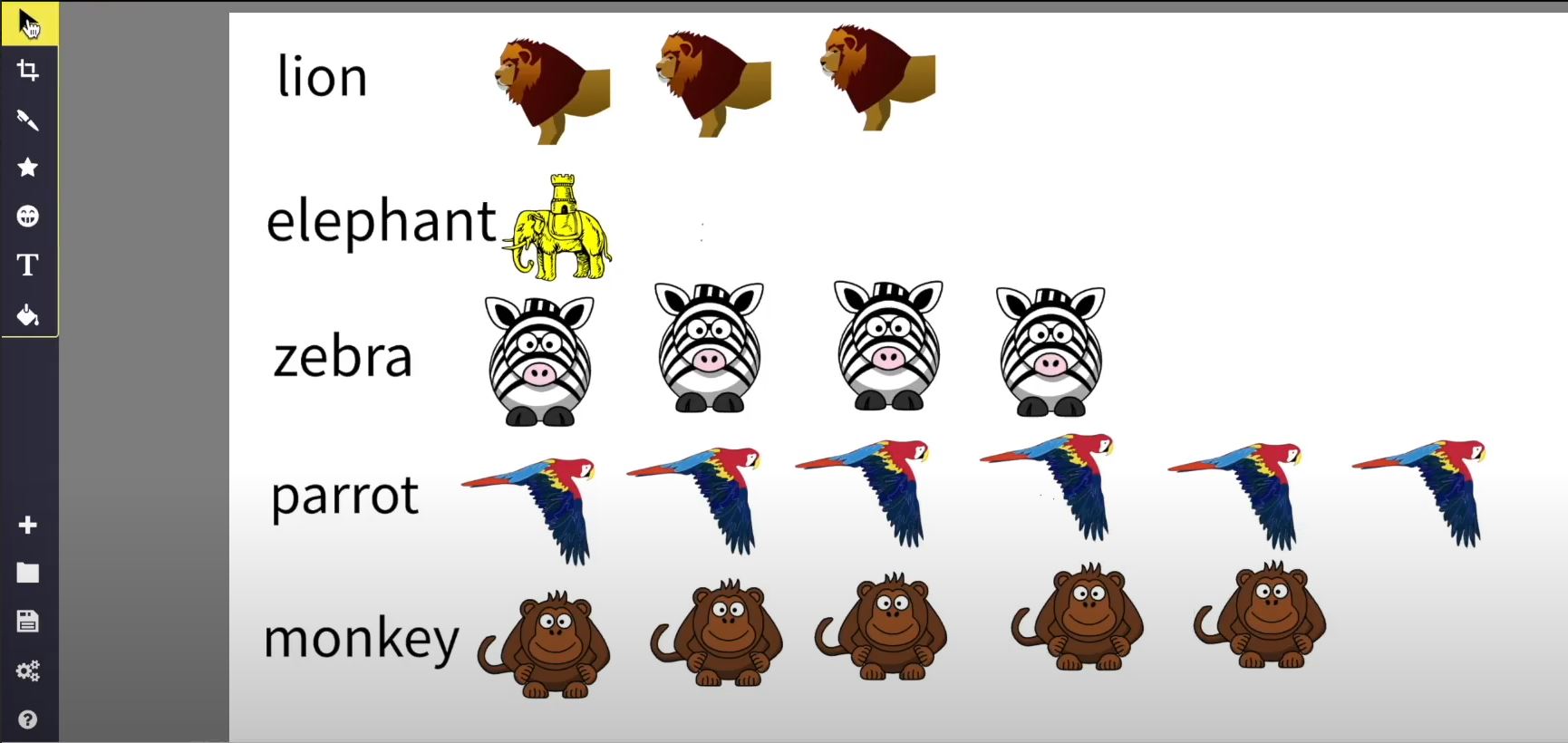
Using online software to visually represent data about zoo animals, creating a pictogram or chart.

Lesson 2: Rocket design
Using online drawing software to design and label a rocket.
