




Learning objective
- To recognise computers at home and school.
Success criteria
- I can identify examples of computers.
- I can describe

This content is for subscribers only. Join for access today.
National curriculum
Computing
Pupils should be taught to:
This content is for subscribers only. Join for access today.
Cross-curricular links
English
Spoken language
Children should
This content is for subscribers only. Join for access today.
Before the lesson
This content is for subscribers only. Join for access today.
Lesson plan
Recap and recall
As this is the first Computing unit in Key stage 1, there is no knowledge to recap with the children. In EYFS (Reception), children may have: Used devices and had some experience of using a mouse, keyboard, trackpad or touchscreen. Explored some real-world uses of technology in role plays (for example, supermarket checkouts or telephones).
This content is for subscribers only. Join for access today.
Extended-mode explainer videos
How to extend your display to view the lesson page and presentation mode simultaneously. Choose your operating system below to watch the video
If you need further support with extending your display,
please contact [email protected].
Extended-mode explainer video: For Mac
Extended-mode explainer video: For Windows
Adaptive teaching
Pupils needing extra support:
- Could use the labelled images on the Knowledge organiser to support recalling and naming computer parts.
- Could use the Pupil video: Computers are everywhere to identify examples of computers and what they are used for before sharing ideas.
- Could point to computer parts on real devices before naming them aloud.
Pupils working at greater depth:
- Should describe ways computers are used beyond school and home (for example, in supermarkets or train stations).
- Should explain what different computer parts are used for (for example, the screen shows pictures and words).
- Should identify a wider range of computers (for example, smart watches, games consoles or ticket machines).
This content is for subscribers only. Join for access today.
Assessing progress and understanding
Pupils with secure understanding can:
- Name examples of computers.
- Describe some things computers
This content is for subscribers only. Join for access today.
Vocabulary definitions
-
button (Y1)
Something that is pressed to make something happen.
-
computer (Y1)
An electronic device that can follow instructions.
This content is for subscribers only. Join for access today.
In this unit


Maintained by: Kapow Primary team
Last update: 10th September, 2026
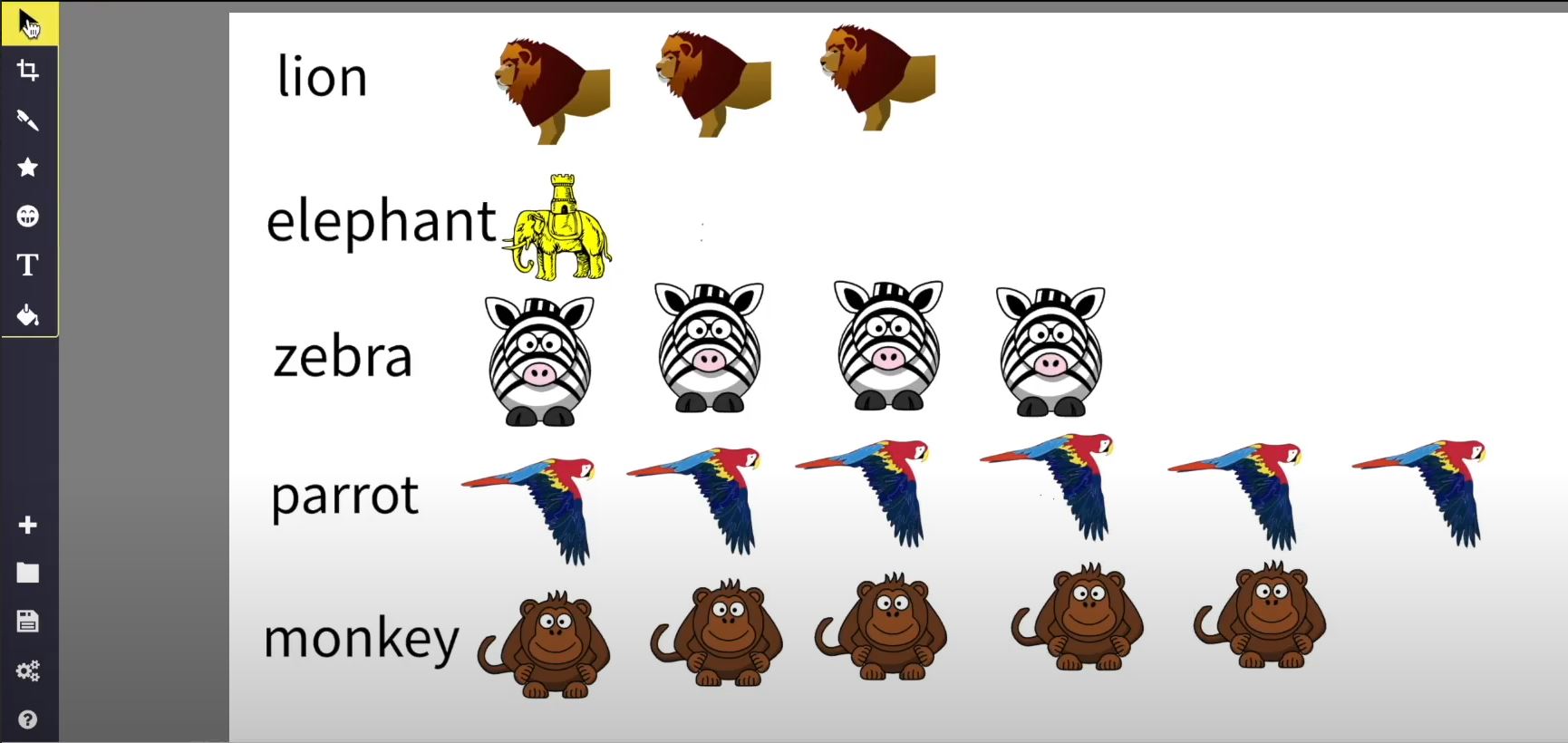
Lesson 2: Picture data
Using online software to visually represent data about zoo animals, creating a pictogram or chart.

*New* Lesson 3: Editing photos – Sketchpad
Exploring different effects, filters and editing tools used in transforming the look of photographic images...
Lesson 1: Tinkering with code
Tinkering with block coding.

Lesson 1: Getting to know the keyboard
Learning about the setup and layout of a keyboard and exploring the basics of touch...
