




Unit outcomes
Pupils who are secure will be able to:
- Incorporate key information from a client’s design request such as ‘multifunctional’ and ‘compact’ in their design brief.
- Write a program that displays an arrow to indicate cardinal compass directions with an ‘On start’ loading screen.
- Identify errors (bugs) in the code and suggest ways to fix (debug) them.
- Self and peer evaluate a product concept against a list of design criteria with basic statements.
- Identify key industries that use 3D CAD modelling and why.
- Recall and describe the name and use of key tools used in Tinkercad (CAD) software.
- Combine more than one object to develop a finished 3D CAD model in Tinkercad.
- Complete a product pitch plan that includes key information.
Suggested prior learning
Digital world: Monitoring devices
Get started
Lessons
Lesson 1: Navigating the world
Lesson 2: Programming a navigation tool
Lesson 3: Product concept
Lesson 4: 3D CAD models
Lesson 5: Product pitch
Key skills
- Writing a design brief

This content is for subscribers only. Join for access today.
Key knowledge
- To know that accelerometers
This content is for subscribers only. Join for access today.
Key vocabulary
application (apps)
biodegradable
This content is for subscribers only. Join for access today.
Equipment list
Equipment needed across all lessons in this unit.
This list does not include equipment which is usually readily available in the classroom (e.g pencils, A4 paper etc)
 Download
Full equipment list for the subject
Quantities marked × will update. Items without quantities are unaffected
- Highlighters ×30
-
Laptops / desktop computers / tablets to access BBC Micro: bit editor through an internet browser or app
×15 - Laptops ×15
- A3 card ×30
- Glue sticks ×30
- Scissors right- and left-handed options recommended. ×30
- Colouring pencils ×30
- Felt tip pens ×30
- Access to a printer ×1
The equipment below is optional
-
BBC micro:bits with battery packs or MI power cell boards and micro:bit cables
×30 - Flipchart ×1
This content is for subscribers only. Join for access today.
Related content
Unit resources


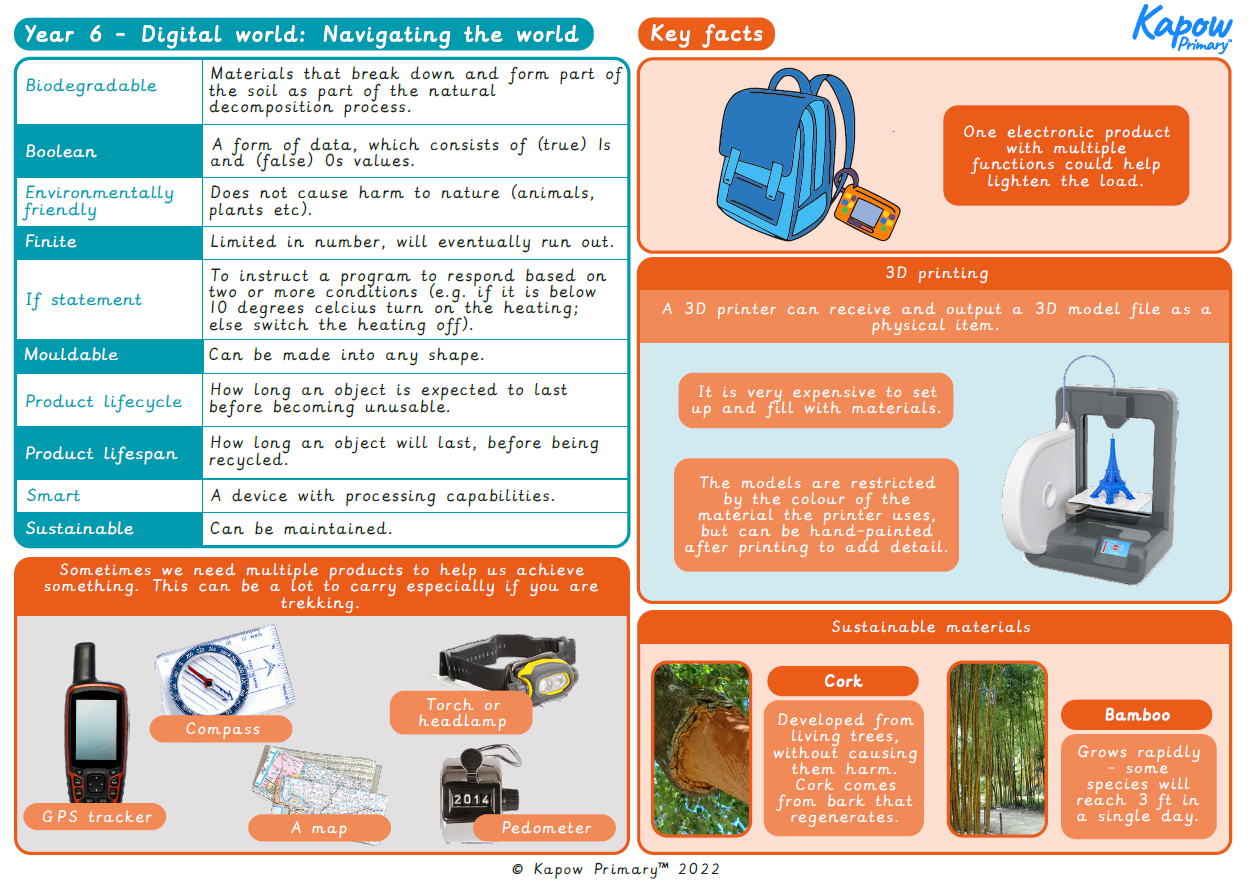
Knowledge organiser: DT – Y6 Digital world: Navigating the world unit
Aimed at pupils, a single page which gives key facts and definitions from the unit "Digital world: Navigating the world".
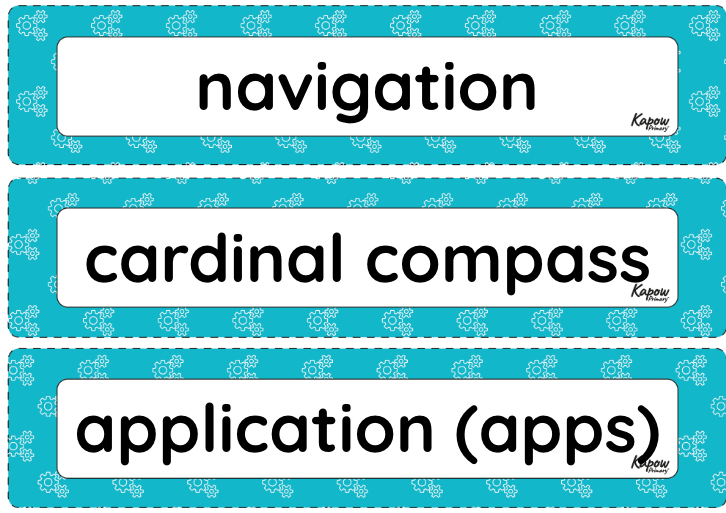
Vocabulary display – D&T Y6: Digital world: Navigating the world
A display version of the vocabulary from the unit 'Navigating the world'.
Subject resources
This content is for subscribers only. Join for access today.
Cross-curricular opportunities
English: Reading – comprehension, Spoken language
Computing – programming
Geography – sustainability
Build on the learning
Electrical systems: Steady hand game
Get started
Popular content
- Design and technology: Curriculum portal
- Design and technology: Curriculum information
- Y3 > Structures: Constucting a Castle > Lesson 3: Nets and Structures
- Y3 > Mechanical Systems: Pneumatic Toys > Lesson 1: Exploring Pneumatics
- Y4 > Textiles: Fastenings > Lesson 2: Designing my Book Sleeve
- Y4 > Electrical Systems: Torches > Lesson 3: Torch Design
