




Please note
This unit uses the BBC micro:bit, which is supported by the Micro:bit Educational Foundation and MakeCode, an online coding platform developed by Microsoft.
Unit outcomes
- Describe user needs for an outdoor adventure product and recognise some design constraints.
- Understand user needs by exploring and analysing existing products.
- Create 3D CAD designs to represent product ideas for an adventure tool that works as a pedometer and a compass.
- Refine designs through understanding constraints and suggesting improvements.
- Identify useful BBC micro:bit features for a specific product and program an input and output into the micro:bit to enable it to count steps and give directions.
- Test the code’s accuracy to ensure it works as intended and identify any changes needed to make it function properly.
- Use conditions to program compass points and explain why they need to be accurate for the product to work.
- Evaluate a product against a design criteria and explain what works well and what improvements could be made.
Play the Pupil video: Designing on Tinkercad before Lesson 2: Designing on Tinkercad. Allow time for pupils to log in and explore the tools so they become familiar with the software before designing. This helps ensure the lesson does not take longer than one hour.
Before Lesson 5: Reflecting on a product, save and print images of the pupils’ Tinkercad designs. Arrange four designs on each page for printing.
Suggested prior learning
Digital world: Monitoring devices
Get started
Lessons
Lesson 1: Outdoor adventure
Lesson 2: Designing on Tinkercad
Lesson 3: Coding a pedometer
Lesson 4: Coding a compass
Lesson 5: Reflecting on a product
Key skills
- Noticing wider-reaching problems or needs in the community.
- Identifying more complex problem statements that consider multiple factors and constraints with guidance.

This content is for subscribers only. Join for access today.
Key knowledge
- Problems can be large and small.
- Market research is a way of collecting information about problems or needs.
This content is for subscribers only. Join for access today.
Key vocabulary
aesthetic
alternative
This content is for subscribers only. Join for access today.
Equipment list
Equipment needed across all lessons in this unit.
This list does not include equipment which is usually readily available in the classroom (e.g pencils, A4 paper etc)
 Download
Full equipment list for the subject
Quantities marked × will update. Items without quantities are unaffected
- Devices with internet access ×15
- Compass ×30
- 3 example advert clips.. ×1
- Equipment to create adverts: A3 paper; colouring pencils or pens; printouts of Tinkercad designs; devices for recording video or sound; physical micro:bit (if available). ×15
The equipment below is optional
-
BBC micro:bits with battery packs if using tablets and micro USB cables if using laptops
×15
This content is for subscribers only. Join for access today.
Related content
Unit resources


Knowledge organiser – D&T Y6: Digital world: Navigating the world
Aimed at pupils, two pages which gives key facts and definitions from the unit 'Digital world: Navigating the world'.
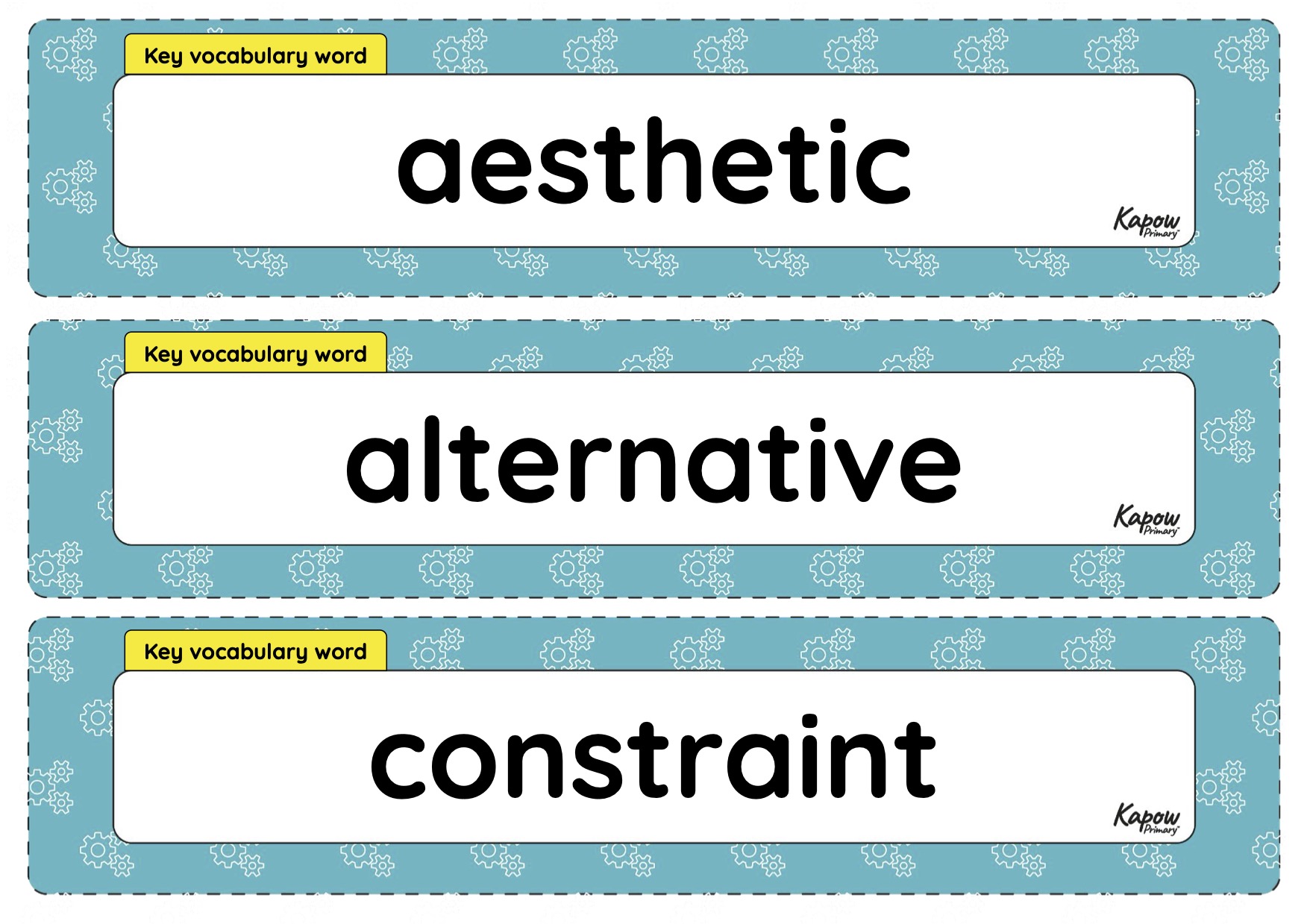
Vocabulary display – D&T Y6: Digital world: Navigating the world
A display version of the vocabulary from the unit 'Digital world: Navigating the world'.
Subject resources
This content is for subscribers only. Join for access today.
