




- Subjects >
- Computing >
- Key stage 2 >
- Year 5 >
- Programming 2 >
Please note
This unit uses the BBC micro:bit, which is supported by the Micro:bit Educational Foundation and MakeCode, an online coding platform developed by Microsoft.
Unit outcomes
Pupils who are secure will be able to:
- Explore and test simple programs on the micro:bit.
- Predict and describe how code will work before running it.
- Plan and create animations using LED displays.
- Use inputs, variables and conditions to build interactive programs.
- Create programs that react to sensor data, such as pedometers and weather checkers.
- Create a program that responds to real-time sensor readings.
- Test, debug and evaluate programs by identifying and fixing problems.
Suggested prior learning
Programming 1: Music
Get started
Teacher video: Exploring the BBC micro:bit

Lessons
Lesson 1: Tinkering with BBC micro:bit
Lesson 2: Programming an animation
Lesson 3: Programming a pedometer

Lesson 4: Using the temperature sensor
Lesson 5: Debug and evaluate
Key skills
- Making links between different

This content is for subscribers only. Join for access today.
Key knowledge
To know:
- Code may sometimes
This content is for subscribers only. Join for access today.
Key vocabulary
conditional statement
condition (LKS2)
This content is for subscribers only. Join for access today.
Equipment list
Equipment needed across all lessons in this unit.
This list does not include equipment which is usually readily available in the classroom (e.g pencils, A4 paper etc)
 Download
Full equipment list for the subject
Quantities marked × will update. Items without quantities are unaffected
- BBC micro:bit ×15
- Devices with internet access ×15
- BBC micro:bits and battery packs. ×15
- Micro USB cables if you’re using laptops ×15
- Sticky notes
- Large space ×1
- If you have no access to BBC micro:bits then use the online emulator available on the website (makecode.microbit.org). ×15
This content is for subscribers only. Join for access today.
Related content
Unit resources


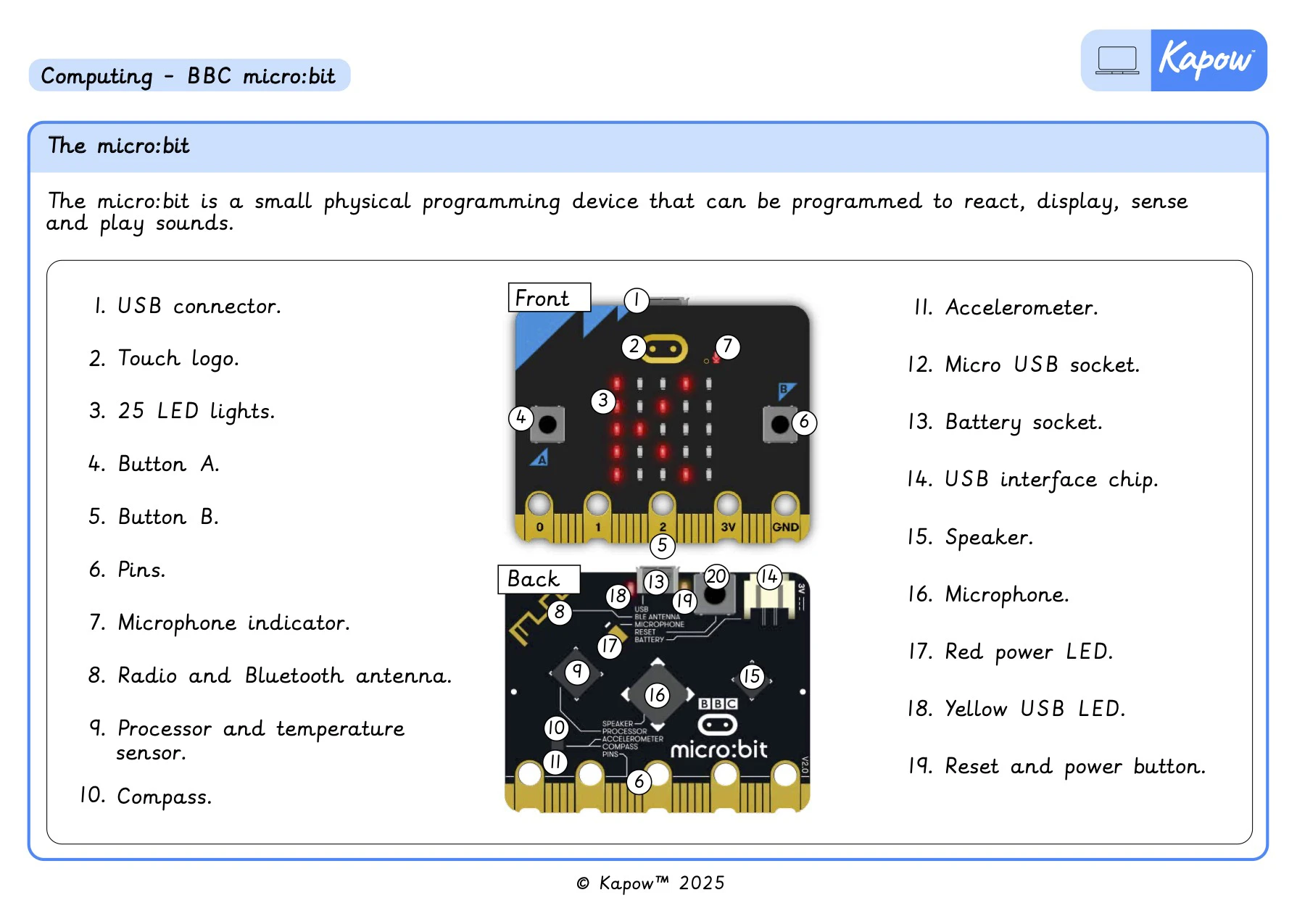
Knowledge organiser – Computing Y5: *New* Programming 2: BBC micro:bit
Aimed at pupils, two pages providing key facts and definitions from the unit ‘BBC micro:bit’.
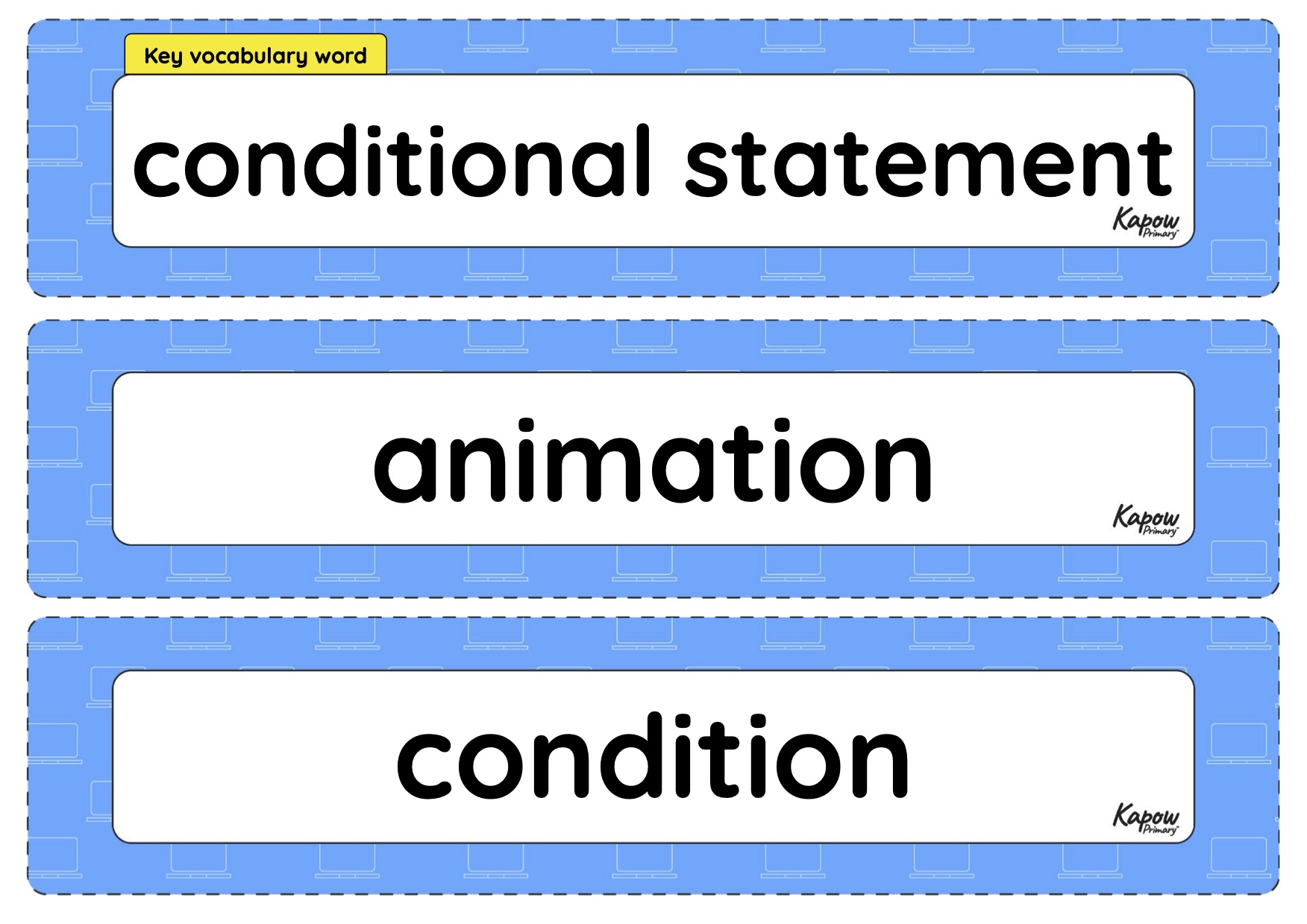
Vocabulary display – Computing Y5: New BBC micro:bit
A display version of the vocabulary from the unit 'BBC micro:bit'.
Subject resources
This content is for subscribers only. Join for access today.
Teacher coding skills videos
Cross-curricular opportunities
English: Spoken language.
Physical education.
Mathematics: Measurement.
Science: Working scientifically.
Build on the learning
Intro to Python
Get started
