year: Year 1
Summative assessment: Capturing learning outcomes
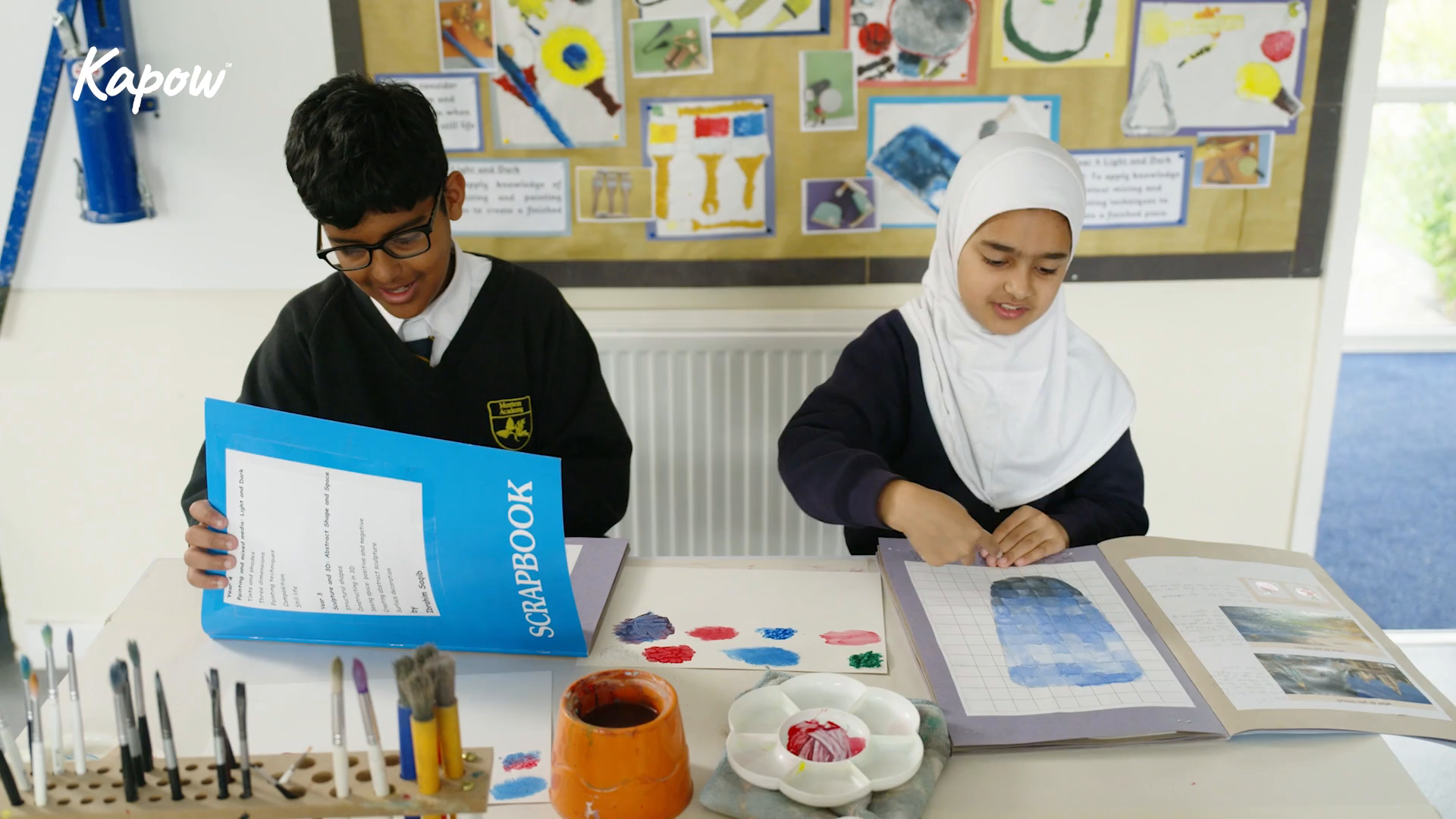
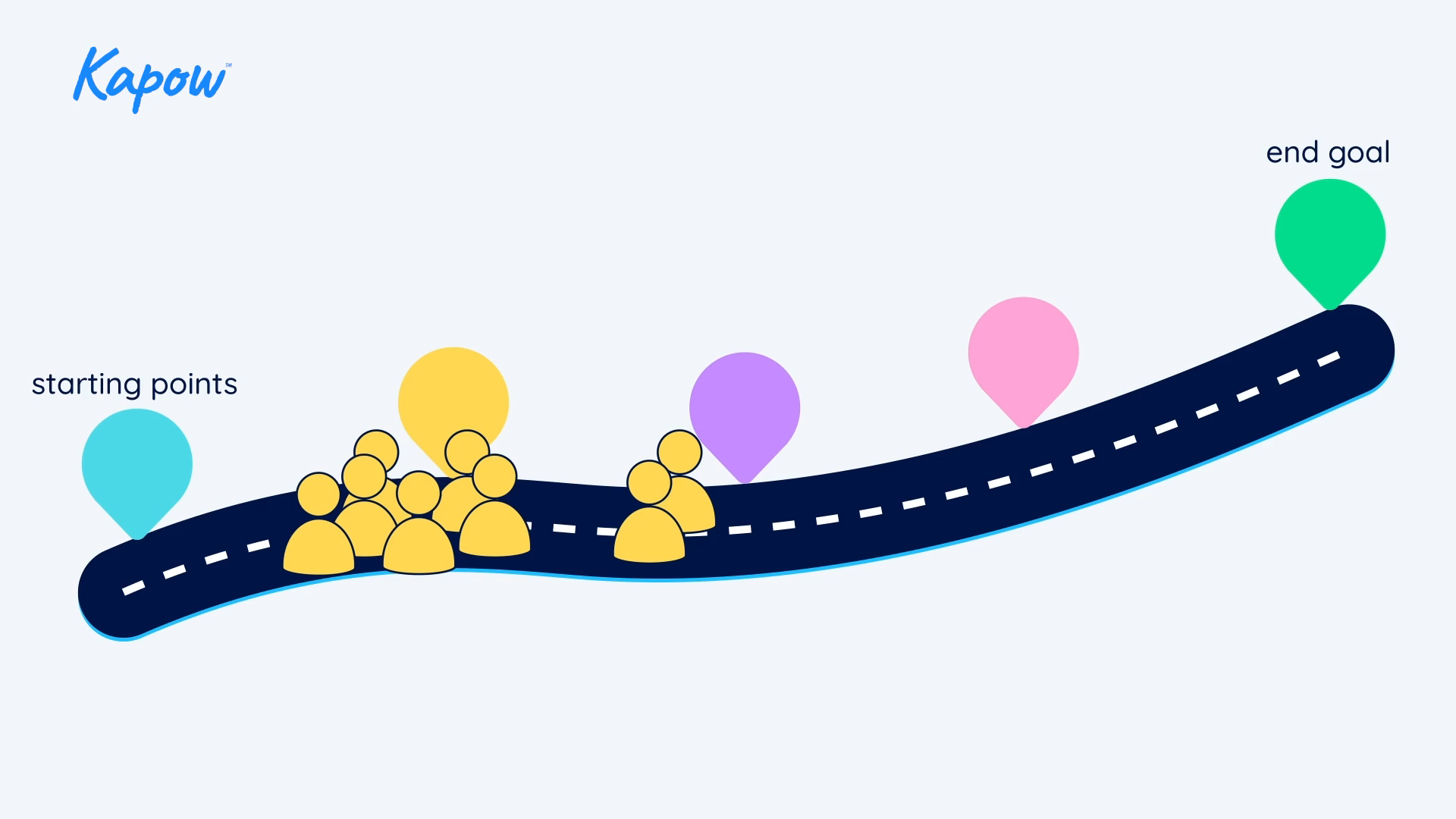
Formative assessment: Moving learning forward
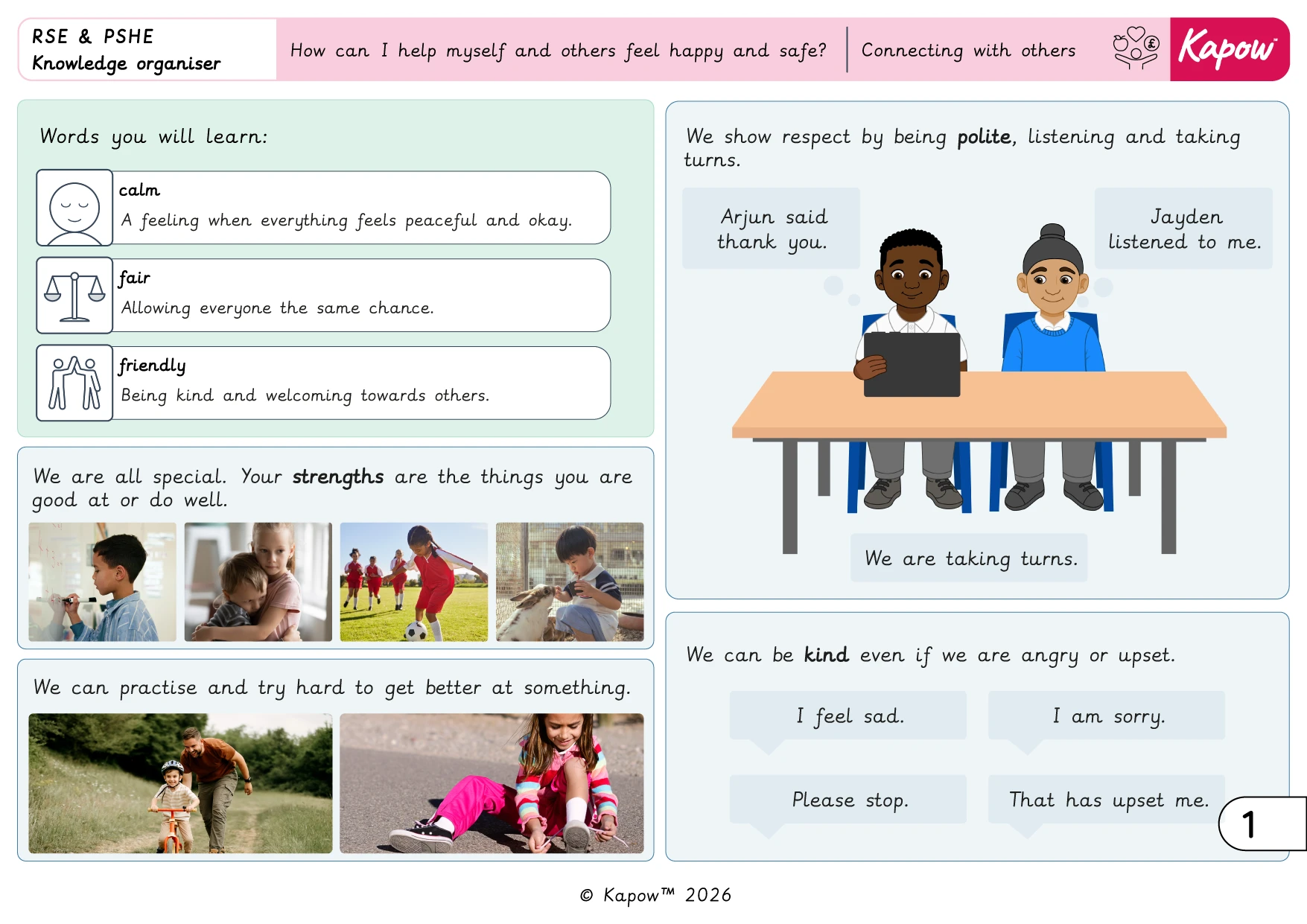
Knowledge organiser – RSE & PSHE Y1: Connecting with others: How can I help myself and others feel happy and safe?
2026 Music: Vocabulary progression

Note: The information in this resource can also be accessed online via the Music Curriculum portal.
For the previous version of this document, see: Pre-2026 Music: Vocabulary progression.
2026 D&T: Vocabulary progression

Note: The information in this resource can also be accessed online via the D&T Curriculum portal and Curriculum information pages.
For the previous version of this document, see: Pre-2026 D&T: Vocabulary progression.
2026 D&T: Personal development, SMSC and British values mapping
Note: The information in this resource can also be accessed online via the D&T Curriculum portal and Curriculum information pages.
For the previous version of this document, see Pre-2026 D&T: Personal development, SMSC and British values mapping.
2026 D&T: National curriculum coverage
Note: The information in this resource can also be accessed online via the D&T Curriculum portal.
For the current version of this document, see Pre-2026 D&T: National curriculum coverage.