




- Subjects >
- Computing >
- Key stage 1 >
- Year 1 >
Unit outcomes
Pupils who are secure will be able to:
- Name or point to examples of computers and describe some things they can be used for.
- Name some parts of a computer (mouse, keyboard, trackpad, screen, touchscreen).
- Explain that logging in gives the computer information about who is using it.
- Log in to and out of a computer with assistance.
- Name or describe a computer program and what it can be used for.
- Open and use Sketchpad (or another computer program).
- Explain that it is useful to save digital work so it can be accessed again.
- Follow instructions to save a file with an appropriate name.
- Name some connected devices and describe how they work together to achieve a task.
- Explain that to be online means to be connected to many other computers, which make up the internet.
Suggested prior learning
This is the first unit in the Kapow Primary Computing scheme.Lessons
Lesson 1: Recognising computers

Lesson 2: Logging in
Lesson 3: Using software
Lesson 4: Saving work
Lesson 5: Digital devices working together
Key skills
Identifying and operating hardware
- Using

This content is for subscribers only. Join for access today.
Key knowledge
To know:
- The names of
This content is for subscribers only. Join for access today.
Key vocabulary
app (application) (Y1)
button (Y1)
This content is for subscribers only. Join for access today.
Equipment list
Equipment needed across all lessons in this unit.
This list does not include equipment which is usually readily available in the classroom (e.g pencils, A4 paper etc)
 Download
Full equipment list for the subject
Quantities marked × will update. Items without quantities are unaffected
- Sketchpad Sketch.io software
- Digital device (internet-enabled) ×30
- Colouring pencils ×30
- A computer keyboard 1
The equipment below is optional
- Microsoft Paint
This content is for subscribers only. Join for access today.
Related content
Unit resources


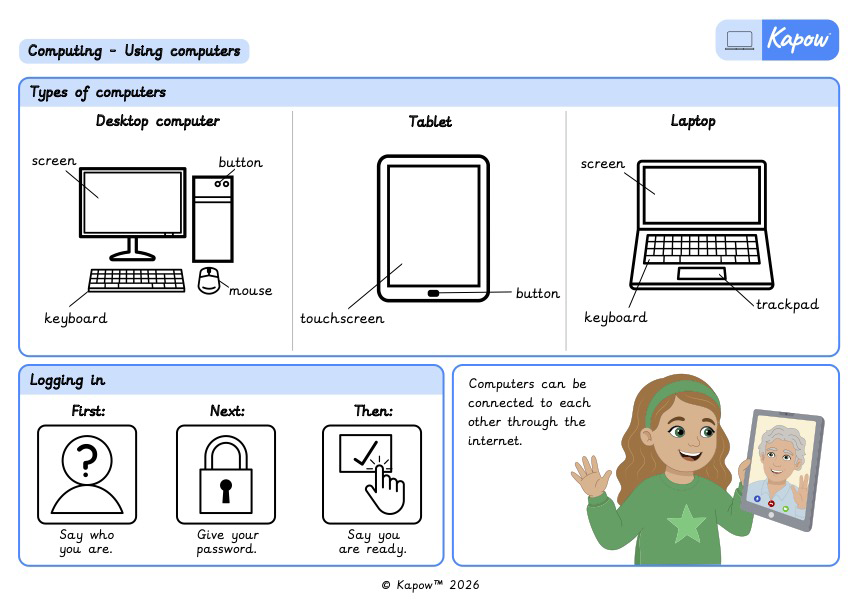
Knowledge organiser: Using computers
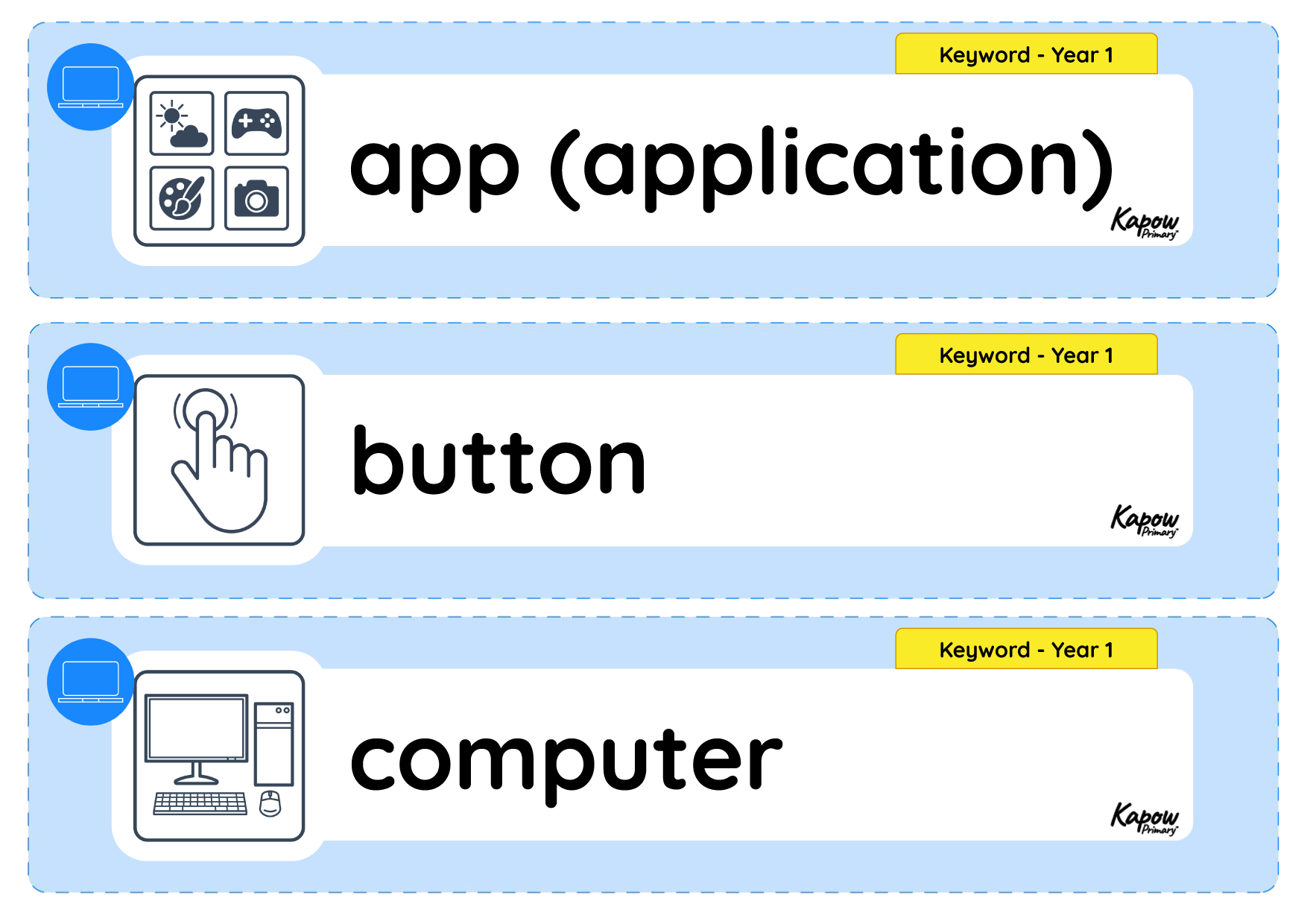
Vocabulary display: Using computers
A display version of the vocabulary from the unit ‘Using computers’.
Subject resources
This content is for subscribers only. Join for access today.
Cross-curricular links
English: Spoken language.
Maths: Measurement.
