




- Subjects >
- Computing >
- Key stage 2 >
- Year 4 >
Please note
Scratch is a project of the Scratch Foundation, in collaboration with the Lifelong Kindergarten Group at the MIT Media Lab. It is available for free at https://scratch.mit.edu.
Unit outcomes
Pupils who are secure will be able to:
- Identify how variables and if statements are used in Scratch games.
- Explain what a variable is, tracking and how a condition changes what happens.
- Create variables to keep and display scores.
- Use sensing blocks and if statements to control game actions.
- Combine variables, sensors and if/else blocks to build a multiplication game.
- Debug code by finding and fixing errors.
- Evaluate the game by explaining what worked well and what could be improved.
Suggested prior learning
Programming: Scratch
Get started
Teacher coding skills videos
Lessons
Lesson 1: Exploring variables and conditions
Lesson 2: Using conditions and sensors
Lesson 3: Planning a game
Lesson 4: Programming a game
Lesson 5: Evaluating a game
Key skills
- Working towards a given

This content is for subscribers only. Join for access today.
Key knowledge
To know:
- Breaking down a
This content is for subscribers only. Join for access today.
Key vocabulary
condition
if statement
This content is for subscribers only. Join for access today.
Related content
Unit resources


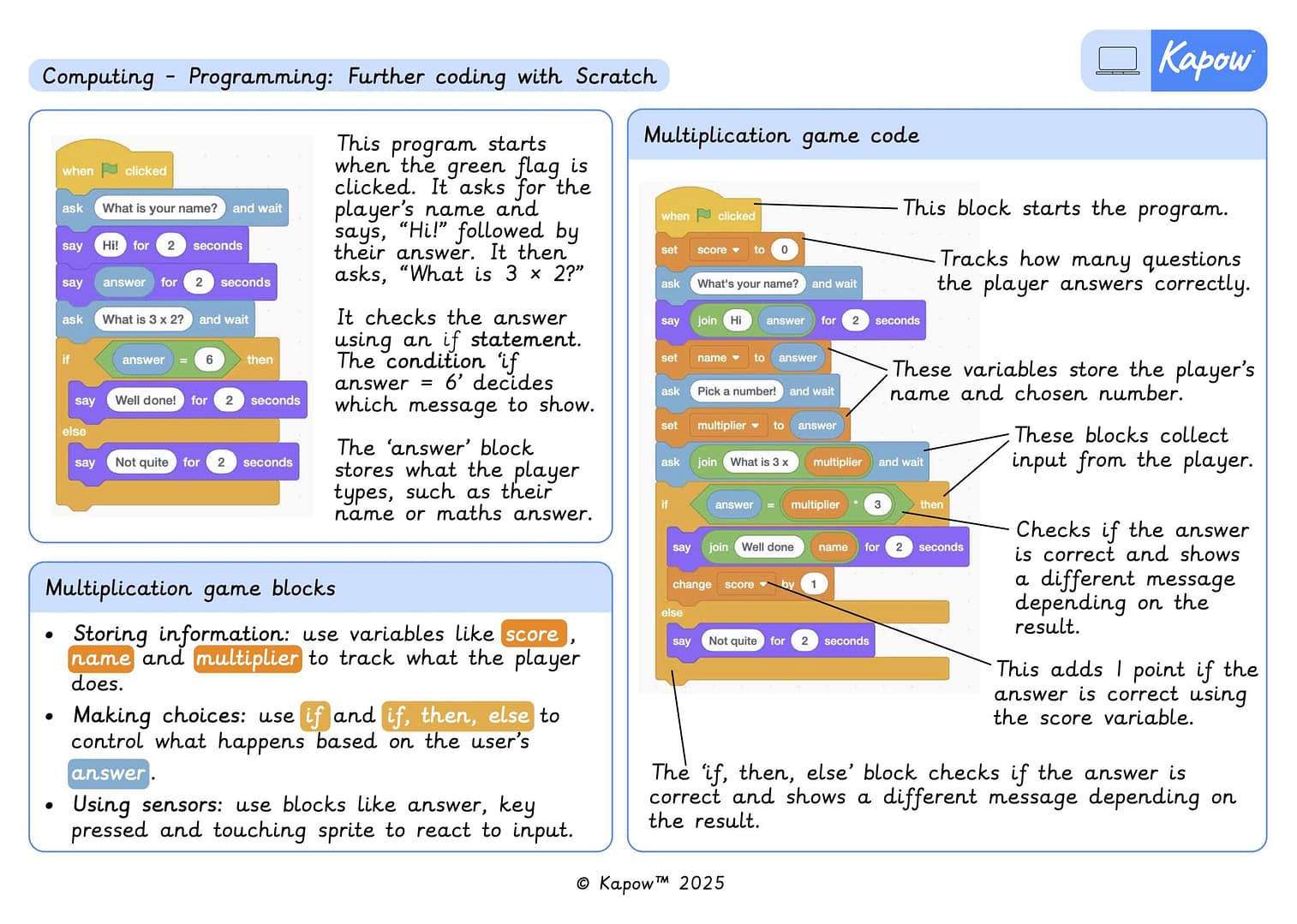
Knowledge organiser – Computing Y4: *New* Programming 1: Further programming with Scratch
Aimed at pupils, a double page document which gives key facts and details key concepts from the unit ‘Further programming…
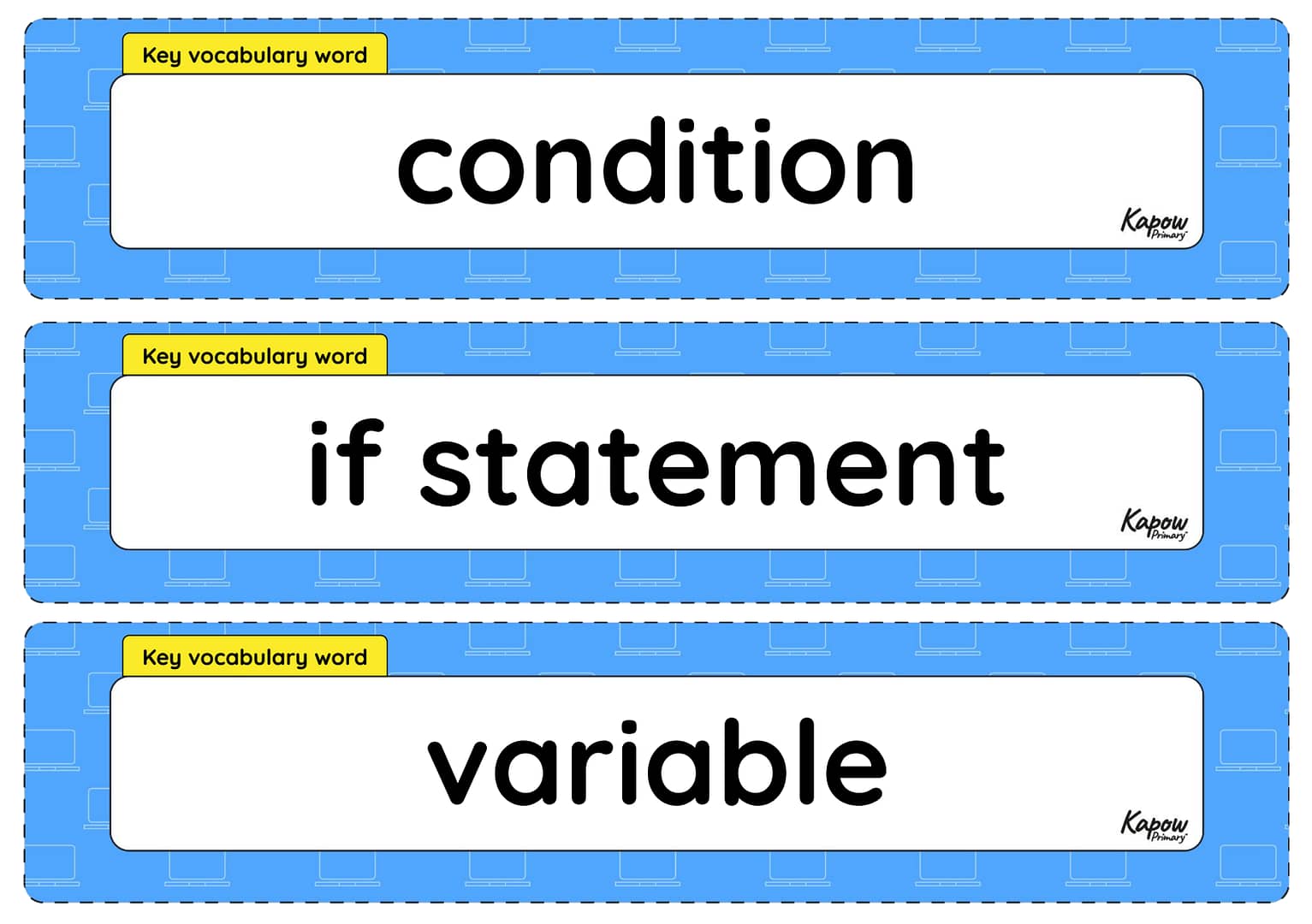
Vocabulary display – Computing Y4: *New* Further coding with Scratch
A display version of the vocabulary from the unit 'Further coding with Scratch'.
Subject resources
This content is for subscribers only. Join for access today.
Cross-curricular opportunities
Mathematics: Number – multiplication and division.
Suggested next steps
Programming 2: Computational thinking
Get started