




- Subjects >
- Computing >
- Key stage 2 >
- Year 3 >
Please note
Scratch is a project of the Scratch Foundation, in collaboration with the Lifelong Kindergarten Group at the MIT Media Lab. It is available for free at https://scratch.mit.edu.
Unit outcomes
Pupils who are secure will be able to:
- Identify Scratch as a coding application and explore its different code blocks.
- Make predictions about what code blocks will do and test these ideas.
- Create a simple animation by combining motion, speech and wait blocks.
- Plan how to remix an existing animation by choosing which parts to change.
- Alter and remix code to create a new version of an animation.
- Test and debug animations to fix problems and improve the code.
- Reflect on the changes made, explaining what worked well and what could be improved.
Suggested prior learning
Option 1: Programming 2: MakeCode
Get started
Teacher coding skills videos
Lessons
Lesson 1: Tinkering with Scratch
Lesson 2: Storytelling in Scratch
Lesson 3: Planning a remix
Lesson 4: Remixing an animation
Lesson 5: Evaluating an animation
Key skills
- Working towards a given

This content is for subscribers only. Join for access today.
Key knowledge
To know:
- Decomposition is the
This content is for subscribers only. Join for access today.
Key vocabulary
loop
This content is for subscribers only. Join for access today.
Related content
Unit resources


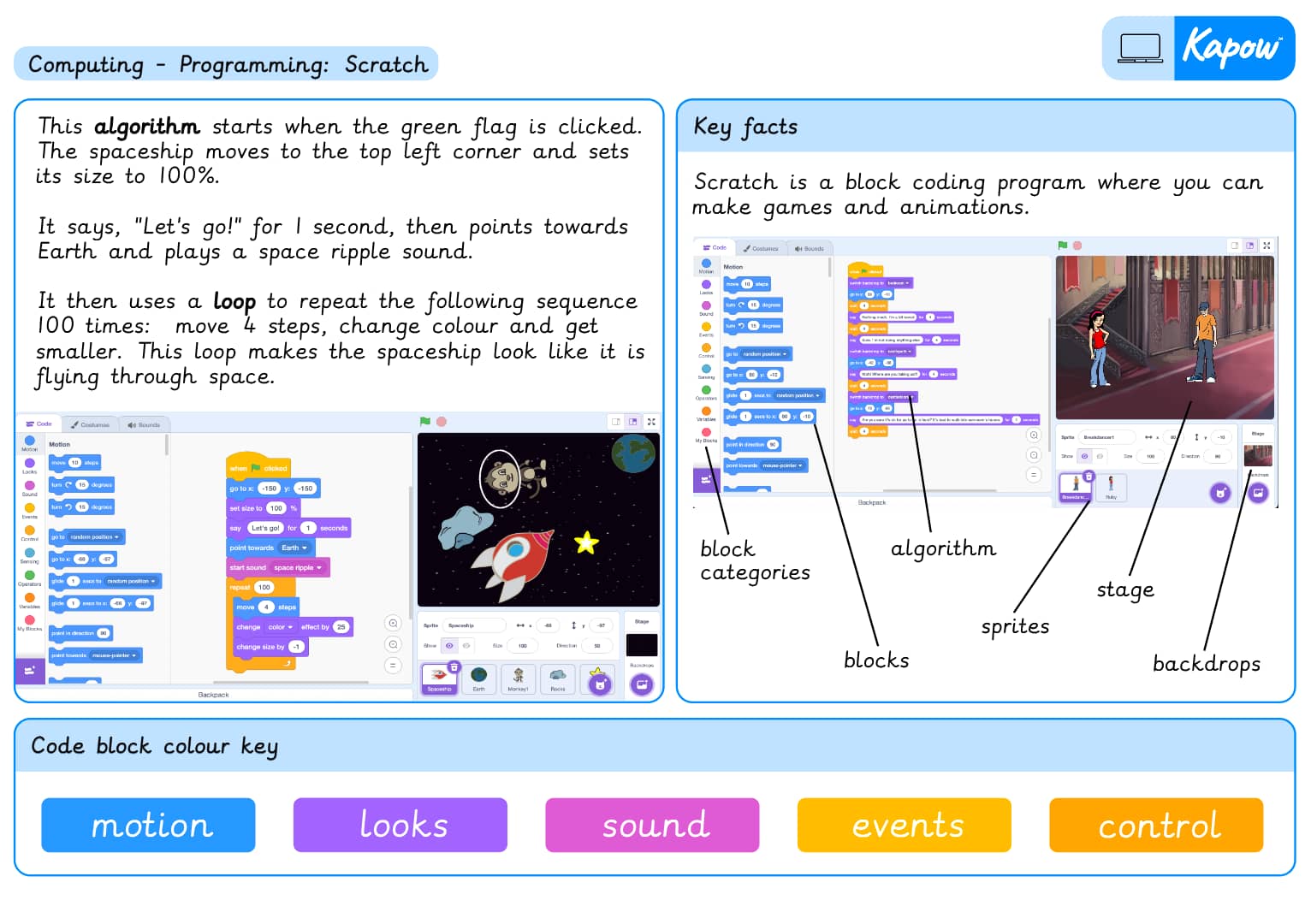
Knowledge organiser – Computing Y3: *New* Programming: Scratch
Aimed at pupils, a single page which gives key facts and definitions from the unit ‘*New* Programming: Scratch’.
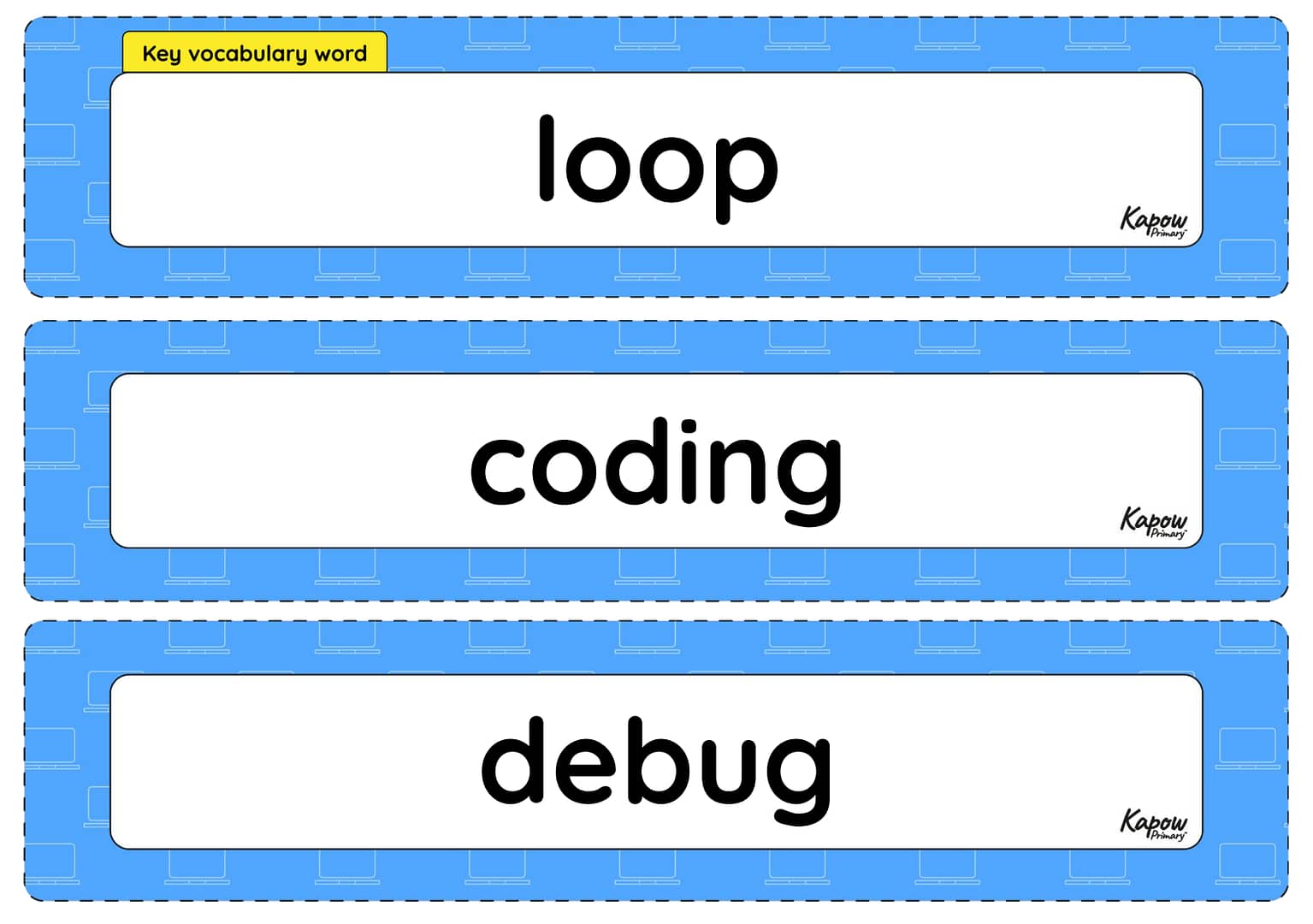
Vocabulary display – Computing Y3: *New* Programming Scratch
A display version of the key vocabulary from the unit 'Scratch'.
Subject resources
This content is for subscribers only. Join for access today.
Cross-curricular opportunities
English: Spoken language; Writing – composition.
Suggested next steps
ARCHIVED Year 4: Programming 1: Further coding with Scratch
Get started