




Before you continue

This unit is archived. Our revised unit is aligned to current guidance. Visit the new unit
Please note
This unit has now been replaced by the Year 2 unit Creating media: Stop motion. Kapow no longer updates these lessons, and they may not reflect the national curriculum or current guidance. They remain a permanent part of your subscription and will continue to be available for reference and use. We recommend that you explore the new versions of the lessons.
Unit outcomes
Pupils who are secure will be able to:
- Create a flip book animation.
- Create a short stop motion with small changes between images.
- Create an animation with two animated objects, one static and the other moving.
- Create a stop motion animation that fits the ‘sea’ theme.
Suggested prior learning
Lessons
Lesson 1: What is animation?
Lesson 2: What is stop motion?
Lesson 3: Adding effects
Lesson 4 and 5: Creation
Key skills
- Using software

This content is for subscribers only. Join for access today.
Key knowledge
- To understand
This content is for subscribers only. Join for access today.
Key vocabulary
Animate
Animation
This content is for subscribers only. Join for access today.
Related content
Unit resources


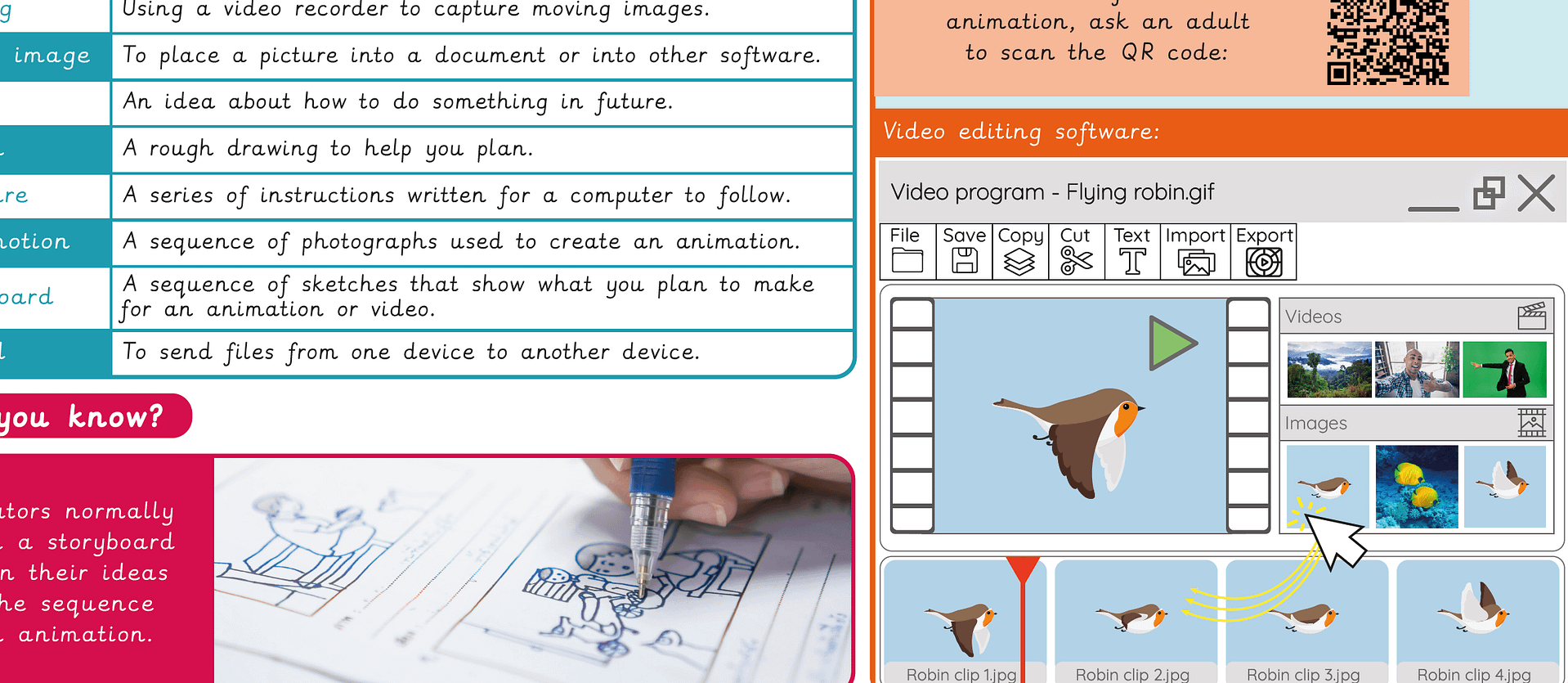
Knowledge organiser – Computing Y2: Stop motion
Aimed at pupils, a single page which gives key facts and definitions from the unit "Creating media: Stop motion".
Cross-curricular opportunities
Art and design.
Suggested next steps
Video trailers – Option 1: Using devices other than iPads
There are alternative options available for this unit.
