


To share a lesson with a parent please follow the instructions below:
1. Open and view the lesson you wish to share
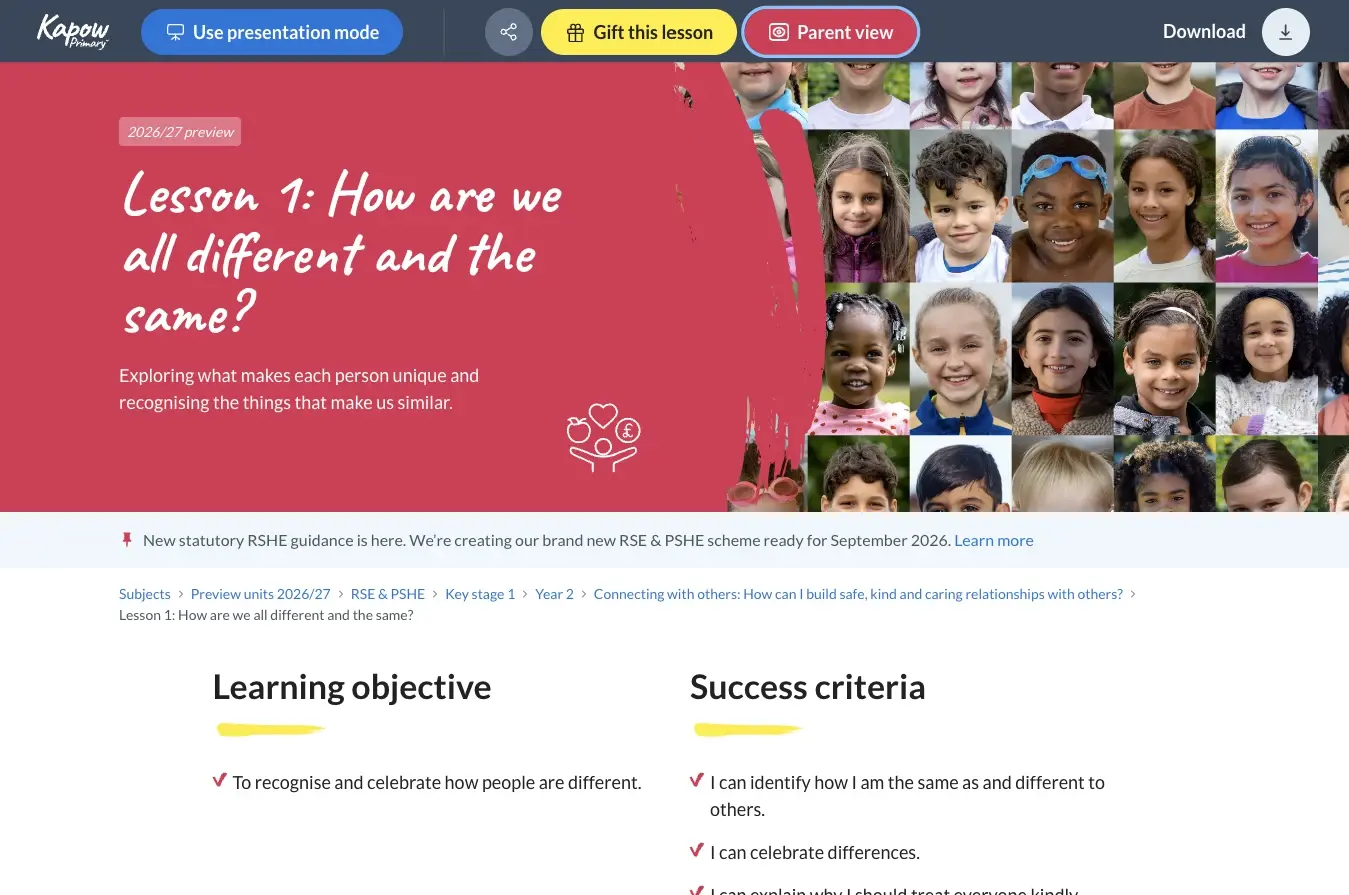
2. From the lesson, click on on the “Parent view” button in the action bar
3. After the Terms and Conditions, you should see a pop-up box with an area to add an email address
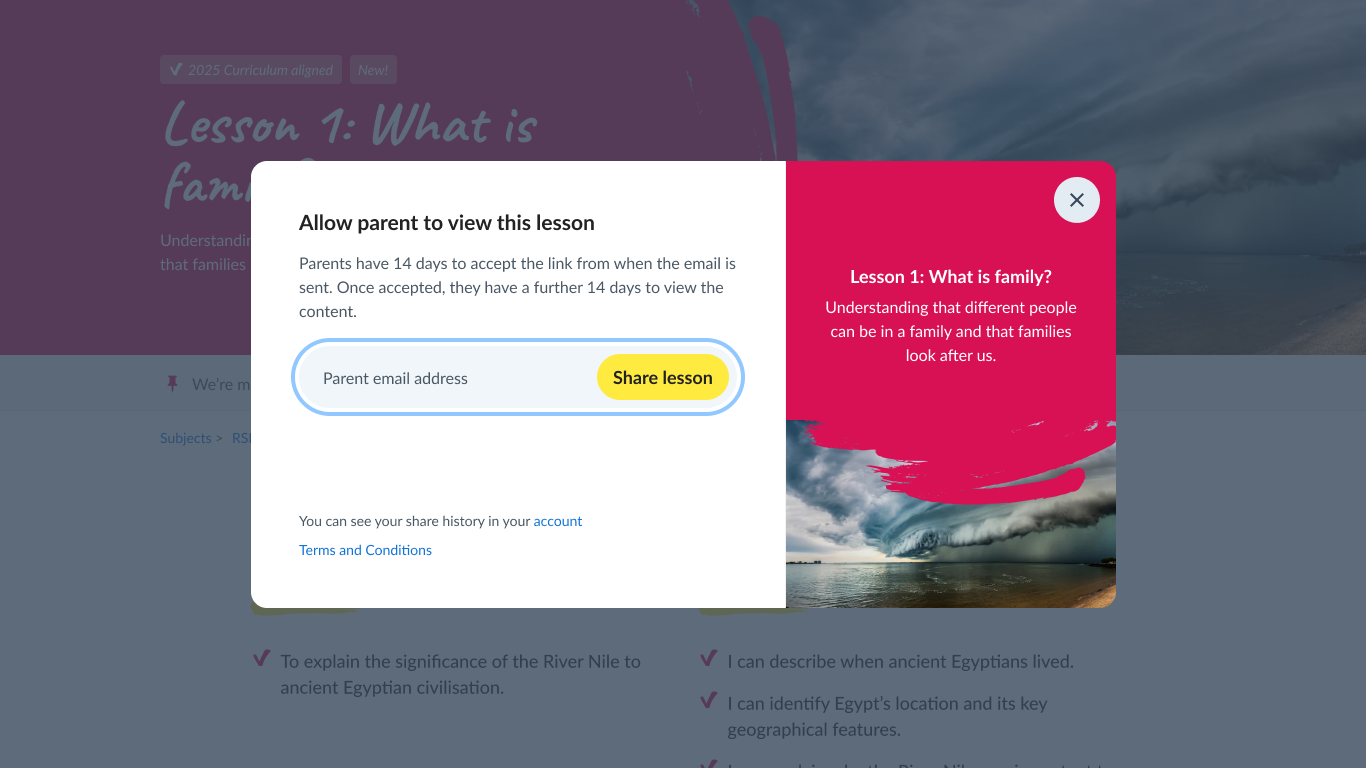
4. Press send invite and monitor your invitations from your account
Please note:
- You can permit unlimited parents at your school to view the RSE content
- Once the parent opens the link, they have 14 days to view the content
- If the parent does not open the link within 14 days, it will expire and you can reshare with them again
- Parents can view but cannot download or share the materials
- No account is required for parents to access the content
