




- Subjects >
- Computing >
- Key stage 2 >
- Year 4 >
Unit outcomes
Pupils who are secure will be able to:
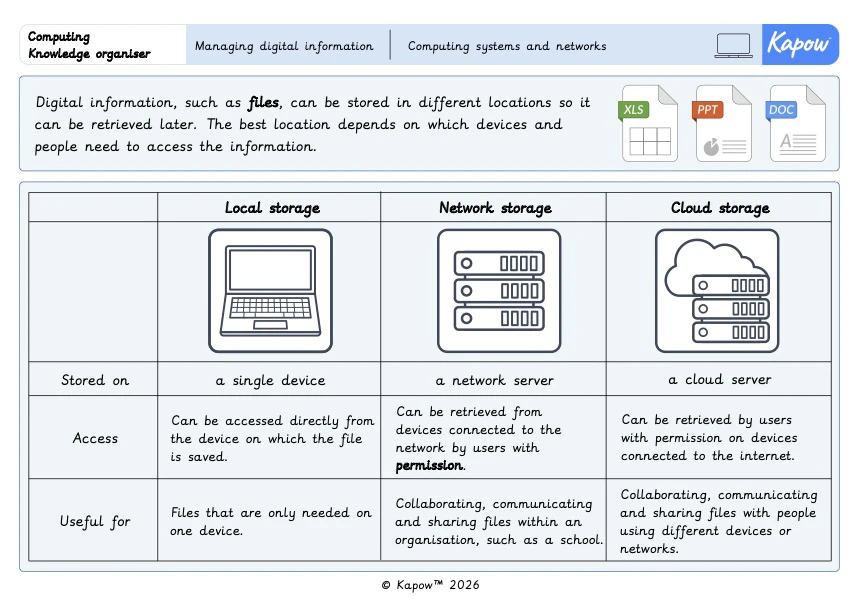
- Identify local, network and cloud storage and describe where files are stored in each.
- Choose a suitable storage location for different purposes.
- Create and name folders and nested folders to organise files.
- Give files clear, meaningful names so they are easy to retrieve.
- Save and retrieve files using local storage.
- Save and retrieve files using network storage.
- Access and edit a shared file using cloud storage.
- Collaborate and communicate responsibly using shared files and comments.
- Identify the features of a strong password and improve a weak password.
- Explain why passwords should be kept private and why different passwords should be used for different accounts.
Suggested prior learning
Computing systems: Connecting networks
Get started
Teacher video: Managing digital information unit overview

Lessons
Refreshed
Lesson 1: Storage
Refreshed
Lesson 2: Naming files and folders
Refreshed
Lesson 3: Network storage
Refreshed
Lesson 4: Cloud storage
Refreshed
Lesson 5: Staying secure online
Key skills
Key skills
- Communicate digitally with others.
- Saving and retrieving files from different places on a network.

This content is for subscribers only. Join for access today.
Key knowledge
- The internet enables collaboration and communication.
- That there are different places to save their work.
This content is for subscribers only. Join for access today.
Key vocabulary
account (Y2)
cloud (Y3/4)
This content is for subscribers only. Join for access today.
Related content
Resources
Unit resources

Computing
Knowledge organiser – Computing Y4: Computing systems: Managing digital information
Aimed at pupils, two pages providing key facts and definitions from the unit ‘Managing digital information’.
Computing
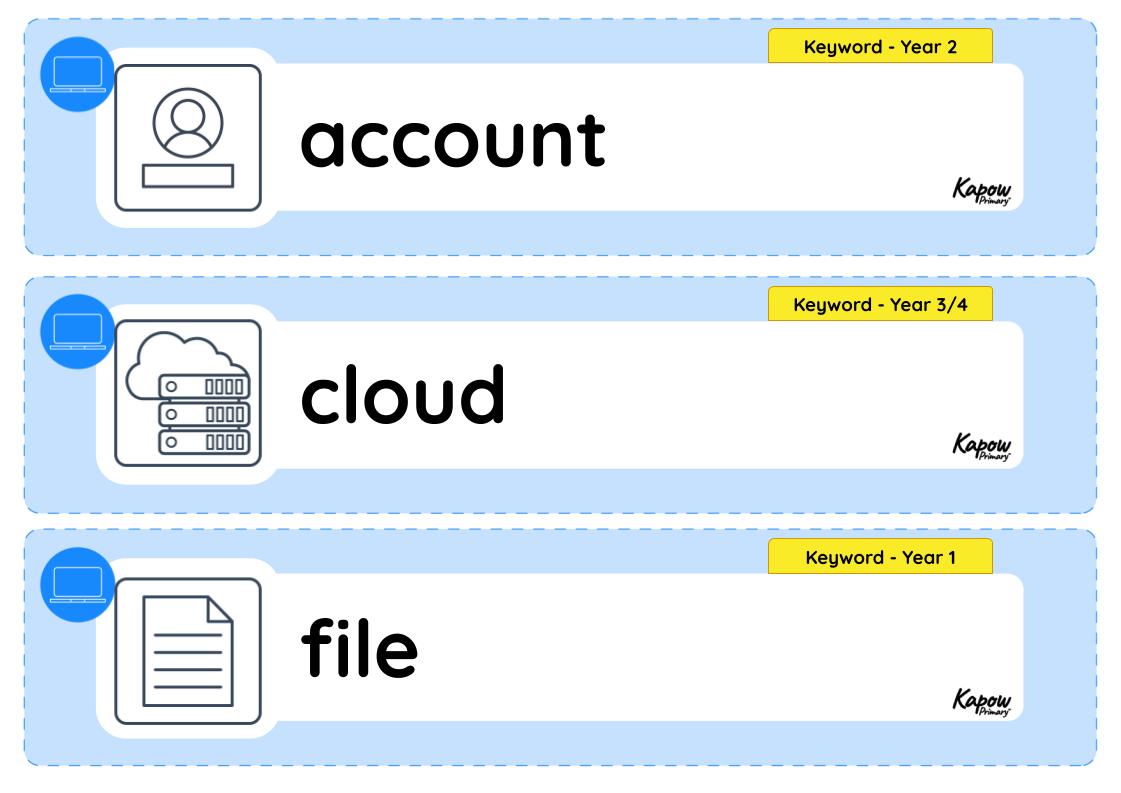
Vocabulary display – Computing Y4: Computing systems: Managing digital information
A display version of the vocabulary from the unit 'Managing digital information'.
Subject resources
This content is for subscribers only. Join for access today.
Cross-curricular opportunities
- Science – Working scientifically: developing questioning and enquiry skills by asking relevant questions and exploring how digital information can be stored, organised and accessed.
- RSE & PSHE – Health and wellbeing – Wellbeing online: exploring the benefits of digital storage and online collaboration while recognising the importance of protecting personal information and using online services responsibly.
- RSE & PSHE – Relationships education – Online safety and awareness: understanding how passwords, login details and permissions protect digital information and support safe sharing and collaboration online.
- British values – Mutual respect: developing respectful digital communication by collaborating on shared files, providing constructive feedback and considering how online comments affect others.
- British values – Democracy: practising shared decision-making through discussions, voting and collaborative activities, respecting different opinions and contributions.
Build on the learning
Computing systems: Websites, search and storage
Get started
