


Computing curriculum
This page is designed for Computing subject leaders to:
- View the Kapow Primary Computing curriculum in one convenient place.
- Discover the rationale behind Kapow Primary’s Computing curriculum.
- Find relevant information to support leading Computing.
The Curriculum and Assessment Review final report has been released. We’re reviewing the recommendations and planning for future updates.
For more information, see our Curriculum updates and FAQs pages.
Computing scheme of work
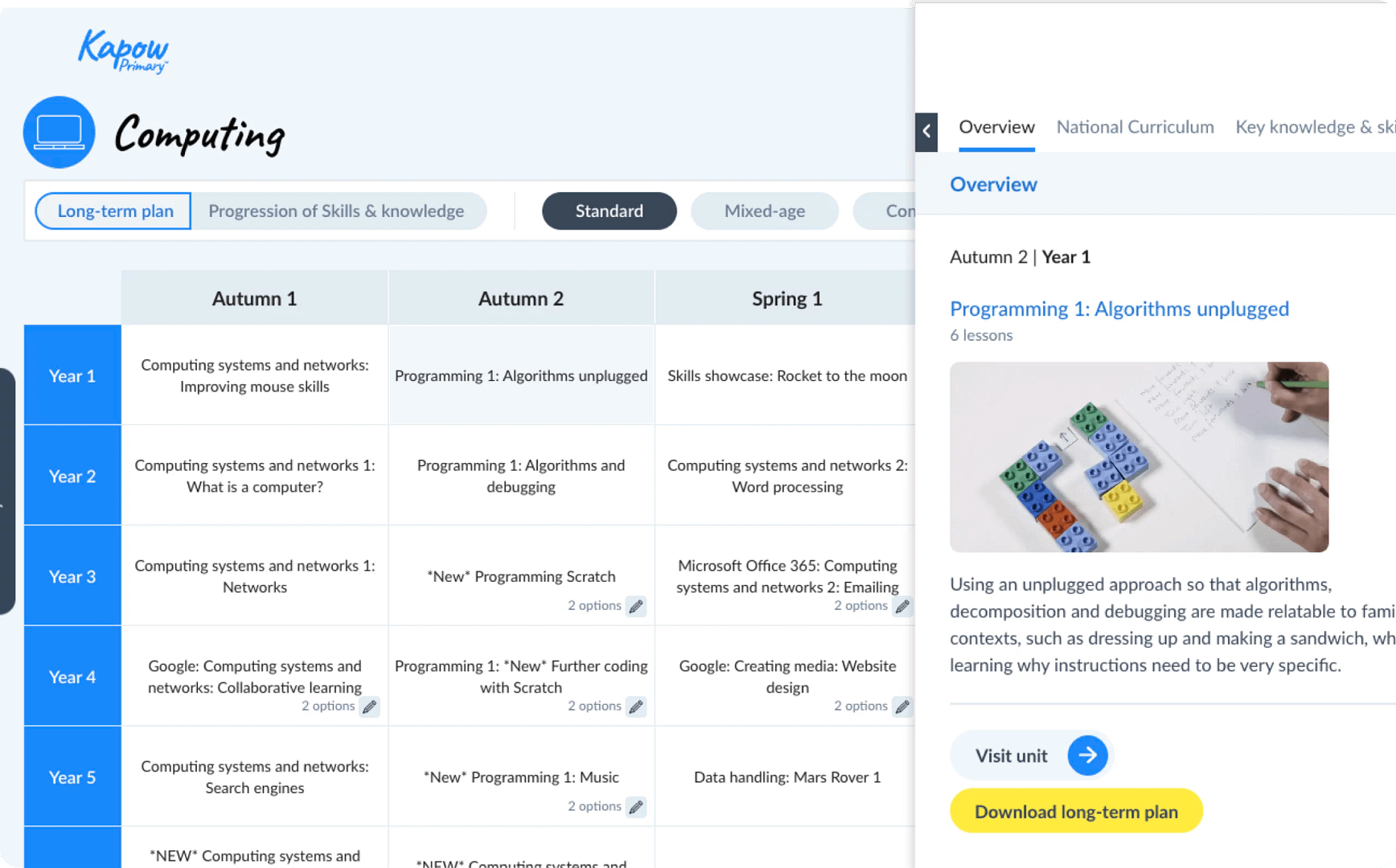
Contains public sector information licensed under the Open Government Licence v2.0
1. Intent
This section outlines the overall curriculum plan, including its structure, sequencing and the specific knowledge and skills students are expected to acquire.

Curriculum aims
Kapow Primary’s Computing scheme of work aims to inspire pupils to become curious and explorative thinkers with a diverse knowledge of the world – in other words, to think like computing experts. The intention is for pupils to develop the confidence to question and observe places, measure and record necessary data in a variety of ways and analyse and present their findings.
The scheme aims to build an awareness of how Computing shapes lives at multiple scales and over time. The hope is to encourage pupils to become resourceful, active citizens who will have the skills to contribute to and improve the world around them.
The scheme supports teachers in developing their subject knowledge and skills, enabling the delivery of engaging, well-informed lessons with confidence. The curriculum is designed to be both accessible and ambitious, ensuring all learners’ full participation and potential achievement.

Statutory and non-statutory guidance
National curriculum
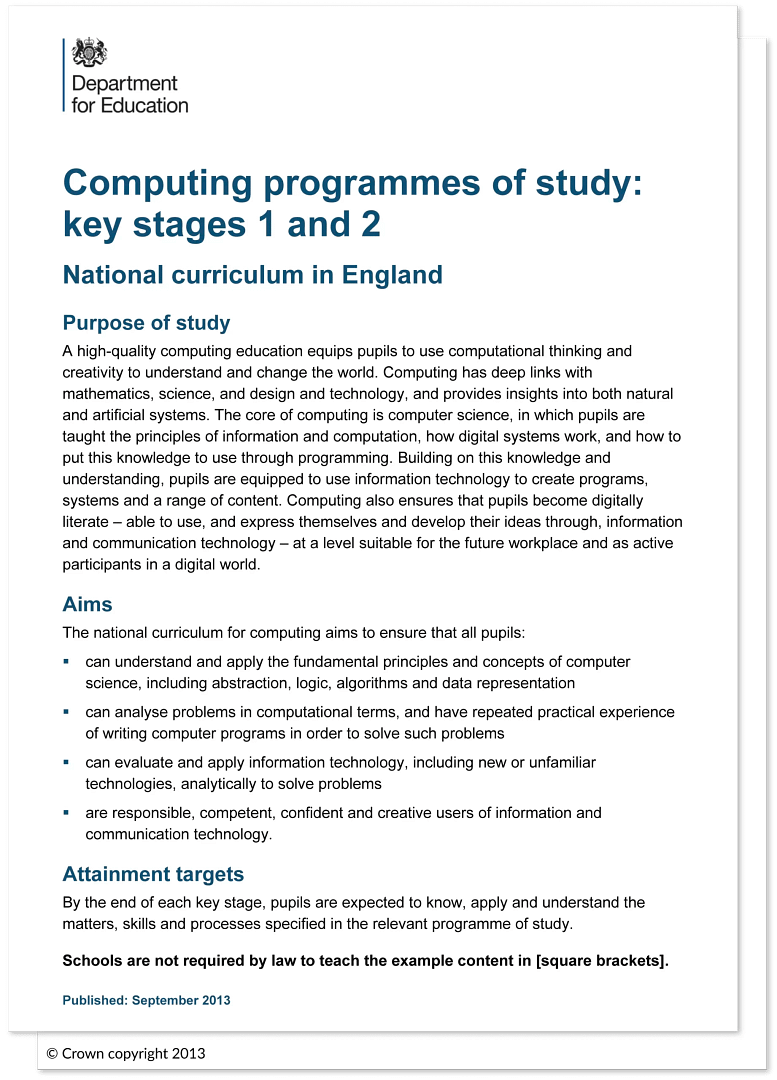
Kapow Primary’s standard, mixed-age and condensed schemes of work fulfil the statutory requirements for Computing outlined in the National curriculum (2014).
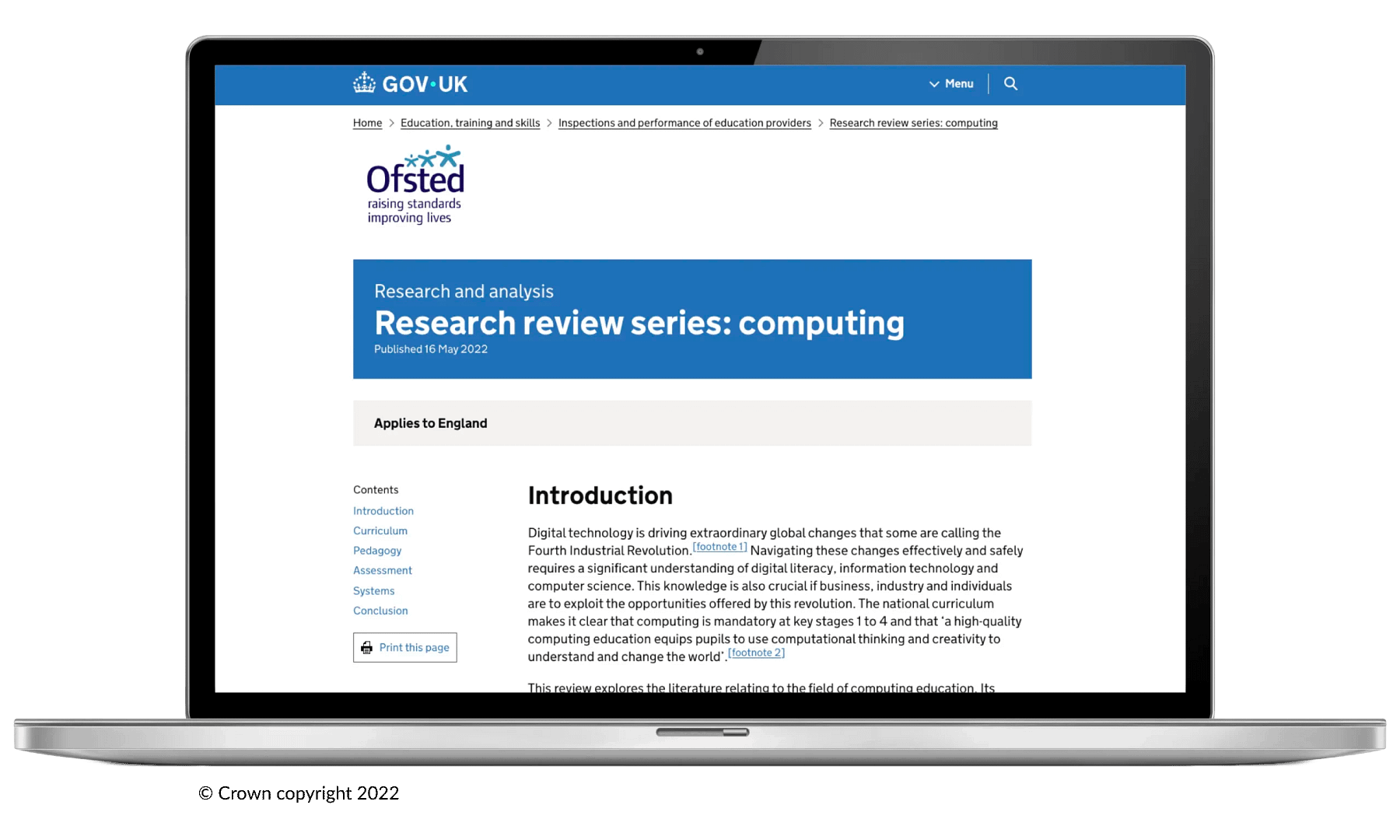
Ofsted research review
Kapow Primary’s standard, mixed-age and condensed Computing schemes of work are based on principles outlined in Ofsted’s Computing research review.
New research and developments
The Computing standard, mixed-age and condensed schemes of work are continually evaluated and refined through regular curriculum reviews, internal audits and feedback from subscribing schools.
Updates are informed by the latest subject-specific research, changes to National curriculum guidance and developments in pedagogy. This ensures the curriculum remains current, effective and relevant.

Curriculum balance
The three strands
The National curriculum organises the attainment targets for Computing under three strands:
- Computer science.
- Information technology.
- Digital literacy.
Kapow Primary’s Computing curriculum has been structured to ensure these strands run through each unit.
These strands ensure a balanced coverage of the different aspects of Computing, supporting the development of both substantive knowledge (e.g understanding networks, algorithms and data) and disciplinary knowledge (e.g. applying skills to program, creating digital content and evaluating online information responsibly).
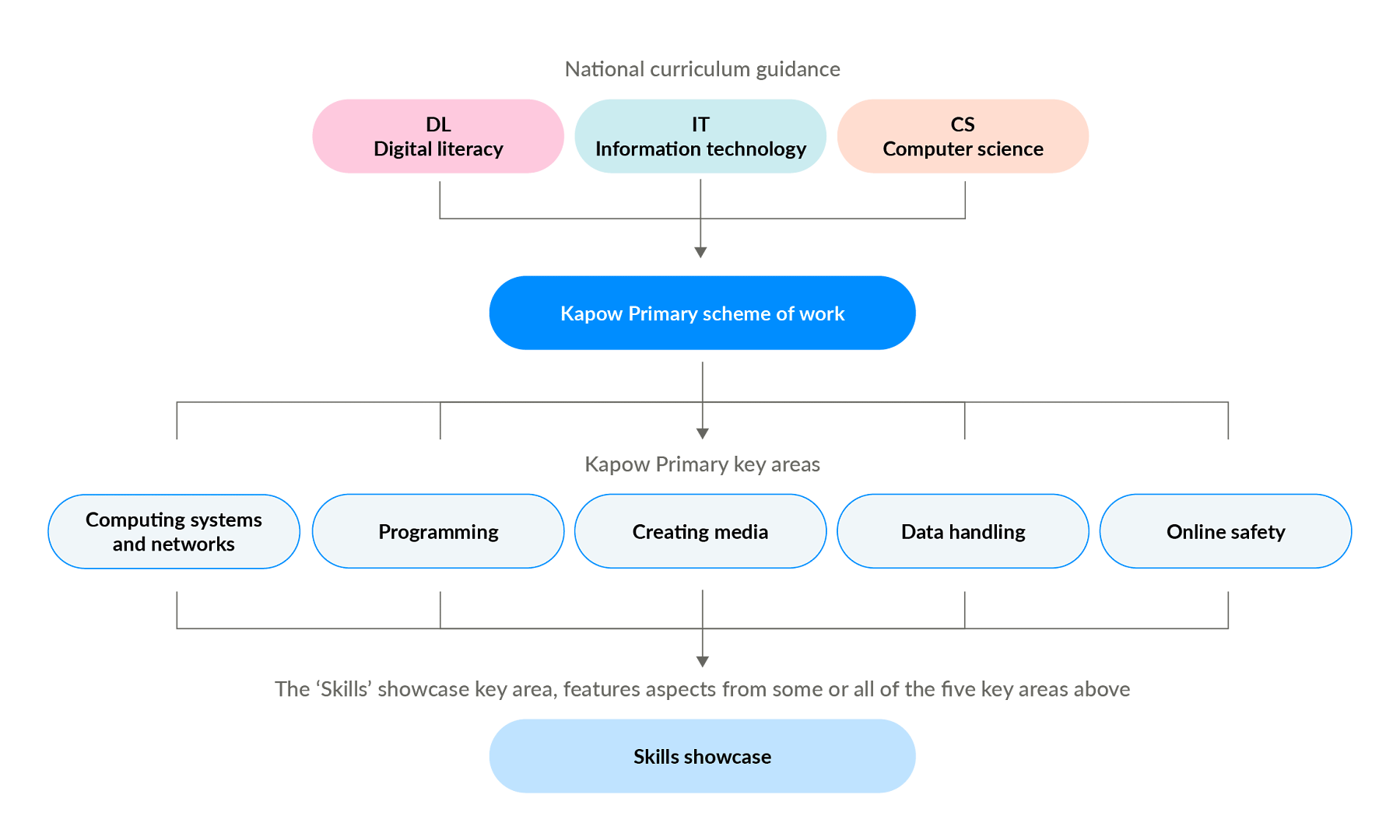
Digital literacy
Recognising the opportunities and risks of the online world and develop the skills to use technology safely, respectfully and responsibly.
Information technology
Using technology purposefully to create, organise, store, manipulate and present digital content across a range of contexts.
Computer science
Developing an understanding of how digital systems work and how to design, write and debug programs to control them.
Key areas
The Computing curriculum is organised into five key areas, which are revisited in each year group. This structure helps identify prior and future learning, allowing pupils to build on their existing knowledge. It also supports teachers in understanding how each unit fits into the broader learning journey.
These key areas are designed to group learning into meaningful and purposeful domains, reflecting how technology is experienced and used in the real world. They help ensure that both declarative knowledge (knowing what) and procedural knowledge (knowing how) are developed in parallel.

Progression
Progression
The Computing Progression of skills and knowledge document provides an overview of the knowledge and skills covered across each phase and strand.
The document outlines how pupils develop their understanding of Computer science, Information technology and Digital literacy to meet the expectations set out in the National curriculum.
New learning is weighted toward the beginning of each key stage, allowing for regular opportunities to revisit, consolidate and apply it in subsequent years. As a result, knowledge and skill development may appear more concentrated in some year groups than others.

Spiral curriculum
Kapow Primary’s Computing scheme of work has been designed as a spiral curriculum with the following key principles in mind:
- Cyclical – pupils return to the key knowledge and skills again and again during their time in primary school.
- Increasing depth – each time a skill is revisited, it is covered with greater complexity.
- Prior knowledge – pupils build upon previous foundations rather than starting again.

Broadening horizons
The process of broadening horizons in Computing begins with familiar tasks, such as using simple digital tools, then progresses to more complex concepts like programming, systems and networks.
This approach helps pupils build on what they know and understand their role in an increasingly digital world.

Types of knowledge
Types of knowledge
Knowledge is defined differently depending on the subject in question. Ofsted’s Computing research review helps to define these Computing knowledge strands as:
- Declarative knowledge.
- Procedural knowledge.

Declarative knowledge
Declarative knowledge in Computing refers to the facts, concepts and information that pupils need to understand. This includes knowledge of algorithms, how networks function, input and output devices and the vocabulary used to describe digital systems.
It forms the theoretical foundation that helps pupils make sense of the digital world and supports their ability to explain and reason about how and why things work.

Procedural knowledge
Procedural knowledge is the practical know-how that enables pupils to apply their understanding through action.
In Computing, this involves tasks such as writing code, debugging programs, editing digital media, using data-handling tools and navigating software interfaces.
Procedural knowledge is developed through hands-on experience and allows pupils to use technology purposefully and creatively to solve problems and complete tasks.

Wider knowledge and skills
Digital literacy
Kapow Primary’s Computing scheme places digital literacy at its core, ensuring pupils learn how to use technology safely, responsibly and effectively.
Through age-appropriate online safety lessons, digital tools and collaborative platforms, pupils develop the critical skills needed to navigate, evaluate and participate in the digital world with confidence.
Oracy
Lessons encourage discussion, explanation and collaborative problem-solving, allowing pupils to articulate their thinking, justify decisions and reflect on their digital creations.
Pupils use oracy to enhance their learning by thinking aloud, questioning processes and discussing solutions. They develop essential skills such as using subject-specific vocabulary, explaining their reasoning clearly and listening to and building on the ideas of others.

Sustainability
The Kapow Primary Computing curriculum promotes awareness of environmental issues. It encourages children to explore concepts such as climate change, resource use and conservation, promoting a sense of responsibility for the planet.

Critical thinking
Pupils analyse digital content, evaluate data and reflect on the effectiveness of their own and others’ digital solutions.
This helps them to question assumptions, make informed decisions and form reasoned conclusions about how technology is used and its impact on the world around them.

Personal development in Computing
SMSC
The scheme supports spiritual, moral, social and cultural development by encouraging children to:
- Explore different perspectives.
- Reflect on ethical issues.
- Collaborate with others.
- Appreciate cultural diversity through subject-specific content.

British values
Lessons promote British values (democracy, the rule of law, individual liberty, mutual respect and tolerance) by incorporating activities that encourage debate, respect for differing opinions and an understanding of societal structures.
Cultural capital
Kapow Primary’s Computing curriculum broadens pupils’ experiences by introducing them to influential innovators, real-world applications of technology and the ethical and social dimensions of the digital world.
It ensures they gain the knowledge and skills needed to participate confidently and responsibly in a technology-driven society.

Transition from EYFS to KS1
Continuity of learning
Kapow Primary’s Computing scheme aligns with the statutory EYFS guidance.
Key themes and skills introduced in EYFS are revisited and developed further in KS1, ensuring continuity and progression.
This transition is aided by the continuity of learning created by the curriculum strands, which run from EYFS to Year 6. Subject leaders can pinpoint how knowledge develops in Reception and how this creates the foundation for learning in KS1.

Building on early experiences
Lessons build on curiosity, exploration and discussion, which are central to EYFS learning. As pupils move into Year 1, more structured activities are gradually introduced.
In KS1, oracy, questioning and storytelling help pupils transition from informal to more formal subject-based learning.

Development of key skills
The scheme supports the progressive development of skills, such as observation, reasoning and problem-solving, which are introduced in EYFS and strengthened in KS1.
Adaptive teaching strategies ensure all learners are supported as they transition to more formal learning approaches.

Cross-curricular links
The scheme aligns with EYFS Early Learning Goals, making links with communication and language, understanding the world and expressive arts to create a smooth transition.
It encourages independence and confidence, supporting children as they adapt to the expectations of KS1 learning.

Inclusion and diversity
Inclusion and diversity
Kapow Primary’s Computing scheme has been designed to represent a range of cultures, races and backgrounds:
- The scheme’s visual representation is inclusive and representative of a variety of people and places, challenging stereotypes or historical ideologies.
- Within sensitive units, questions have been included to support children’s lived experiences and backgrounds.
- Where appropriate, colonial choices and their impact on digital issues are explored.
The Kapow Primary Computing scheme supports children in appreciating the complexity of people’s lives, the diversity of societies and the relationships between different groups.

2. Implementation
This section outlines how the Computing curriculum is taught, including teaching strategies, learning activities and the use of resources. It also includes details on how the curriculum can be adapted to suit your school and cohort.
Timetabling
It is recommended that Kapow Primary Computing be taught for one hour per week to meet the needs of the National curriculum.

CPD
Kapow Primary supports teachers in delivering the Computing curriculum effectively through clear and informative CPD videos.
These videos are designed to help teachers feel confident in their role by providing guidance on key concepts, teaching strategies and best practices.

With Kapow Primary’s CPD videos, subject leaders can develop their expertise and, in turn, support their colleagues in delivering high-quality lessons.
Whether helping with subject knowledge, modelling effective teaching techniques or offering practical tips for the classroom, Kapow’s CPD videos ensure that every teacher has access to the support they need.

Preparing for lessons - Before the lesson
Watch
View teacher CPD videos and pupil videos in one place. These videos are directly related to the teaching and learning within the lesson or unit.
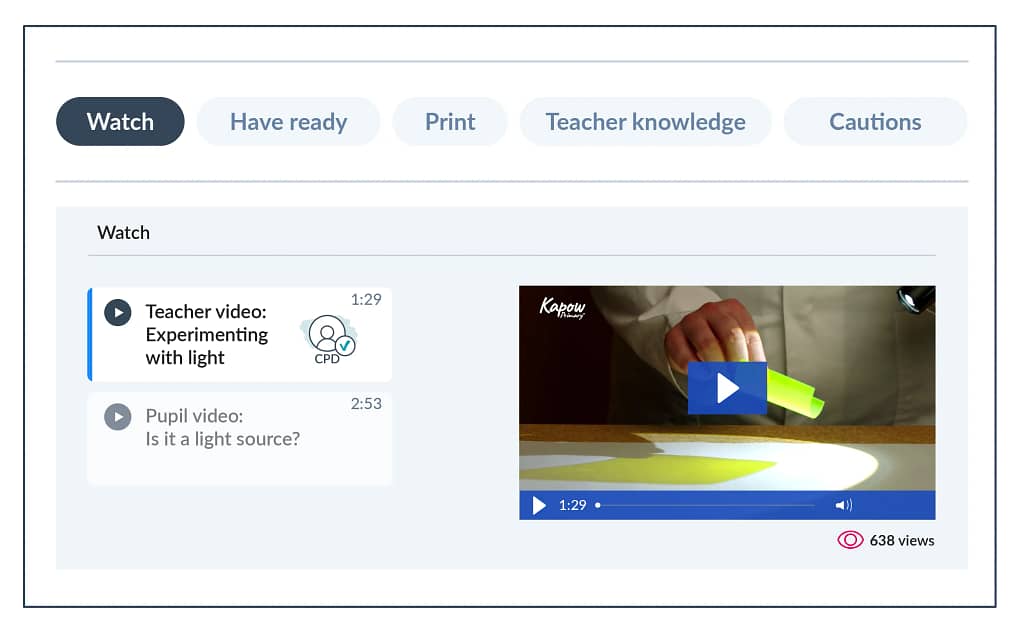 For illustrative purposes only – the exact ‘Before the lesson’ sections vary between lessons.
Have ready
Prepare for each lesson using a list of the suggested presentations, materials, items or links.
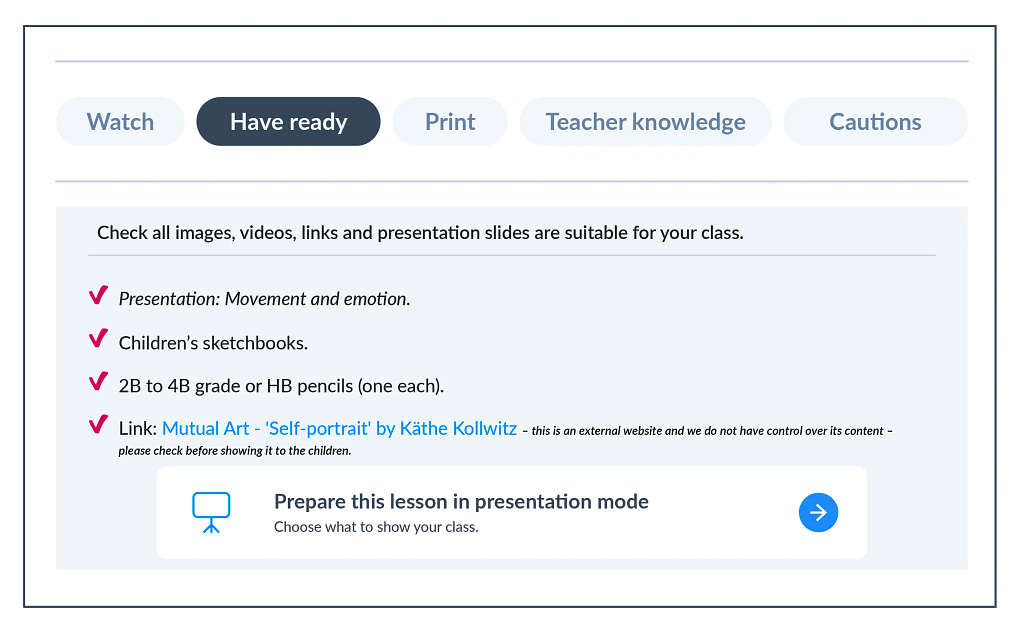 For illustrative purposes only – the exact ‘Before the lesson’ sections vary between lessons.
This section groups printable resources for each lesson so they can be located easily. Resources are also clearly stated at the point of use in each lesson plan.
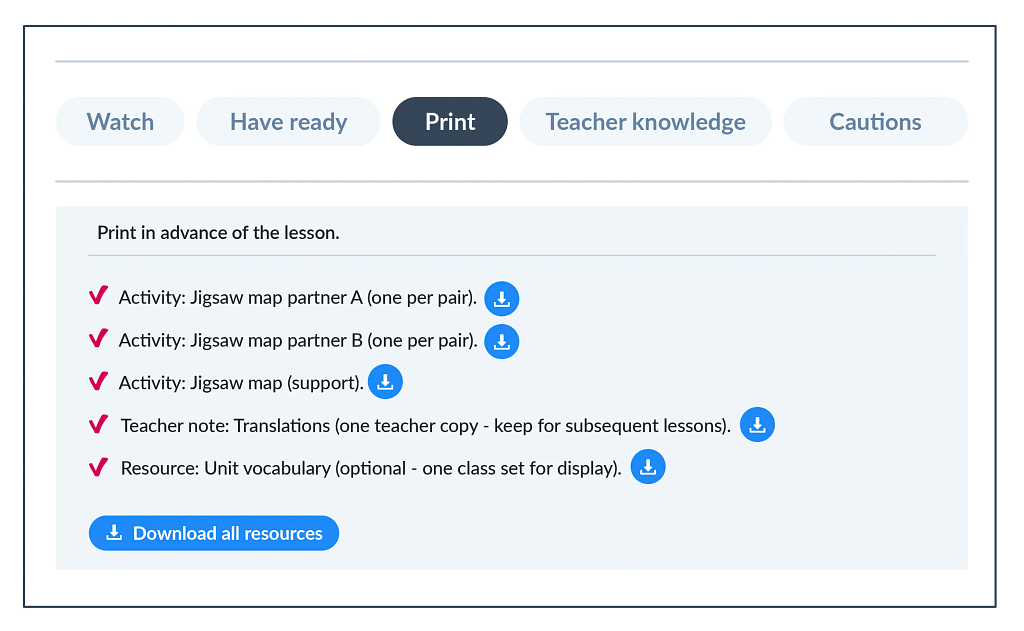 For illustrative purposes only – the exact ‘Before the lesson’ sections vary between lessons.
Teacher knowledge
View teacher knowledge at a glance, relevant to the particular lesson. This includes tips on lesson organisation, common misconceptions and additional subject knowledge to help teach tricky concepts with confidence.
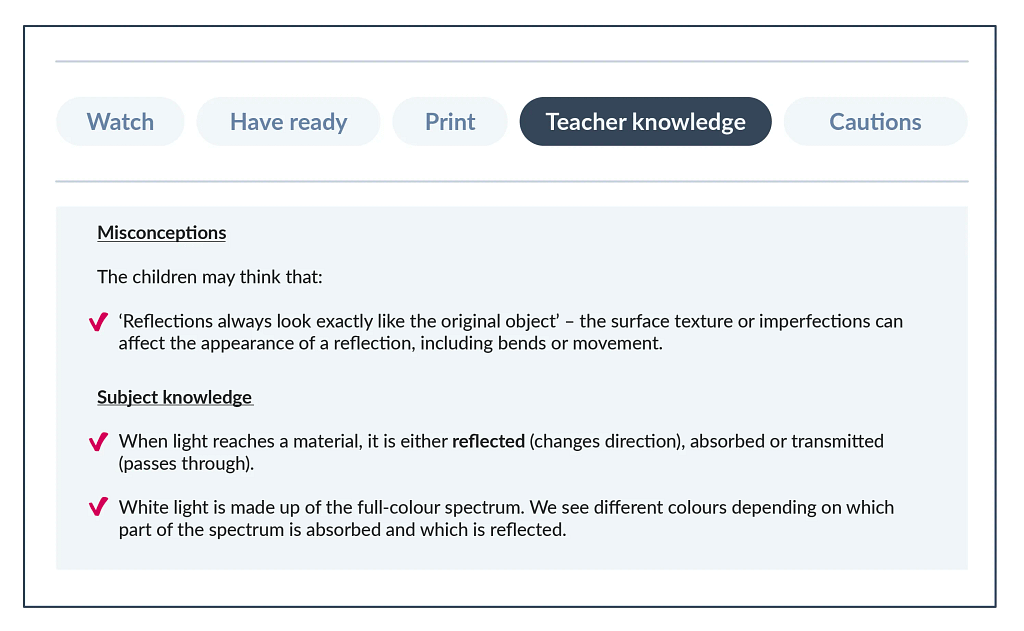 For illustrative purposes only – the exact ‘Before the lesson’ sections vary between lessons.
Cautions
This section highlights parts of the lesson that may need careful handling or may be relevant for a particular cohort. Background information and suggested guidance are provided to help navigate lessons with potentially sensitive topics.
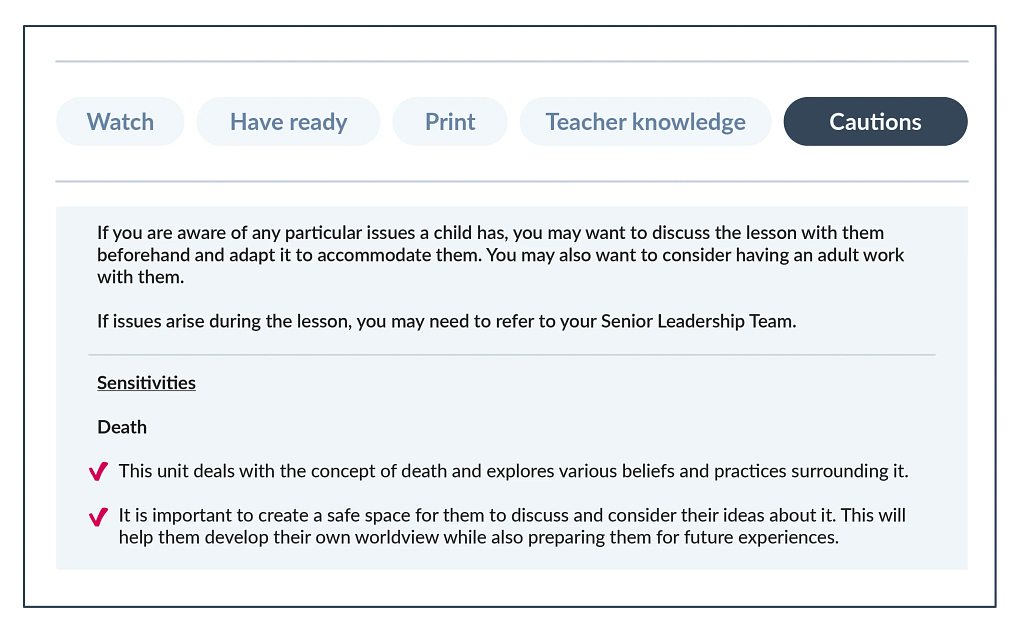 For illustrative purposes only – the exact ‘Before the lesson’ sections vary between lessons.
Unit structure
Unit hubs
Computing unit hubs contain all the necessary lesson links, resources and information relevant to the unit being taught.
Information on the unit hubs corresponds to all the relevant Computing key documents, such as the Progression of skills and knowledge and vocabulary progression.
The unit hub also links to useful resources and key documents, suggests units that could build on knowledge or activate prior learning and outlines cross-curricular links.
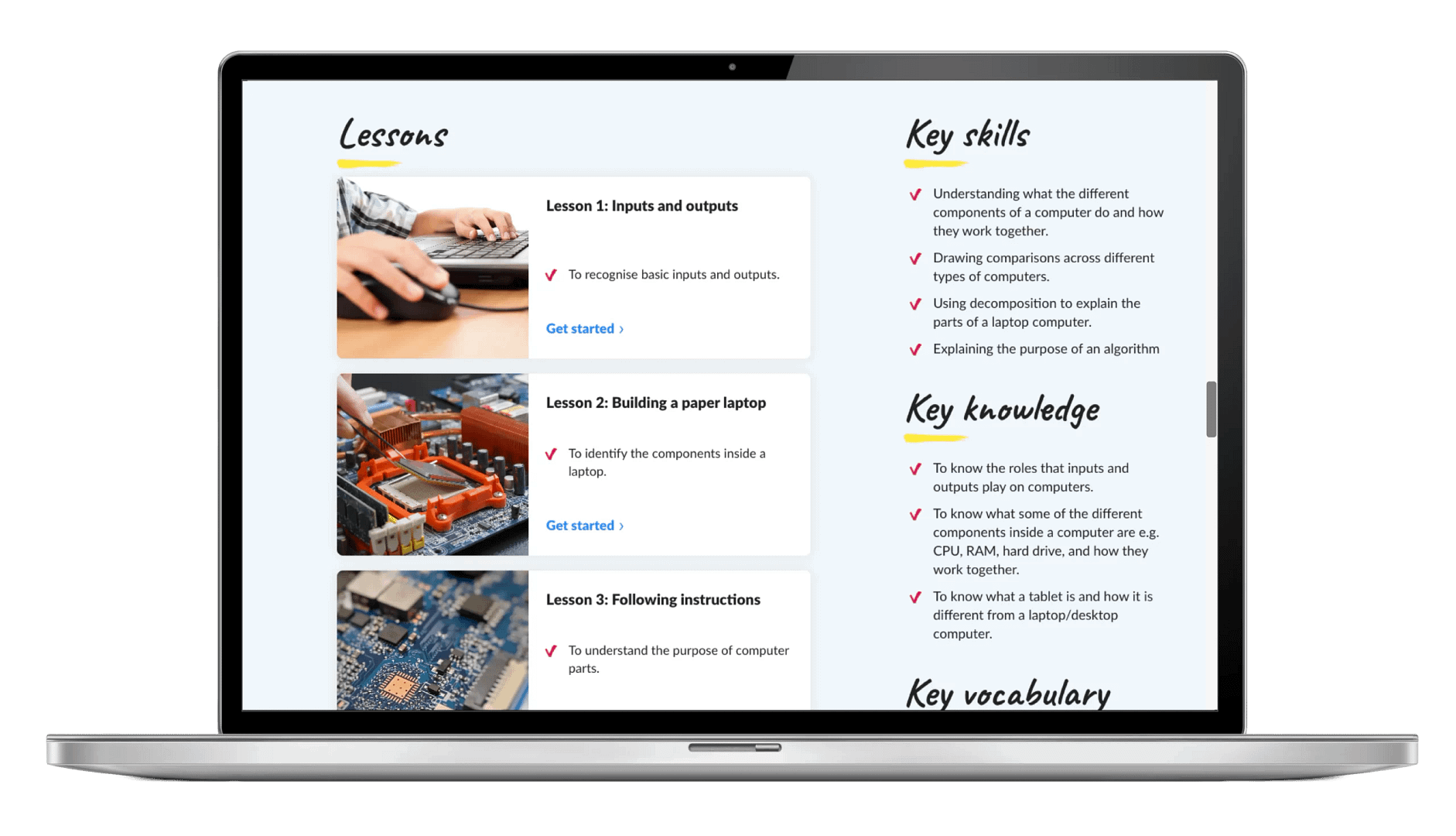
Unit hubs offer a wealth of useful information including useful updates, major planning considerations, key skills and knowledge and much more.
Lesson structure
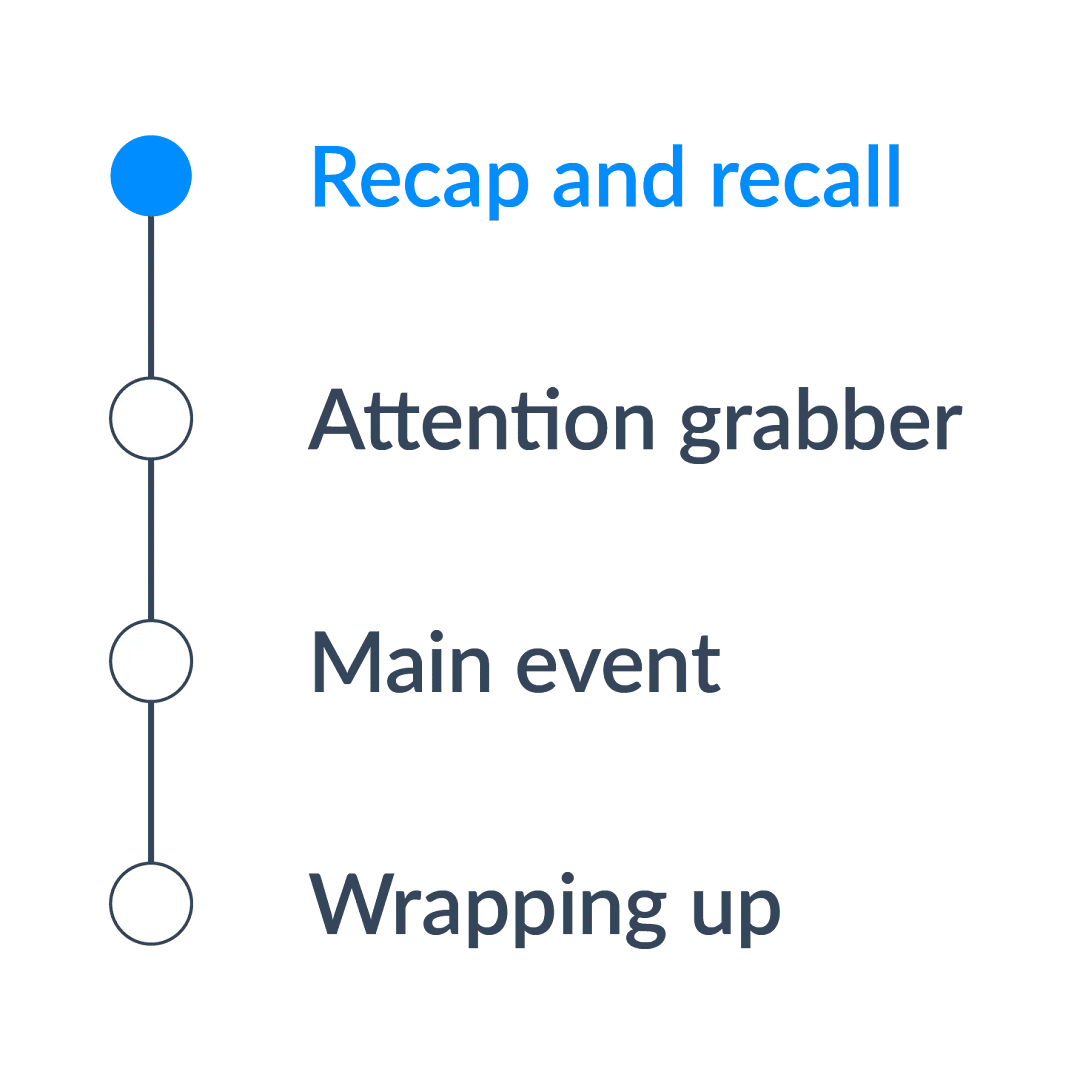
Recap and recall
Each Computing lesson begins with a short activity revisiting prior learning. This helps reinforce key knowledge, activate long-term memory and create connections between past and new learning.
Recap and recall activities are varied to keep the start of the lesson engaging and fun while still supporting active recall.
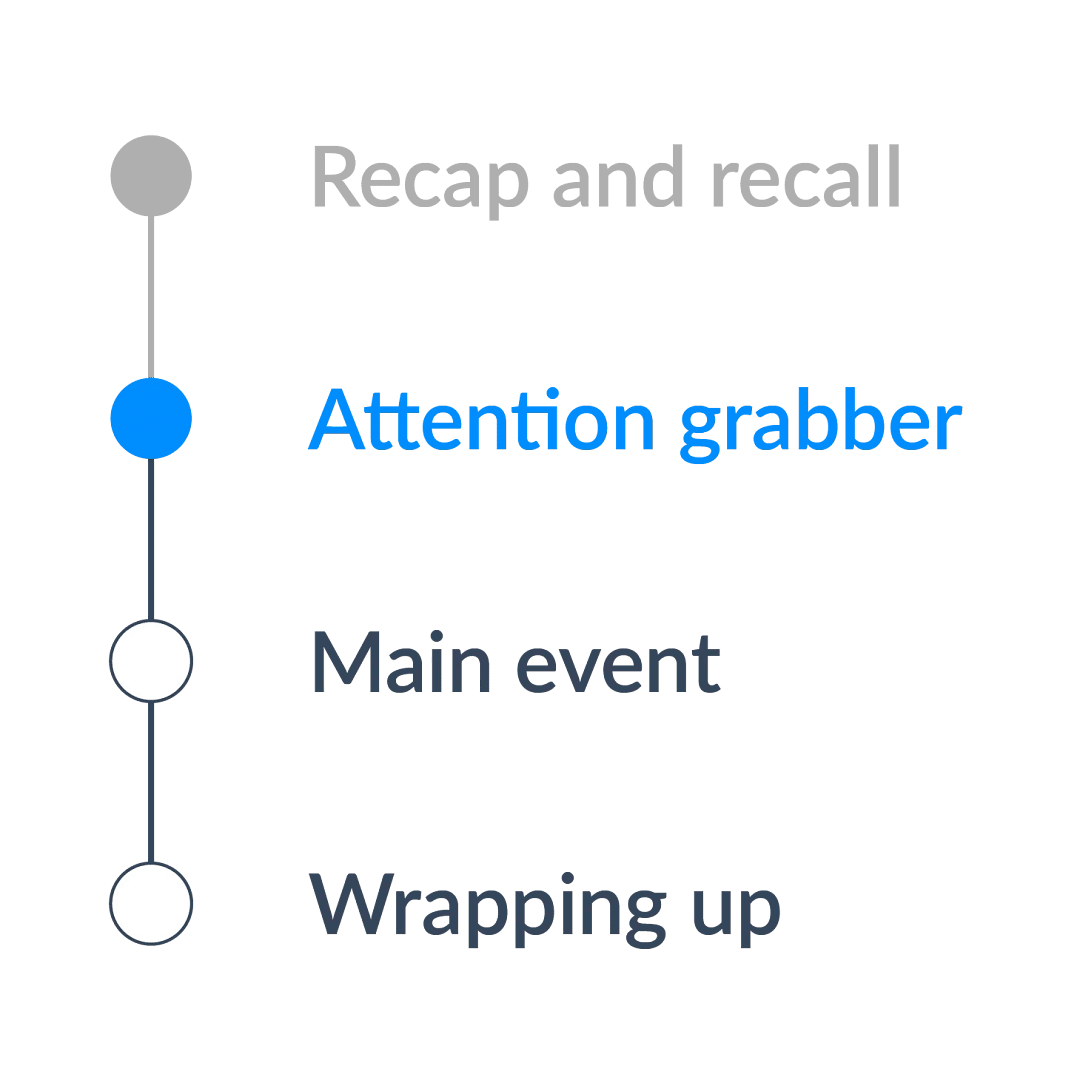
Attention grabber
A short, engaging activity designed to hook pupils into the new learning in the lesson.
This could be a thought-provoking question, a quick investigation or an interactive discussion to spark curiosity and enthusiasm for the topic.
Main event
The core part of the lesson, where children engage in activities that develop their understanding of the learning objective.
This includes a mixture of teacher modelling, guided practice and independent or collaborative tasks tailored to support all learners.
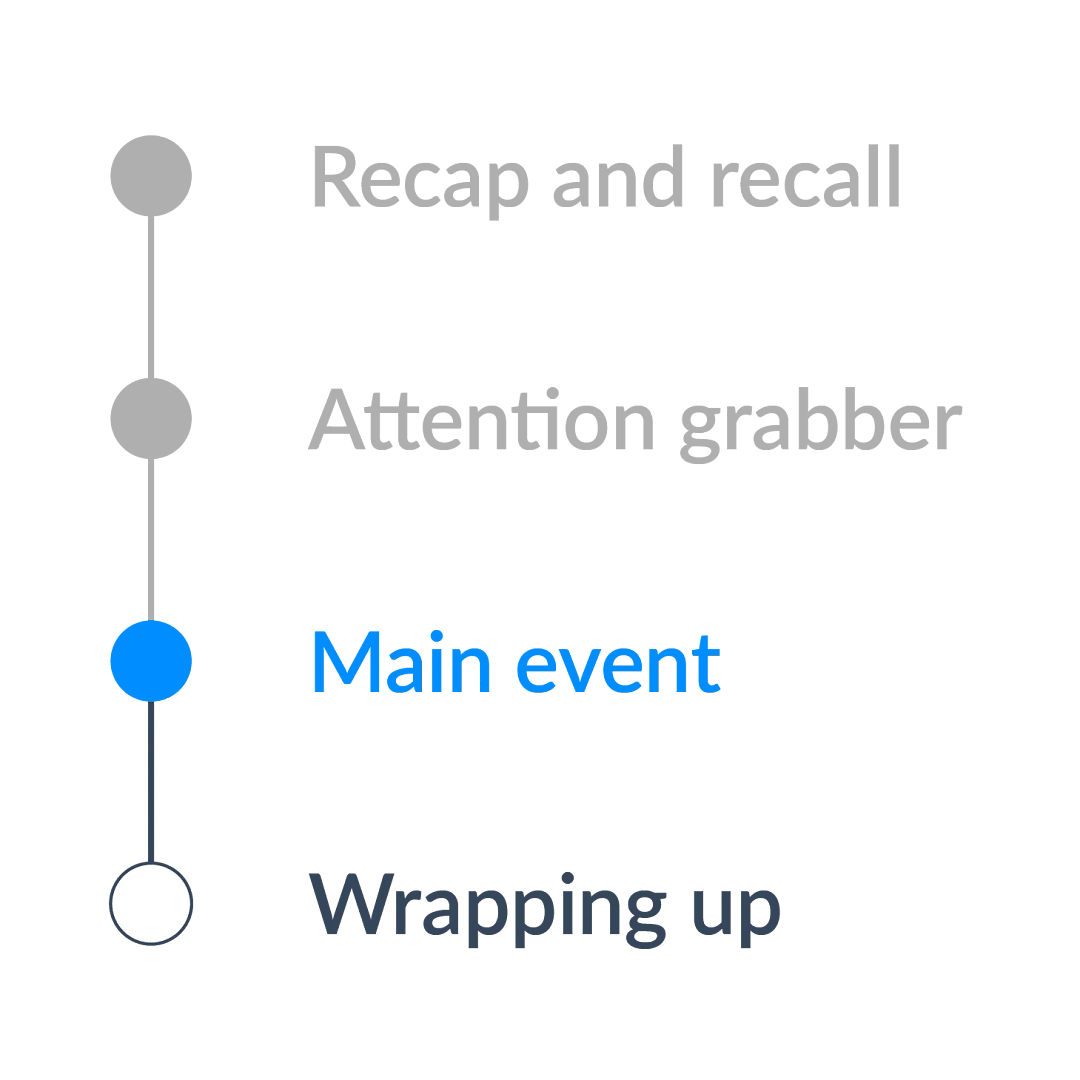
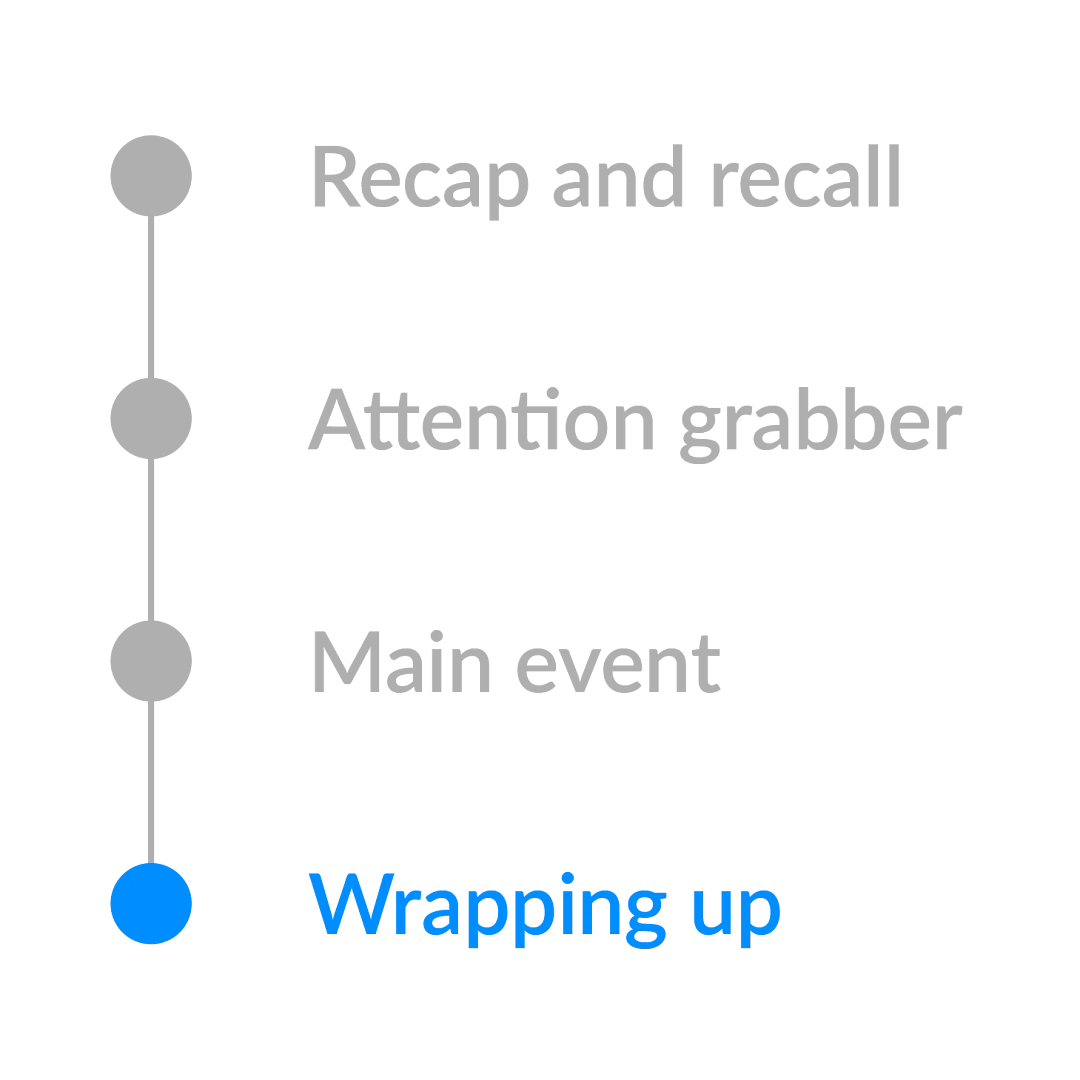
Wrapping up
A final reflective activity that consolidates learning.
This could involve reviewing the success criteria, discussing key learning or applying knowledge in a different context to assess understanding and encourage deeper thinking.
SEND
The Kapow Primary Computing scheme of work is designed to be fully adaptable for pupils with SEND. Every lesson includes an adaptive teaching section, providing clear guidance on how activities can be modified to meet the needs of all learners.
Children learn in a variety of ways. As such, Kapow Primary Computing lessons include a range of strategies to support and challenge every pupil, such as:

Scaffolding – activities are designed with flexibility in mind, allowing for additional support or challenge where needed.
Multi-sensory approaches – lessons incorporate different elements to engage all learners.
Clear instructions and structured tasks – ensuring clarity and reducing cognitive load for pupils who benefit from additional support.
Opportunities for collaborative and independent learning – allowing pupils to work at their own pace while building confidence and independence.
By embedding adaptive teaching throughout, the scheme ensures that all pupils, regardless of their starting points, can access and succeed in their learning.
In addition, the step-by-step curriculum design supports pupils with SEND, avoiding sudden jumps in complexity at transition points and allowing for steady, manageable progression.
Knowledge retention
Spiral curriculum
Kapow Primary’s Computing scheme incorporates a spiral curriculum model, ensuring that children revisit and develop their understanding of key themes and concepts as they progress. This approach allows them to make meaningful connections, reinforce their learning and achieve mastery over time.
- Revisiting key concepts – pupils encounter the same ideas multiple times throughout their education, with each revisit adding more complexity.
- Progressive depth – concepts are not just repeated but expanded upon, helping pupils to make connections and develop a richer understanding over time.
- Knowledge retention – regular exposure to key ideas strengthens memory and prevents knowledge from being forgotten.
- Skill development – pupils refine and apply their skills in different contexts, improving their ability to think critically and solve problems.
- Adaptive learning – by building on prior knowledge, the curriculum meets pupils at their current level and supports all learners, including those who need extra reinforcement and those who are ready for greater challenges.
Knowledge organisers
Kapow Primary’s Knowledge organisers are a structured document designed to support pupils’ learning by clearly outlining the key knowledge, vocabulary and concepts covered in a unit of work.
It serves as a reference tool for both teachers and pupils, helping to consolidate learning and support knowledge retention.
- Essential knowledge at a glance – summarises the most important facts, concepts and skills that pupils need to learn for a particular unit.
- Key vocabulary – provides a list of subject-specific terms with definitions to develop pupils’ language and understanding.
- Clear and visual layout – organised in a way that makes information easy to digest and revisit, often using diagrams, timelines or key images.
- Support for retrieval practice – helps pupils engage in self-assessment, recall activities and revision, reinforcing long-term memory.
- Teacher and pupil-friendly – acts as a quick reference for teachers when planning lessons and an accessible learning aid for pupils to develop independence in their studies.

Recap and recall
- Activates prior knowledge – helps pupils make connections between new and existing learning, reducing cognitive overload.
- Strengthens memory pathways – retrieval practice has been shown to improve retention more effectively than passive review.
- Identifies gaps in understanding – teachers can quickly assess what children remember and address misconceptions before introducing new content.
- Builds confidence – regular recall activities reassure pupils that they can remember key concepts, improving engagement and motivation.
- Promotes spaced learning – revisiting prior learning at regular intervals supports long-term retention, rather than cramming information in a single lesson.

Additional adults
Support for additional adults
Kapow Primary recognises that teaching assistants play a vital role in many classrooms and that in some schools, they may be responsible for delivering lessons.
Accordingly, anyone teaching Kapow Primary’s Computing lessons can be issued a login. While the scheme is primarily designed for teachers, the clear lesson structure, step-by-step guidance and adaptive teaching strategies ensure that lessons can also be taught by teaching assistants.

Schools without additional adults
Due to budget constraints and varied staffing structures, it is not always possible to have classroom support from additional staff.
Kapow Primary’s Computing lessons are designed with this in mind, providing resources and explanations that allow teachers to deliver high-quality lessons independently without necessarily relying on additional adults.
If additional support is suggested in a lesson, it is clearly marked within the Have ready part of the lesson plan.

Adapting the scheme
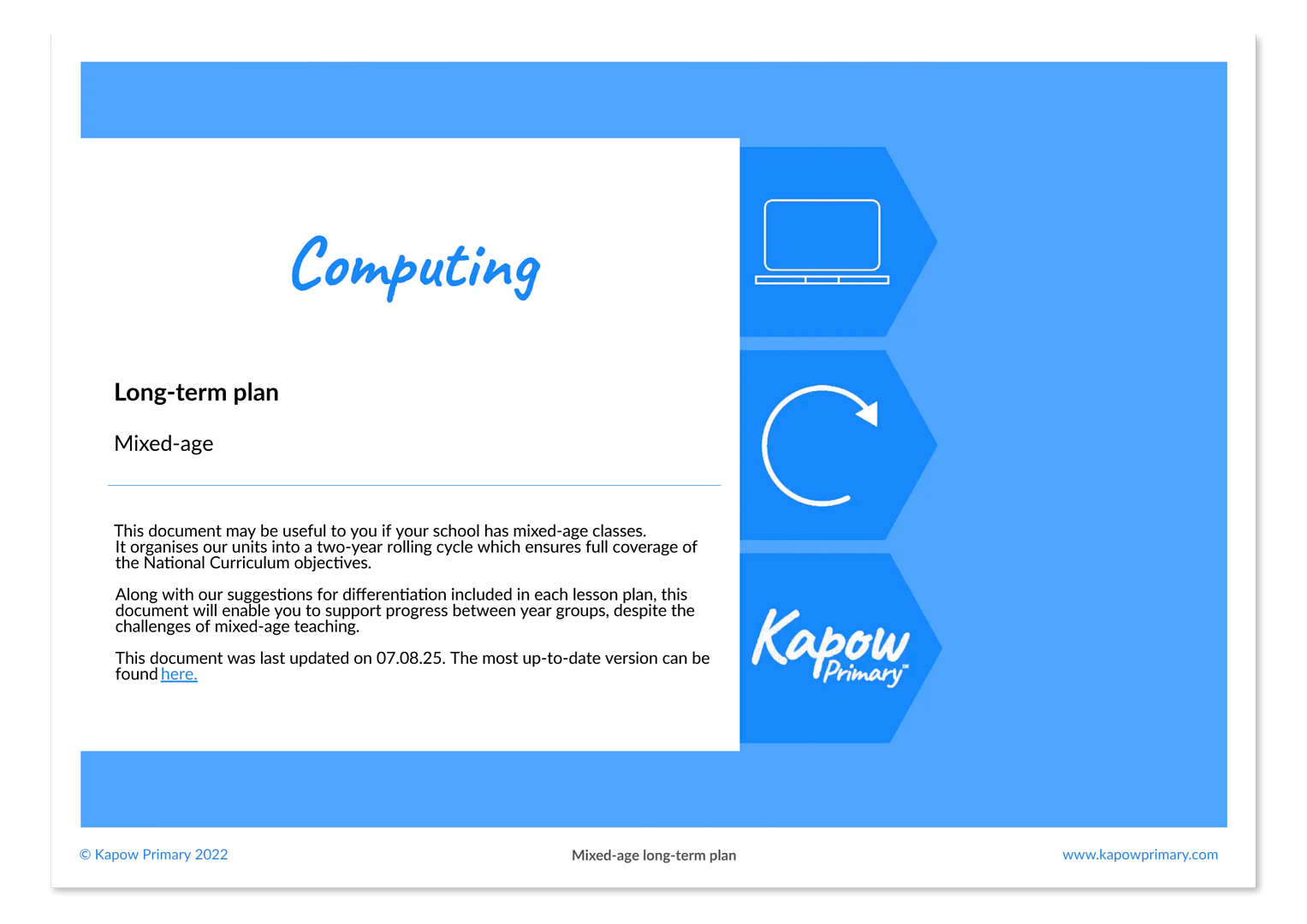
Mixed-age
For schools with mixed-age classes, Kapow Primary offers structured long-term plans that ensure a coherent and progressive curriculum. These plans avoid content repetition while ensuring all pupils cover the full curriculum.
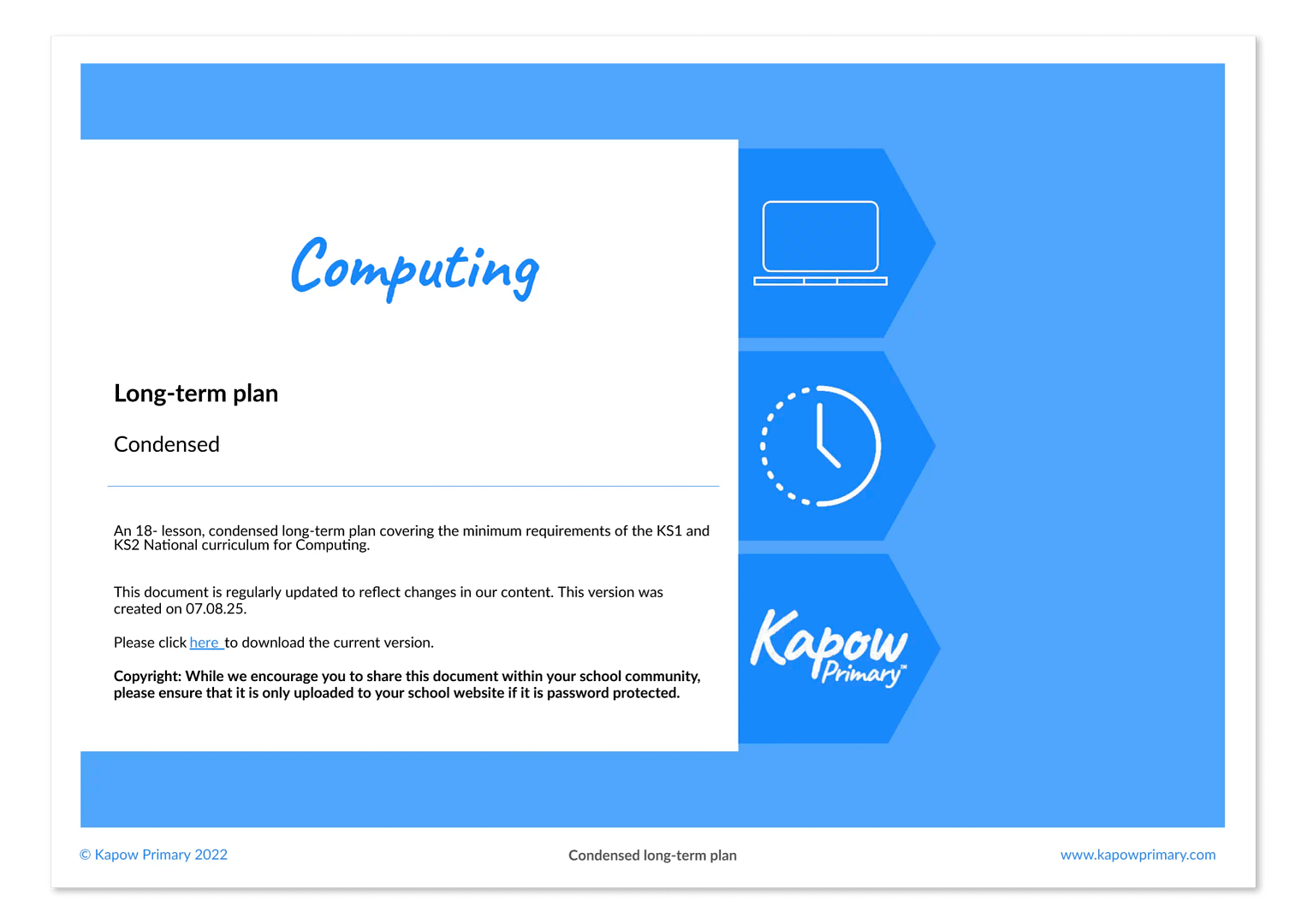
Condensed
Kapow Primary’s Computing curriculum is designed to be taught on a half-termly basis. For schools with limited curriculum time, we also offer a condensed scheme that maintains full National curriculum coverage while streamlining content to focus on the most essential knowledge and skills.
Cross-curricular learning
Kapow Primary’s Computing scheme supports cross-curricular learning by making clear connections between subjects, helping pupils develop a broader understanding of key concepts and skills.
Cross-curricular links are explicitly highlighted: each unit includes identified cross-curricular connections, detailed in the unit hub and long-term plans. These allow teachers to integrate learning across different subjects.
In addition, each lesson has a Cross-curricular links section that shows the links to the National curriculum in subjects other than Computing.

Transitioning to Kapow Primary
Transitioning schemes
Schools may have questions about introducing Kapow Primary’s Computing curriculum if pupils have not followed the scheme from the beginning.
Where a different Computing scheme or a school-designed curriculum has been used previously, there may be concerns about pupils’ prior knowledge and how this might affect their access to lessons in later year groups.
Progression considerations
If pupils join the Computing scheme partway through, their prior learning may not align with the curriculum sequence. As a result, they may be more confident in some areas and less secure in others.
Some key areas (e.g. Programming, Computing systems and Data handling) are more dependent on prior learning than others and may benefit from a slower pace at times, allowing time to pause, revisit concepts or clarify vocabulary as needed.
In particular, pupils may find it harder to access lessons where they are expected to:
- Apply prior programming concepts, such as loops, conditions and variables, when they have not been securely developed in earlier units.
- Interpret technical vocabulary, for example, terms related to algorithms, data, networks or markup languages like HTML.
- Use specific programming environments or digital tools introduced previously without time to explore them.
- Reason about how systems work, such as how devices communicate over a network or how data is processed and stored.
- Build on earlier data-handling skills, including collecting, organising or representing data in digital formats.
In other areas, such as Creating media and Online safety, pupils are typically able to engage with lessons even if their prior experience differs. Teachers may notice differences in confidence or depth of understanding but these areas allow pupils to work at their own level while still accessing the intended learning.
Guidance
Each Kapow Primary lesson is supported by a teacher CPD video that explains the subject knowledge, key concepts and intended learning. These videos are designed to upskill teachers and support confident implementation of the curriculum, without requiring prior familiarity with the wider scheme.
Kapow Primary’s detailed progression documents clearly outline the knowledge, vocabulary and skills developed across year groups. Teachers can use them selectively as references to support planning and decision-making, e.g. to check what pupils may already have encountered. For subject leaders, progression documents provide an overview of the curriculum’s structure and how learning builds over time.
Where further support is helpful, teachers may prefer a more guided transition into the scheme. The Computing: Transitioning to Kapow Primary document provides suggestions for units from earlier year groups that can be taught selectively to support a more gradual transition.
Support for teachers
Transitioning to a new curriculum does not need to be challenging. Kapow Primary supports and upskills teachers, ensuring they can implement the curriculum as intended. To help teachers feel confident and prepared, every lesson includes a teacher CPD video that clearly explains the subject knowledge, key concepts, and intended learning.
In Computing, the curriculum is organised into key areas, making it easier to see how units within each area build on one another and to check prior learning where helpful. If pupils join the scheme partway through the curriculum sequence, teachers may choose to allow more time to work through units, pausing to revisit or explain concepts and vocabulary that pupils have not yet secured.
Lessons include built-in opportunities for formative assessment, allowing teachers to assess understanding and respond through discussion, questioning and observation, so they can support pupils in making progress from their current starting points.
3. Impact
This section outlines how the curriculum checks what pupils know, understand and are able to do as a result of studying Computing.
Assessment
Formative
Kapow Primary Computing lessons include ongoing assessment opportunities, such as questioning, retrieval practice and interactive activities.
These enable teachers to assess understanding in real time and adapt their teaching accordingly.

Summative
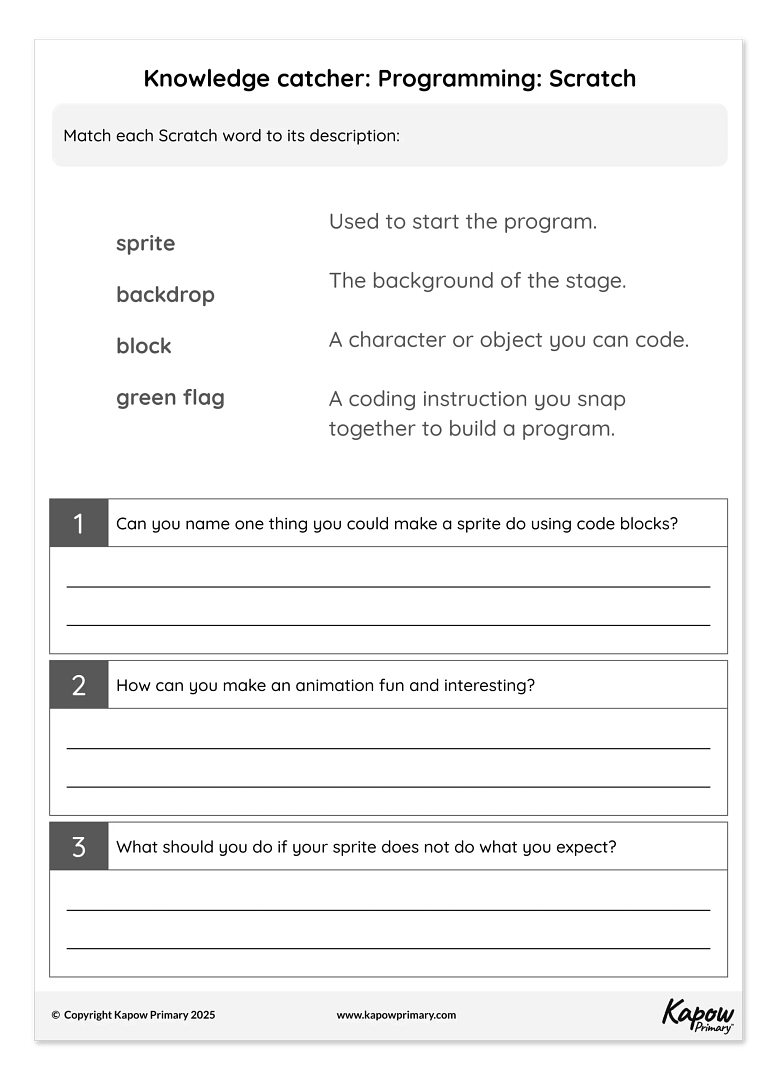
Each unit provides an Assessment quiz and Knowledge catcher, which allow teachers to measure pupils’ understanding at key points.
These tools help gauge how well pupils have retained key knowledge and skills over time.
Evidencing progress
Written outcomes
Pupils demonstrate their learning and provide tangible evidence of progress through a variety of activities, including structured written work, code structures and creative responses.

Pupil voice
Lessons encourage discussion, reflection and verbal explanations. This allows teachers to capture pupils’ understanding through questioning, class discussions and recorded responses, supporting a broader view of progress beyond written work.

Assessment spreadsheet
The Assessment spreadsheet helps to help track pupils’ Computing attainment over time. This tool allows teachers to record progress against learning objectives and assessment statements, making it easier to monitor development and identify areas for support.

Whole-school development
Teacher confidence
Kapow Primary’s Computing scheme is designed to boost teacher confidence and support whole-school improvement by providing high-quality, accessible resources that empower teachers to deliver engaging and effective lessons.
The scheme supports teacher confidence using:
- Clear lesson plans and subject knowledge support – step-by-step guidance ensures teachers feel well-prepared, even if they are not subject specialists.
- CPD videos – short, expert-led training videos help subject leaders develop their expertise and support their colleagues.
- Adaptive teaching strategies – practical suggestions for differentiation ensure that teachers can confidently meet the needs of all learners.

School improvement
Kapow Primary’s Computing scheme supports school improvement using:
- Consistent, high-quality teaching – a structured scheme ensures a coherent approach across year groups, supporting curriculum progression.
- Assessment and evidence tracking – built-in assessment materials help teachers monitor progress and demonstrate impact.
- Alignment with Ofsted expectations – the scheme supports personal development, broadens pupils’ horizons and ensures a knowledge-rich curriculum, helping schools meet inspection criteria.
By reducing workload, building teacher expertise and ensuring high teaching standards, Kapow Primary contributes to a confident teaching staff and a well-structured, effective curriculum that supports whole-school improvement.

Support with inspections
A well-structured and progressive curriculum
- Clear learning sequences ensure knowledge builds over time.
- Lessons are aligned with the National curriculum.

Evidence of pupil progress
- Assessment materials (e.g. Unit quizzes, Knowledge catchers and the Assessment spreadsheet) can be used to provide information about pupil progress.
- Written outcomes and pupil voice show engagement, understanding and the ability to recall knowledge.

Support for subject leadership
- Key documents and CPD videos help subject leaders confidently discuss the curriculum.
- Knowledge organisers and lesson plans provide details of what has been taught and learned.
- The Adaptive teaching section in each lesson provides an opportunity to discuss inclusivity and demonstrate how all learners are supported.
A broad and balanced curriculum
- The scheme broadens pupils’ horizons, develops critical thinking and promotes British values, contributing to Ofsted’s personal development and well-being criteria.
- Lessons integrate real-world connections and cultural capital, showcasing a rich learning experience.

CPD
- Equips subject leaders to articulate intent, implementation and impact – CPD videos provide clear explanations and subject knowledge to help leaders confidently discuss the curriculum with inspectors.
- Builds teacher confidence and consistency – ongoing training ensures all staff understand the curriculum structure and feel prepared to deliver high-quality Computing lessons across the school.
Kapow Primary Computing scheme FAQs
Can’t find the answer you’re looking for?
Try these useful links
It is recommended that units be taught in the order suggested in the long-term plans. This approach ensures knowledge and skills are developed progressively across year groups and key stages.
However, across a single year group, units themselves do not need to be taught in the suggested order. The only exceptions are the numbered units, which should be taught in the correct order, i.e. Programming 1 before Programming 2. Where possible, it is recommended that the Autumn 1 unit be taught first each year.
For schools adopting a mixed-age approach to Computing, it is essential to ensure that the two cycles for each phase are constructed so that the topics in each do not depend on prior learning from the other cycle.
The Computing: Mixed-age long-term plan (designed for cohorts of Year 1/2, Year 3/4 and Year 5/6) takes this into careful consideration.
Kapow Primary’s Computing curriculum includes unplugged activities because they help children to build a secure understanding before using digital tools.
These activities make abstract ideas concrete and support pupils who may not yet feel confident with devices. They also encourage collaboration, problem-solving, and clear communication, which are core skills in computing.
Kapow Primary’s Computing curriculum is designed so that it can be taught with any device. The Computing: Hardware, software and equipment list contains the specific hardware and software recommended for each unit.
Yes, a number of Kapow Primary units and lessons are unplugged, so they have no demand for devices.
All lessons that require devices can be taught by having pupils share devices. Where devices are required, it is recommended to refer to the equipment list and ‘Have ready’ sections in advance of the lesson to determine whether the lesson requires the use of devices.
Any external sites used in Kapow Primary Computing units are not commonly filtered by firewall settings.
In addition, Kapow Primary creates its own video content, thereby reducing the need for frequent external video use, often hosted on sites like YouTube. If external video is used, secure video hosting websites are used to remove advertisements.
No. All tools and programs used in Kapow Primary’s Computing curriculum are free and do not require pupil logins.
Software has been carefully chosen to ensure easy access, reduce administration and support safe teaching practices.
Yes. All micro:bit units can be taught using the online simulator within MakeCode and the Python editor. Pupils can write and test their programs in the browser, so they can still meet learning objectives without a physical device.
