




Learning objective
- To understand what emails are and how to send one.
Success criteria
- I can log

This content is for subscribers only. Join for access today.
National curriculum
Computing
Pupils should be
This content is for subscribers only. Join for access today.
Cross-curricular links
English
Writing – composition
This content is for subscribers only. Join for access today.
Before the lesson
This content is for subscribers only. Join for access today.
Lesson plan
Recap and recall
Ask the children to create a mind map to show everything they learnt about communicating with technology in the last lesson.
This content is for subscribers only. Join for access today.
Extended-mode explainer videos
How to extend your display to view the lesson page and presentation mode simultaneously. Choose your operating system below to watch the video
If you need further support with extending your display,
please contact [email protected].
Extended-mode explainer video: For Mac
Extended-mode explainer video: For Windows
Adaptive teaching
Pupils needing extra support
Should have adult support when typing their email address to log in; could have a printed copy of the recipient’s (the teacher’s) email address in front of them to copy.
Pupils working at greater depth
Should think of a variety of questions to ask the recipient and consider the tone of voice in their email.
This content is for subscribers only. Join for access today.
Assessing progress and understanding
Pupils with secure understanding indicated by: understanding how to log
This content is for subscribers only. Join for access today.
Vocabulary definitions
-
domain
The online location or hosting website that the email address belongs to.
-
email
Electronic-mail which allows us to send messages and files from one account to another over a network.
This content is for subscribers only. Join for access today.
In this unit


Maintained by: Kapow Primary team
Last update: 19th December, 2025

Lesson 1: Getting to know the keyboard
Learning about the setup and layout of a keyboard and exploring the basics of touch...
Lesson 2: Getting started with word processing
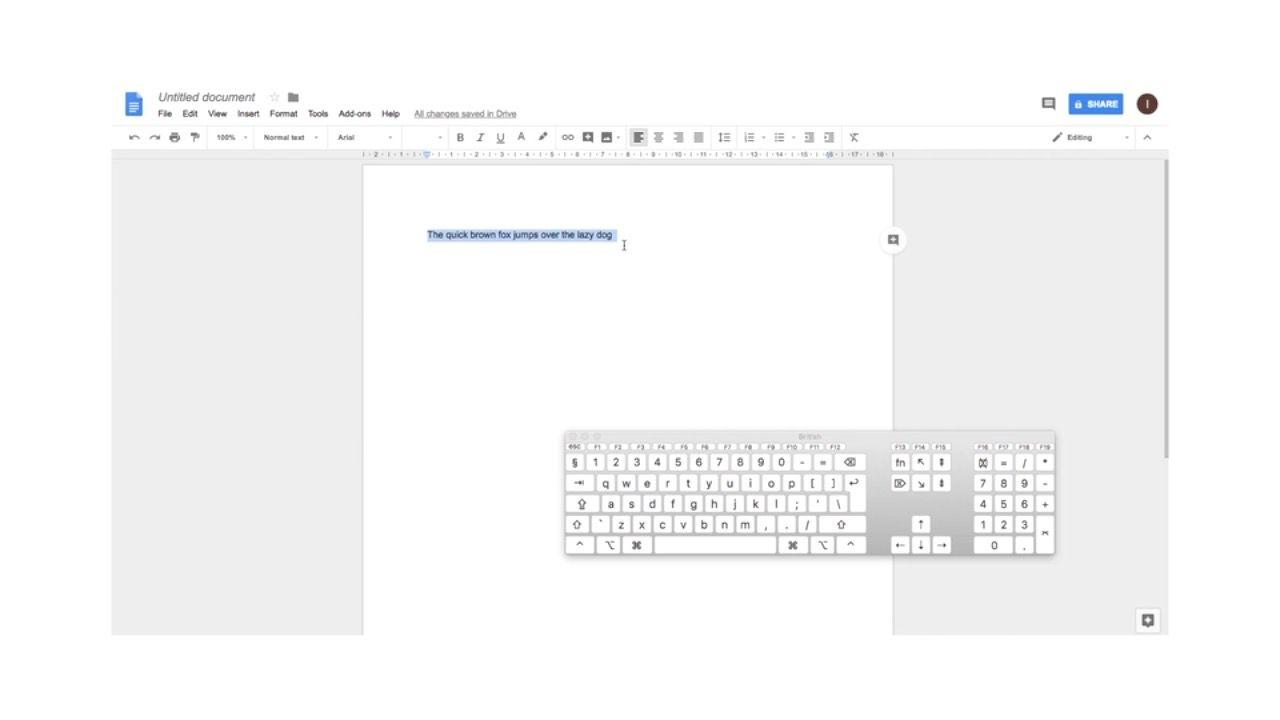
Learning how to store information in a text document and how to carry out keyboard...

Lesson 1: Information design
Developing an understanding of information design with examples of how we display information to the...

Lesson 1: Photomontage
Creating a cityscape photomontage advertising poster inspired by Hannah Hoch, Chris Plowman and Graham Holland.
