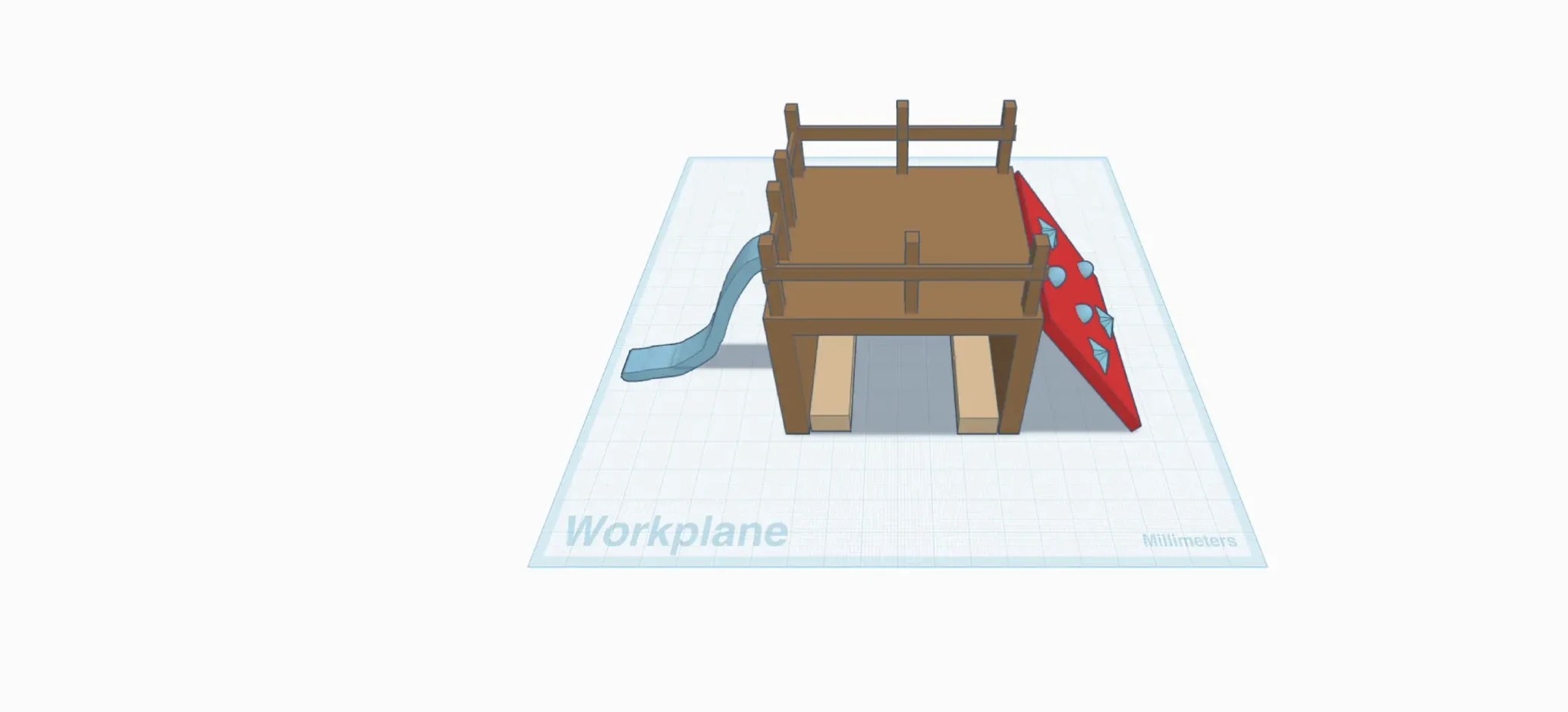
Learning objective

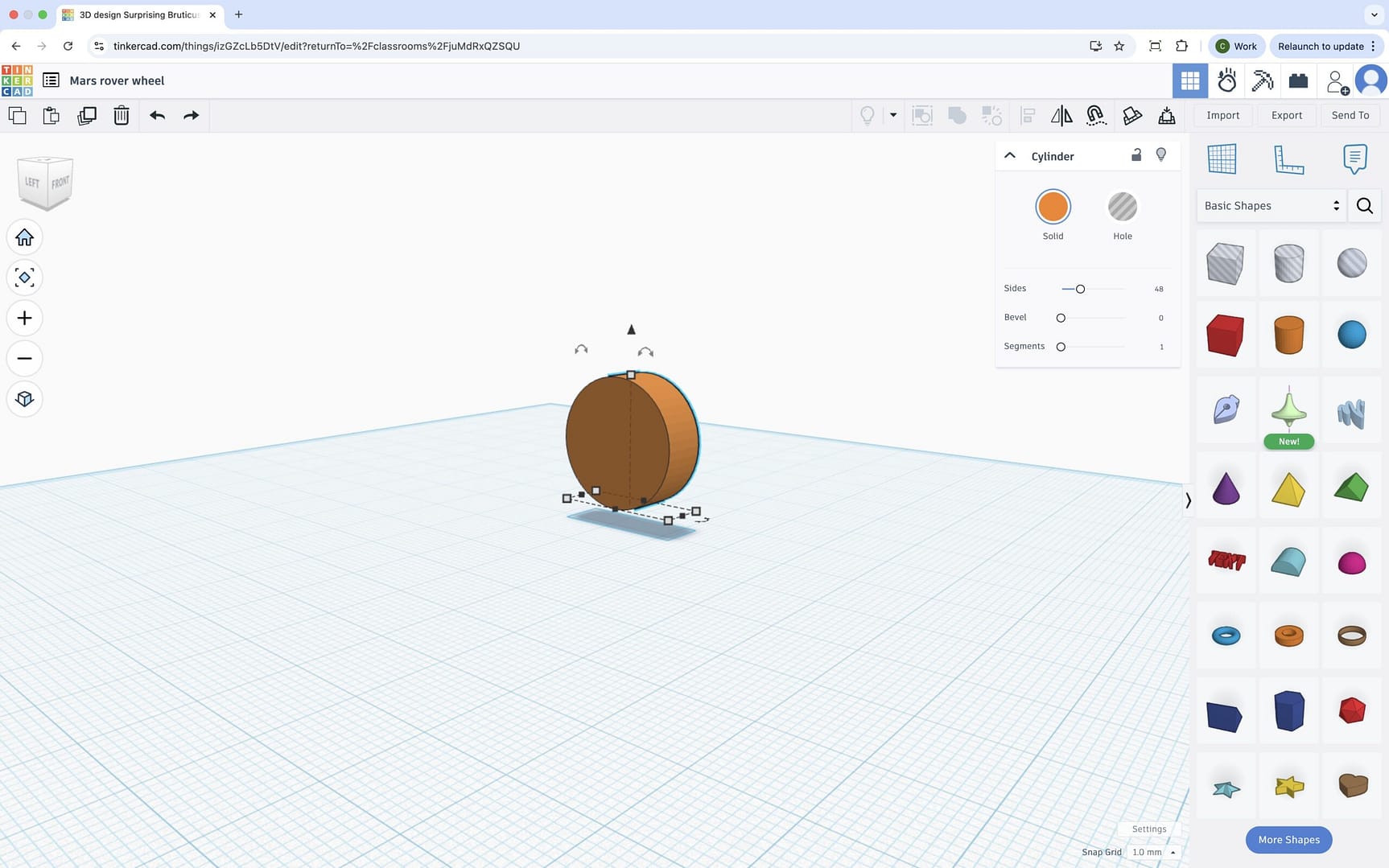
  • To create a prototype using Tinkercad.

Success criteria

  • I can choose from a range of my
Lock

This content is for subscribers only. Join for access today.

National curriculum

Design and technology

Design

Pupils

Lock

This content is for subscribers only. Join for access today.
Before the lesson

Lock

This content is for subscribers only. Join for access today.
Lesson plan

Recap and recall

Explain that the children will revisit key vocabulary from the previous lesson about structures and constraints. Show the Presentation: Vocabulary spinner and arrange the children in pairs. Click to spin the wheel and read the word aloud. Ask the children to explain the meaning of the word to their partner (they could take it in…

Lock

This content is for subscribers only. Join for access today.
Adaptive teaching

Pupils needing extra support:

  • Could use the Resource: TinkerCAD controls to identify and practise key tools for creating, resizing and positioning shapes, supporting independent use of the software.
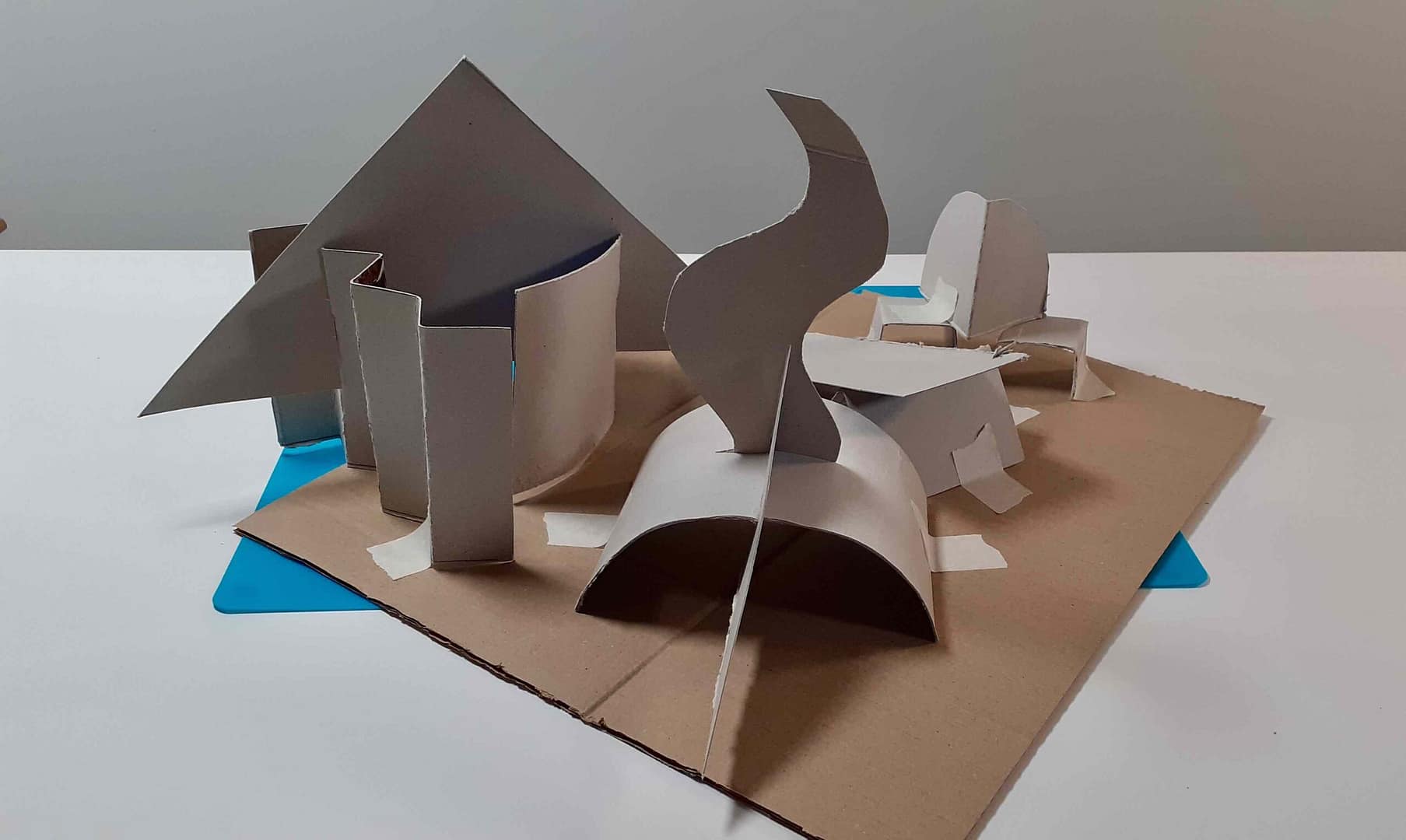
  • Could use a highlighter to draw around the shapes on their sketch to identify which basic forms are needed before building the CAD model.
  • Could simplify the design by using fewer shapes or avoiding holes to reduce cognitive load while still meeting the success criteria.
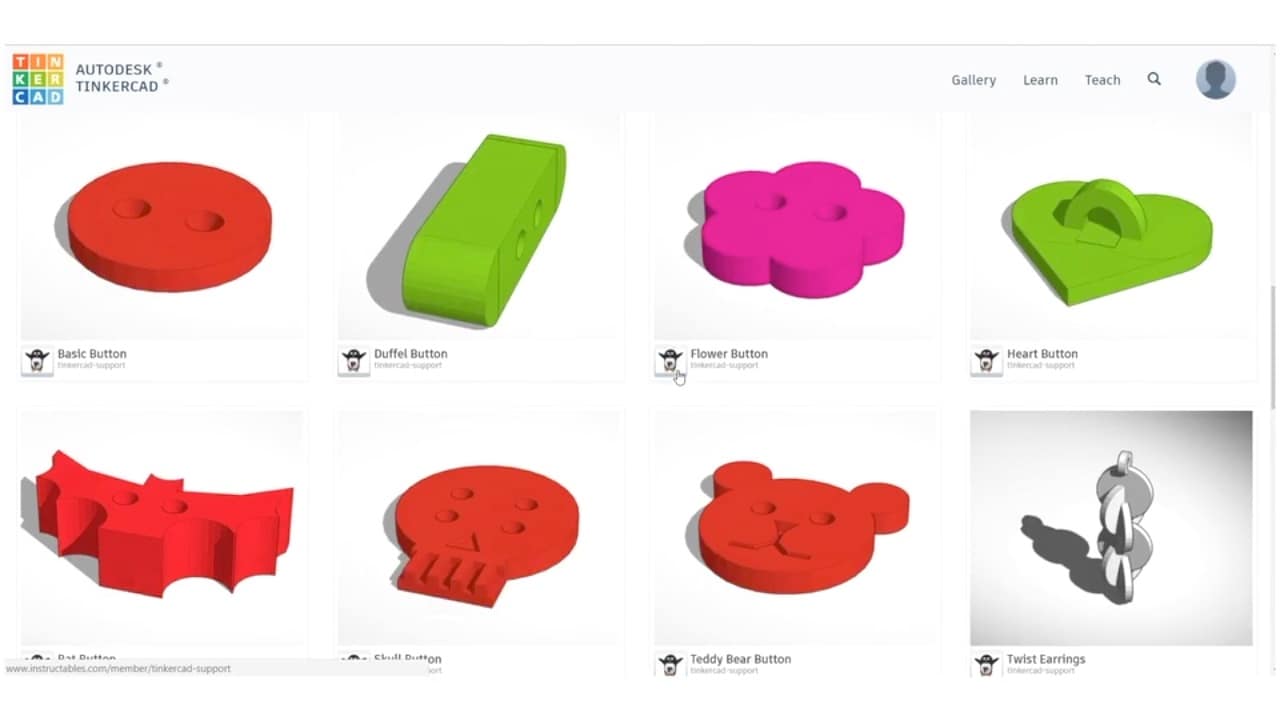
  • Could copy one of the models shown in the Pupil video: Designing on Tinkercad.

Pupils working at greater depth:

  • Should reinforce their model by adding wide bases and triangulation in several appropriate places and explaining why these modifications improve strength and stability.
  • Should create more complex composite shapes by combining shapes and holes to refine the accuracy of their design.
  • Could use the notes tool to label parts of the model with material choices or explanations of how features work.
Lock

This content is for subscribers only. Join for access today.
Assessing progress and understanding

Pupils with secure understanding can:

  • Choose one idea to develop using 3D CAD
Lock

This content is for subscribers only. Join for access today.

Vocabulary definitions

  • bracing

    Adding extra pieces to stop a structure from wobbling.

  • Computer-Aided Design (CAD)

    Using a computer to draw or plan ideas for a product.

Lock

This content is for subscribers only. Join for access today.

Our team comprises experienced classroom teachers who love the foundation subjects
Find out more
Kapow logo

Maintained by: Kapow Primary team

_

Try our resources for free!

©2026 Kapow Primary. Website Design & Development by SoBold

For copyright reasons, you may not screenshot this page.
Press esc to exit