




Learning objective
- To read and calculate numbers using binary code.
Success criteria
- I can identify binary as the most basic

This content is for subscribers only. Join for access today.
National curriculum
Computing
Pupils should be taught to:
- Understand
This content is for subscribers only. Join for access today.
Cross-curricular links
Mathematics
Number – number
This content is for subscribers only. Join for access today.
Before the lesson
This content is for subscribers only. Join for access today.
Lesson plan
Recap and recall
Explain that the children will create a mind map to help them remember what they learnt about Mars Rovers in the previous lesson. Hand out whiteboards and pens and display the Presentation: Mind map. Read the slide aloud and allow time for the children to complete the activity.
This content is for subscribers only. Join for access today.
Extended-mode explainer videos
How to extend your display to view the lesson page and presentation mode simultaneously. Choose your operating system below to watch the video
If you need further support with extending your display,
please contact [email protected].
Extended-mode explainer video: For Mac
Extended-mode explainer video: For Windows
Adaptive teaching
Pupils needing extra support
- Could use the Activity: Binary bars to work out binary numbers by switching bits on and off visually, supporting accurate reading and calculation of values.
- Could use cubes or counters to support addition by physically combining values before recording the total.
Pupils working at greater depth
- Should calculate the highest possible number in an 8-bit binary system by turning all bits on and explaining how the values combine to make 255.
- Could complete additional levels of the link: Penjee – Binary Blitz to apply their calculation strategies independently.
This content is for subscribers only. Join for access today.
Assessing progress and understanding
Pupils with secure understanding indicated by: reading and calculating binary
This content is for subscribers only. Join for access today.
Vocabulary definitions
-
8-bit binary
A way of using eight on/off values to represent numbers from 0 to 255.
-
binary
A system computers use to store information using only 0 and 1.
This content is for subscribers only. Join for access today.


Maintained by: Kapow Primary team
Last update: 2nd March, 2026
Contributors

Lesson 3: Computer architecture
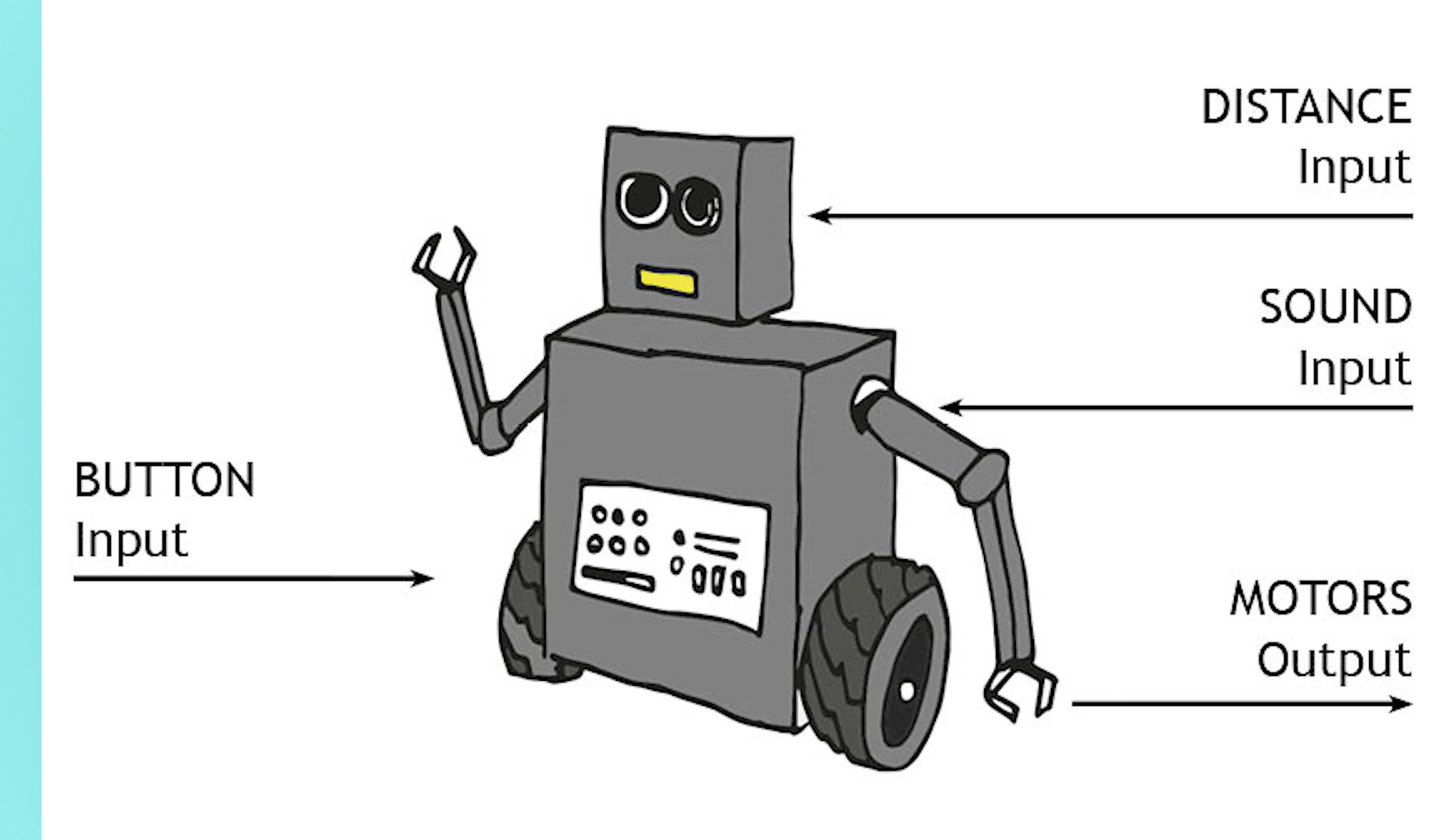
Learning that the more Random Access Memory (RAM) the robot has, the more instructions it...
Lesson 4: How computers store data using binary
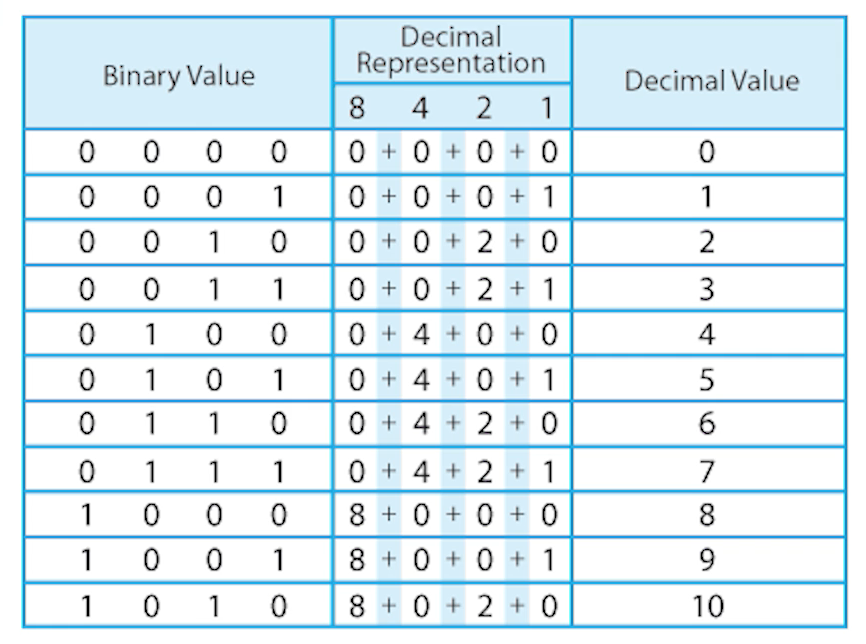
Learning that computers use binary to carry out calculations. Performing their own addition binary calculations.

Assessment – Computing Y5: Mars Rover 1
Assessment quiz and Knowledge catcher for use at the start and/or end of the unit...
Lesson 5: Using binary – text
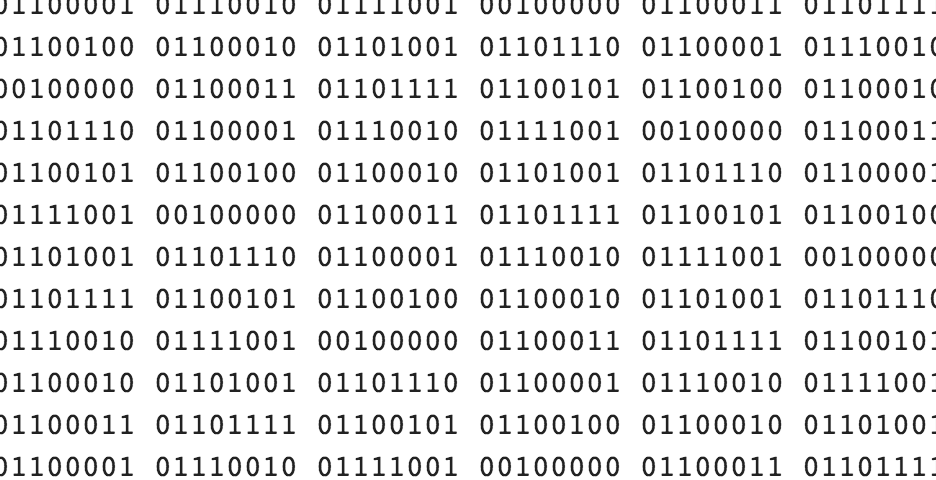
Using binary with the computer language ASCII to represent alphabet characters to create messages.
