




Please note
This programming unit uses Microsoft Makecode. An alternative unit using Scratch Jr for schools with access to tablet devices is available here.
Unit outcomes
Pupils who are secure will be able to:
- Recognise the smaller steps needed to solve a problem within a game.
- Describe simple tasks in games where programming is used.
- Identify different blocks and explain their basic use.
- Create a simple sequence of instructions using at least three different blocks.
- Recognise that blocks fit together to form a sequence.
- Identify a variety of blocks in MakeCode, demonstrating an understanding of their basic functions.
- Understand the sequence of steps involved in representing an algorithm.
- Arrange code blocks in the correct order to create a working program.
- Identify any errors and debug their code effectively.
Suggested prior learning
Lesson 1: Dinosaur algorithm
Get started
Lessons
Lesson 1: Tinkering with code

Free!
Lesson 2: Tinkering with MakeCode
Lesson 3: What does the code mean?
Lesson 4: Building a program
Lesson 5: Evaluating a program
Key skills
- Recognising that

This content is for subscribers only. Join for access today.
Key knowledge
To know:
- That
This content is for subscribers only. Join for access today.
Key vocabulary
algorithm
block coding
This content is for subscribers only. Join for access today.
Related content
Resources
Unit resources


Computing
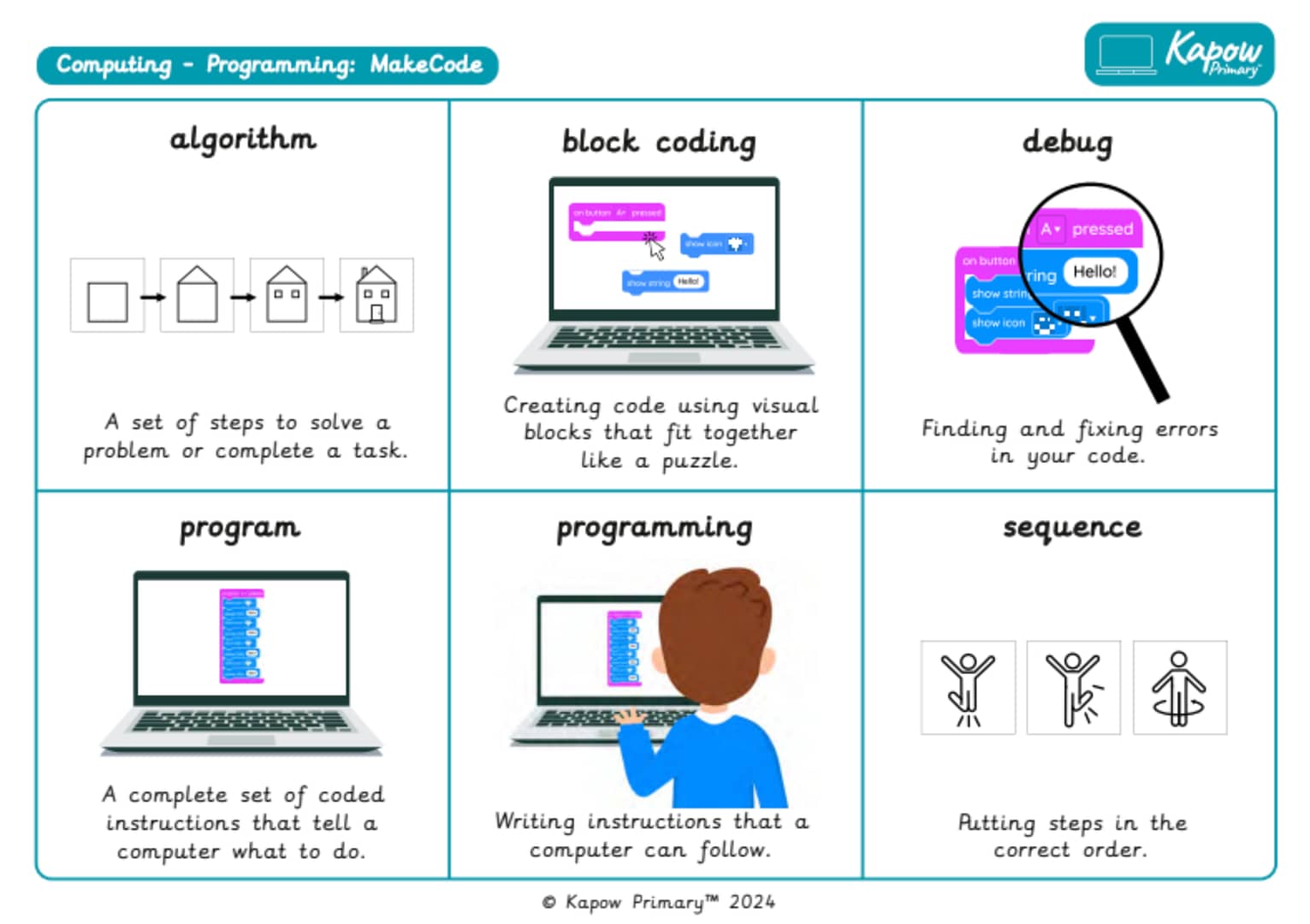
Knowledge organiser – Computing Y2: MakeCode
Aimed at pupils, two pages providing key facts and definitions from the unit ‘MakeCode'’.
Computing
Vocabulary display – Computing Y2: MakeCode
A display version of the vocabulary from the unit ‘MakeCode.
Cross-curricular opportunities
English: Spoken language
Suggested next steps
ARCHIVED Year 3: Programming: Scratch
Get started