




- Subjects >
- Computing >
- Key stage 1 >
- Year 1 >
Unit outcomes
Pupils who are secure will be able to:
- Use a computer to make a list.
- Explain the benefits of making a list on the computer.
- Use a basic range of tools on art software to design a rocket.
- Sequence instructions.
- Follow instructions to build their model rocket.
- Evaluate and edit their rocket design.
Plastic bottles (one between groups of three) are required for Lesson 4: Making a rocket.
Suggested prior learning
Computing systems and networks 1: Using a computer
Get started
Lessons
Lesson 1: Rocket materials
Lesson 2: Rocket design
Lesson 3: Rocket building instructions
Lesson 4: Making a rocket
Lesson 5: Rocket launching
Key skills
- Learning where

This content is for subscribers only. Join for access today.
Key knowledge
To know:
-
This content is for subscribers only. Join for access today.
Key vocabulary
computer
distance
This content is for subscribers only. Join for access today.
Equipment list
Equipment needed across all lessons in this unit.
This list does not include equipment which is usually readily available in the classroom (e.g pencils, A4 paper etc)
 Download
Full equipment list for the subject
Quantities marked × will update. Items without quantities are unaffected
- Sketchpad Sketch.io software
- Digital device (internet-enabled) ×15
- Card ×30
- ‘Moonshot: The Flight of Apollo 11’ by Brian Floca ×1
- Paper ×30
- Glue stick ×30
- Sticky tape
- Cardboard ×15
- Plastic bottle ×8
- Video recording devices
- Building blocks and connecting cubes ×1
- Other materials such as foil, plastic packaging, felt tips, coloured paper, sequins, tissue paper etc ×1
- Trundle wheels or metre sticks ×8
- Foam javelin ×8
This content is for subscribers only. Join for access today.
Related content
Unit resources


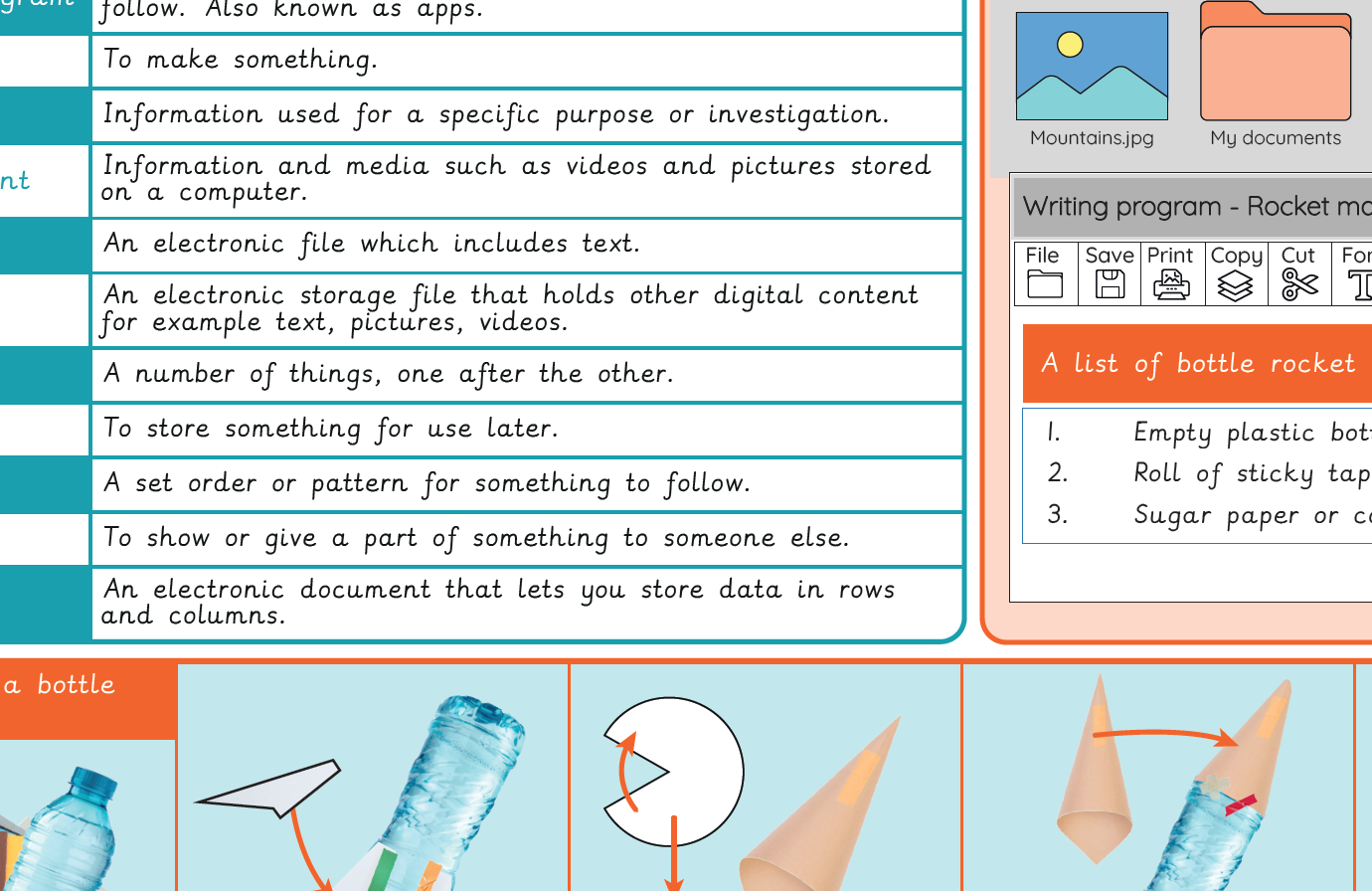
Knowledge Organiser – Computing Y1: Rocket to the moon
Aimed at pupils, a single page which gives key facts and definitions from the unit "Skills showcase: Rocket to the…
Vocabulary display – Computing Y1: Rocket to the moon
A display version of the key vocabulary from the Rocket to the moon unit.
Subject resources
This content is for subscribers only. Join for access today.
Cross-curricular links
Design and Technology: Design, Make, Evaluate, Technical knowledge
Mathematics: Measurement
English: Writing – composition, Reading – comprehension
Science: Everyday materials
