




Learning objective
- To open and use a computer program.
Success criteria
- I can give an example of a computer

This content is for subscribers only. Join for access today.
National curriculum
Computing
Pupils should be taught to:
This content is for subscribers only. Join for access today.
Cross-curricular links
English
Spoken language
Pupils should
This content is for subscribers only. Join for access today.
Before the lesson
This content is for subscribers only. Join for access today.
Lesson plan
Recap and recall
This activity revisits learning from Lesson 2: logging in to help the children recall key knowledge. Show the Presentation: First, next, then and ask the children to use these prompts to tell a partner how they are going to log in to the device.
This content is for subscribers only. Join for access today.
Extended-mode explainer videos
How to extend your display to view the lesson page and presentation mode simultaneously. Choose your operating system below to watch the video
If you need further support with extending your display,
please contact [email protected].
Extended-mode explainer video: For Mac
Extended-mode explainer video: For Windows
Adaptive teaching
Pupils needing extra support:
- Could use an alternative input device (e.g. a trackball mouse, large key keyboard, high contrast keyboard or a stylus with a chunky grip for tablet-based activities) to control tools more accurately when using the program.
- Could use visual prompts of program icons to identify and describe what each program is used for.
Pupils working at greater depth:
- Should describe various computer programs and what they can be used for.
- Should explain how to open a program describing the steps they take.
- Should explore more advanced features of Sketchpad, for example, resizing images or using the fill tool, and explain what they do.
This content is for subscribers only. Join for access today.
Assessing progress and understanding
Pupils with secure understanding can:
- Name or describe a computer program and
This content is for subscribers only. Join for access today.
Vocabulary definitions
-
app (application) (Y1)
A program used to do something on a computer or tablet.
-
computer (Y1)
An electronic device that can follow instructions.
This content is for subscribers only. Join for access today.
In this unit


Maintained by: Kapow Primary team
Last update: 8th June, 2026
Lesson 2: Picture data
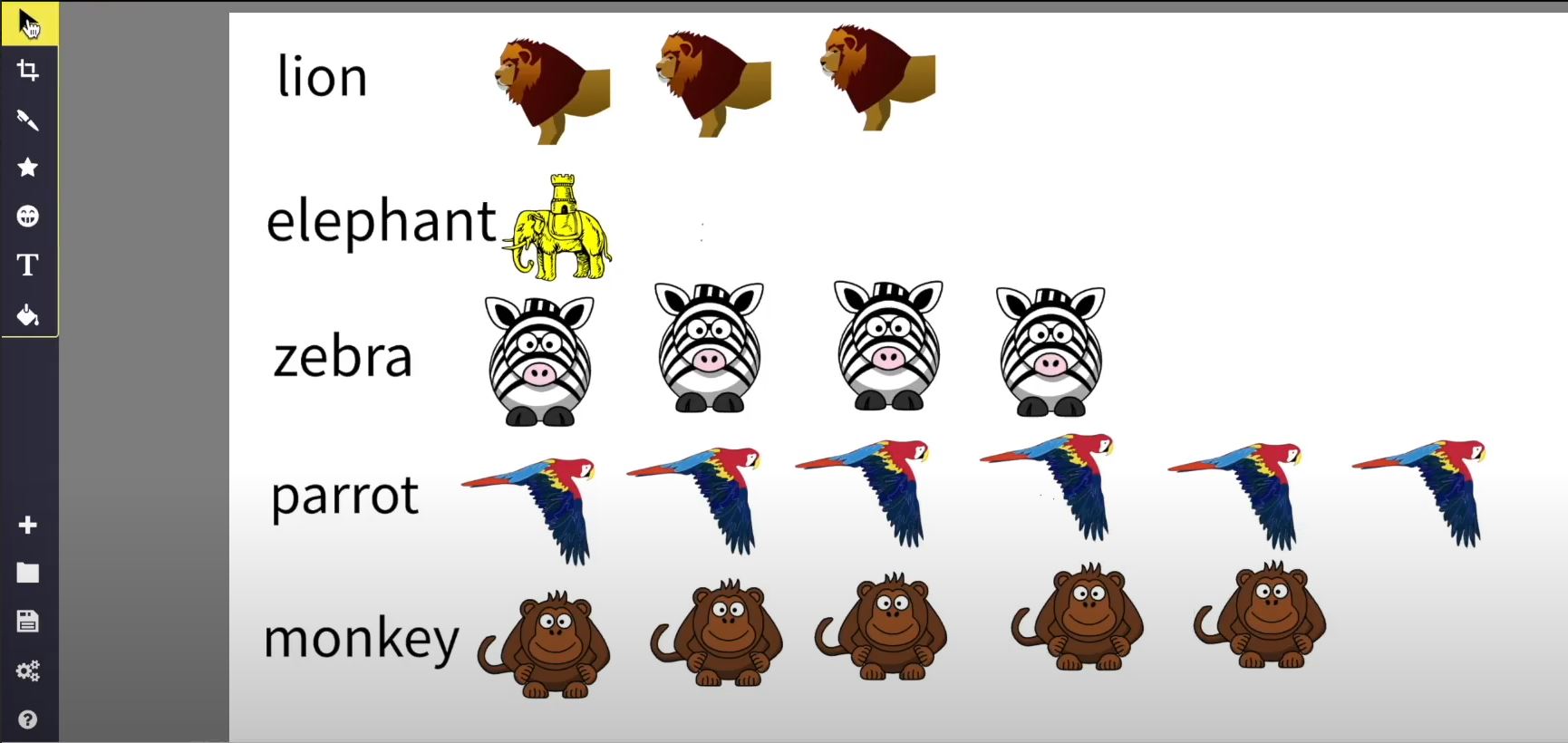
Using online software to visually represent data about zoo animals, creating a pictogram or chart.

*New* Lesson 3: Editing photos – Sketchpad
Exploring different effects, filters and editing tools used in transforming the look of photographic images...
Lesson 2: Getting started with word processing
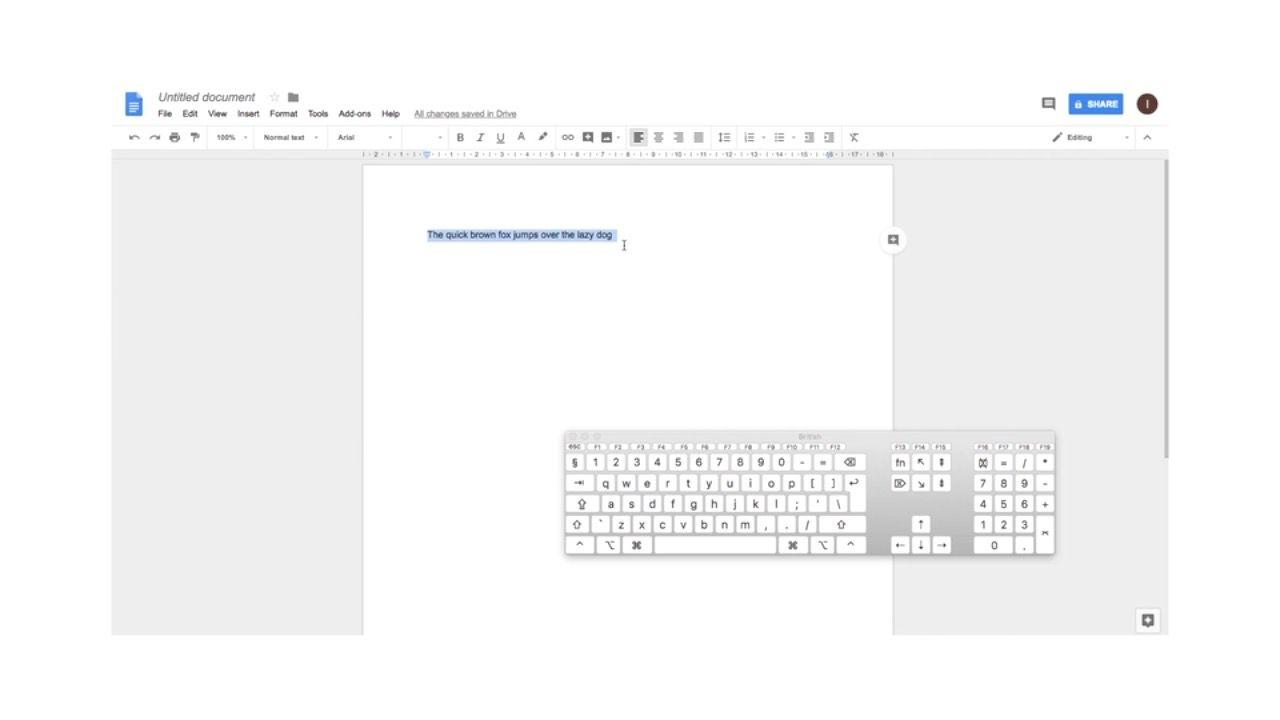
Learning how to store information in a text document and how to carry out keyboard...

Lesson 2: Rocket design
Using online drawing software to design and label a rocket.
