Refreshed scheme (2026)
Lesson 2: Target coordinates
Learning how coordinates control movement and position in Scratch.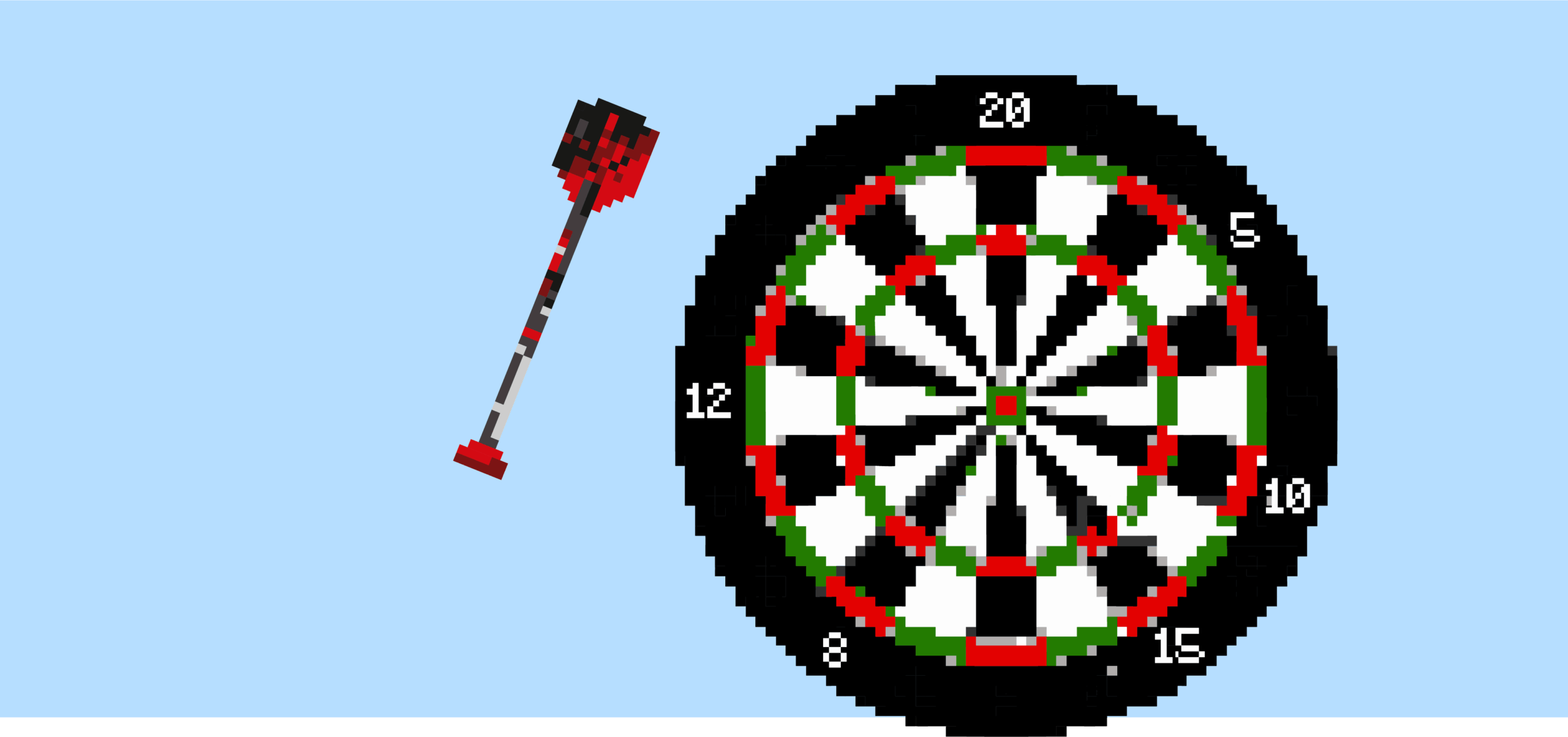
Learning objective
This content is for subscribers only. Join for access today.
Success criteria
This content is for subscribers only. Join for access today.
National curriculum
Cross-curricular links
Before the lesson
This content is for subscribers only. Join for access today.
Lesson plan
1. Recap and recall
This activity revisits learning from Lesson 1: Pixel power to recap key knowledge.
Tell the children they will complete a short quiz to help recap what they have learnt about pixels and coordinates.
Show the Quiz: Pixels and coordinates. Hand out whiteboards and pens (one each) or ask the children to respond by holding up:
One finger for answer A.
Two fingers for answer B.
Three fingers for answer C.
Read each question aloud and allow time for the children to respond.
This content is for subscribers only. Join for access today.
Adaptive teaching
Assessing progress and understanding
Vocabulary definitions
Maintained by: Kapow Primary teamLast update: 19 June 2026