Computing: Key Stage 2
Our KS2 Computing scheme of work provides full national curriculum coverage for Years 3 to 6, helping pupils become confident digital learners and critical thinkers.
You’re viewing
Units
Units of work are organised progressively within five key areas: Computing systems and networks, Programming, Creating media, Data handling and Online safety. Each unit includes structured lesson plans, helpful teacher guidance, supporting resources and videos to make planning and delivery easier in the primary classroom. Designed for use with readily available software and suitable for both Microsoft and Google schools.
Useful teaching resources
Subject planning
 Computing
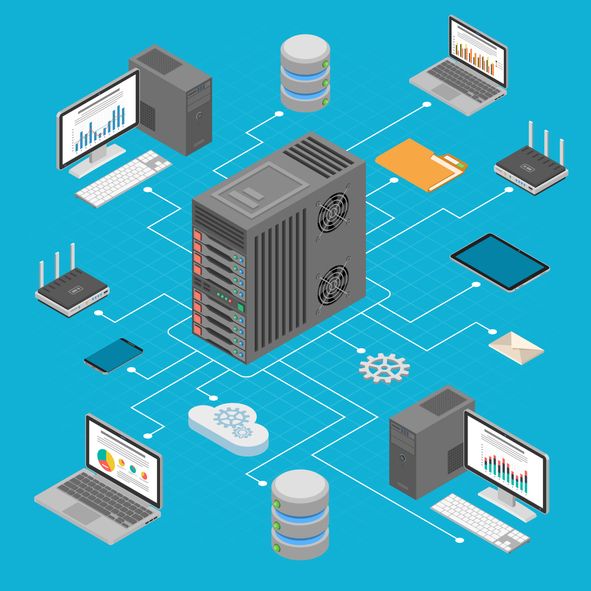
Computing systems and networks 1: Networks
Developing an understanding of computer networks by learning how devices communicate and share information.
(5 lessons)
 Multiple optionsComputing
Microsoft Office 365: Computing systems and networks 2: Emailing
Learning how to send emails with attachments and understanding the importance of using them safely and responsibly.
(5 lessons)
 Computing
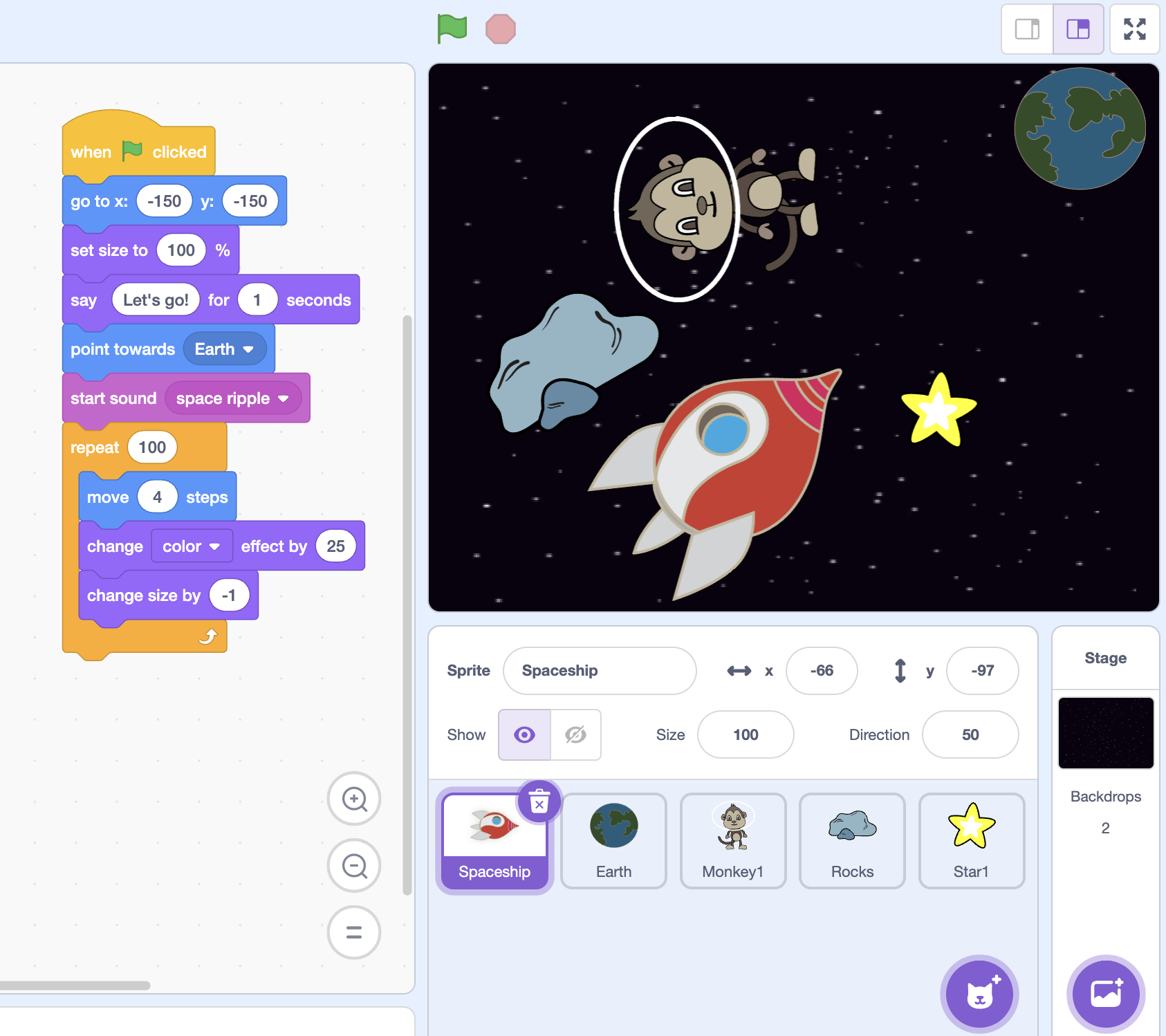
Programming: Scratch
Investigating programming through Scratch by creating animations and learning key coding concepts.
(5 lessons)
 Computing
Computing systems: Connecting devices
Exploring computers, their components and peripherals and the ways they can be connected.
(5 lessons)
 Computing
Programming: MakeCode: Loops
Further developing programming skills using the MakeCode platform.
- Computing
Creating media: Creating video trailers
Creating digital media by capturing and combining images and video to produce a short trailer.
 Computing
Computing systems and networks 3: Journey inside a computer
Exploring how computers work by role-playing different computer parts and creating paper models of computer systems.
(5 lessons)
- Computing
Creating media: Creating a website
Creating web content by designing and building simple web pages that combine text and images.
 Multiple optionsComputing
Video trailers – Option 1: Using devices other than iPads
Developing digital video skills through creating trailers that use special effects, transitions and editing techniques.
(5 lessons)
- Computing
Data handling: Exploring branching databases
Exploring how branching databases organise and classify information using yes/no questions.
 Computing
Data handling: Comparison cards databases
Exploring the concepts of sorting and filtering by learning about records, fields and data.
(5 lessons)
 Computing
Online safety: Year 3
Further exploring online safety, including the difference between beliefs, opinions and facts, privacy settings, protecting personal information and responding to upsetting online content.
(5 lessons)