Lesson 1: Decomposition and pattern recognition
Using decomposition and pattern recognition to solve problems.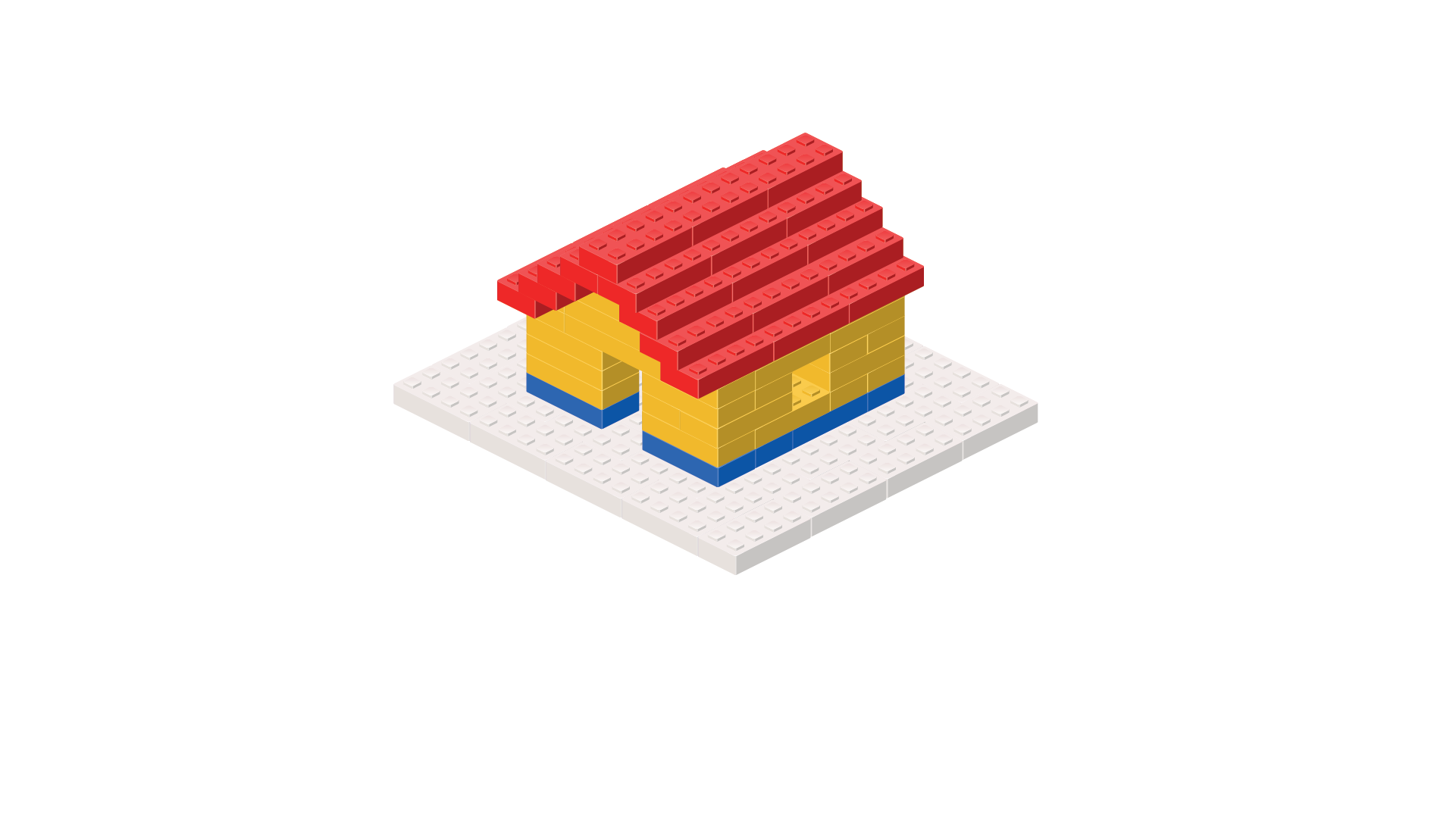
Learning objective
-
To apply decomposition and pattern recognition to solve problems.
Success criteria
-
I can break a task into smaller, manageable parts.
-
I can identify patterns in similar tasks or problems.
-
I can explain how patterns help solve problems.
Before the lesson
Check all images, videos, links and presentation slides are suitable for your class.
- Presentation: Carousel activities.
Online timer (one for the teacher).
A small model made from building blocks for the children to copy (see Teacher knowledge).
A selection of building blocks (enough to recreate the model).
A selection of classroom items to sort into categories (see Teacher knowledge).
- Link: Assessment- Computing Y4: Computational thinking (optional - see Attention grabber).
Lesson organisation
Carousel activities
Arrange the classroom into four tables, each set up with a different activity. Organise the children into four groups and rotate them around the tables using an online timer.
Building block challenge
Place a small model that can be easily broken into sections (for example, a house) on a table with enough building blocks for the children to recreate it.
The children should identify patterns (for example, repeating rows of bricks) and break the task into smaller parts (for example, building the base first and then adding the walls).
Scrambled stories
- Cut up the Resource: Scrambled stories and mix them on the table for the children to rearrange into the correct order.
The children should break the stories into sections (beginning, middle and end) and identify the key characters and structure.
Map it out
- Place the Resource: Map it out alongside the Resource: Map it out directions on the table. Ask the children to follow the instructions to the treasure and record the route on the map with arrows. Each group should have its own map to record the route so ensure there are enough printed copies for all groups.
The children should break the instructions into smaller steps and look for repeated directions.
Sort it out
Place a mixed pile of everyday classroom items (such as pencils, erasers, paperclips and markers) on a table for the children to sort.
They should decide on a sorting rule (such as by type, colour or size) and look for patterns within the groups, such as the items' colour, shape or function.
Lesson plan
Before starting this unit, check the children can recall:
Decomposition is breaking something down into smaller chunks.
A code is a set of instructions that tell a computer what to do.
Debugging is the process of fixing code when it does not work.
Optional: provide each child with a copy of the Knowledge catcher (see link: Assessment- Computing Y4: Computational thinking) and ask them to complete it to the best of their ability. Explain that at the end of the unit, they will revisit it, adding more information in a different colour.
Hand out the pre-cut, mixed-up pieces from the Activity: All jumbled up! to each table. Explain that the children need to put the pictures back together before the timer runs out. Explain that the image is divided into groups: A and B. They must first sort the pieces into As and Bs, assemble the As and then the Bs and combine both to form the complete picture. Set a suitable time using an online timer (no longer than five minutes).
Allow time for the children to assemble the pictures and ask:
- How did breaking the problem up help? (The children may suggest that it helped them focus and that finishing small parts made solving the whole task easier.)
- What patterns or similarities did you notice that helped you decide where each piece went? (The children may suggest that they saw shapes or colours that matched.)
Explain to the children that the puzzle required them to break the larger problem (assembling the complete image) into smaller, manageable tasks. Discuss how, instead of working on the entire image at once, they focused on two sections (A and B) and solved each section individually before combining A and B to produce the completed picture. Introduce the word decomposition, explaining that it means breaking a problem into smaller parts.
Introduce the term computational thinking and explain to the children that it is a way of solving problems using different skills to help break down and organise a task. Inform them that it helps us approach problems logically, making them easier to understand and solve. Explain that people use this way of thinking in computing and everyday life, from planning a trip to solving a maths problem.
Inform the children that decomposition is one of these skills.
Watch the Pupil video: What is decomposition?
Ask the children:
- How was the puzzle activity similar to the examples in the video? (Encourage the children to recognise that all involve breaking down a task into smaller, more manageable parts.)
- Can you think of other times you have used decomposition? (The children may give examples from everyday life, e.g. completing homework.)
- Why do you think decomposition is useful when writing computer programs? (The children may suggest that writing a whole program at once would be confusing and difficult. Breaking the task into smaller parts makes it easier to focus on each step, find mistakes and put everything together correctly.)
Set up the four activities across four tables (see Teacher knowledge). Ensure each table has the correct page from the Resource: Carousel instructions. Place the relevant equipment at each station:
A small model made from building blocks and a selection of building blocks to recreate it (this does not need to look like the model in the presentation).
- The Resource: Scrambled stories pre-cut and mixed up.
- The Resource: Map it out (one per group) and the Resource: Map it out directions.
A selection of classroom items to sort into categories.
Explain to the children that, in addition to decomposition, they will also use pattern recognition in this lesson. Highlight that they applied this skill while reassembling the puzzle earlier, looking for patterns and similarities to determine where the pieces fit, such as grouping similar sections (e.g. blue sky pieces or edges).
Watch the Pupil video: What is pattern recognition?
Ask the children:
- Can you explain pattern recognition in your own words? (Encourage the children to think about what it means.)
- What examples of pattern recognition did you see in the video? (The children may recall pattern recognition within traffic lights, songs, times tables, setting the table, tying shoelaces or an example within Scratch.)
- Can you think of a time you have used pattern recognition in real life? (The children may give examples similar to those in the video.)
Explain that the children will participate in a carousel activity, with each task focusing on decomposition, pattern recognition or both. Tell them they will record some information in a journal as they complete each activity.
Display slide 1 of the Presentation: Carousel activities and introduce the first unplugged task (recreating the model) by clicking the top box. Do not click the lower box as this reveals the skills they will use; this will be revisited during the Wrapping up.
Continue through slides 2–4, clicking only the top box to introduce and discuss each unplugged activity.
- Scrambled stories: rearrange the story into the correct order.
- Map it out: follow the written instructions to find and record the route to the treasure.
- Sort it out: sort the classroom items into categories.
Arrange the children into four groups and hand out the Activity: Carousel journal (one each). Explain that they will use it to log their progress as they complete each activity. Direct them to their first table and use an online timer to signal when each group should rotate to the next activity, ensuring smooth transitions.
Revisit slides 1–4 of the Presentation: Carousel activities and click to reveal the skills used in each activity.
Discuss each activity and the skills used. Ask the children:
- What was your favourite station and why? (Answers will vary but the children may share their reasons for each station, such as enjoying building, sorting or solving puzzles.)
- Which skill (decomposition or pattern recognition) was the most helpful today? (Answers will vary but the children may suggest that decomposition helped focus on one step at a time while pattern recognition helped find solutions faster.)
- Which patterns did you spot and how did they make the task quicker or easier? (The children may suggest that they noticed repeating shapes, which helped complete the sequence faster or that the same directions kept coming up so they knew what to do next.)
- Can you think of other situations where breaking tasks into steps or spotting patterns could help you? (Answers will vary but the children may suggest that breaking tasks up could help when completing homework; spotting patterns may be useful when solving a puzzle or playing a game.)
- How could you use these skills in real-life situations? (The children may suggest scenarios where they are packing a bag or remembering a phone number.)
Explain to the children that decomposition is often used in coding to break big problems into smaller tasks (like blocks of code in Scratch). Highlight that spotting patterns of repeated sequences in Scratch helps programmers to use loops to write efficient code.
Ask the children:
- Have you ever used decomposition when creating a project in Scratch? (The children may give examples from previous Scratch projects.)

Full-screen slides, ready for your classroom, chosen by you.
-
To apply decomposition and pattern recognition to solve problems.
We value your feedback
We welcome your feedback to help make our resources even better